Photoshop Alternatives: Another 14 Free Image Manipulation Tools

Advertisement

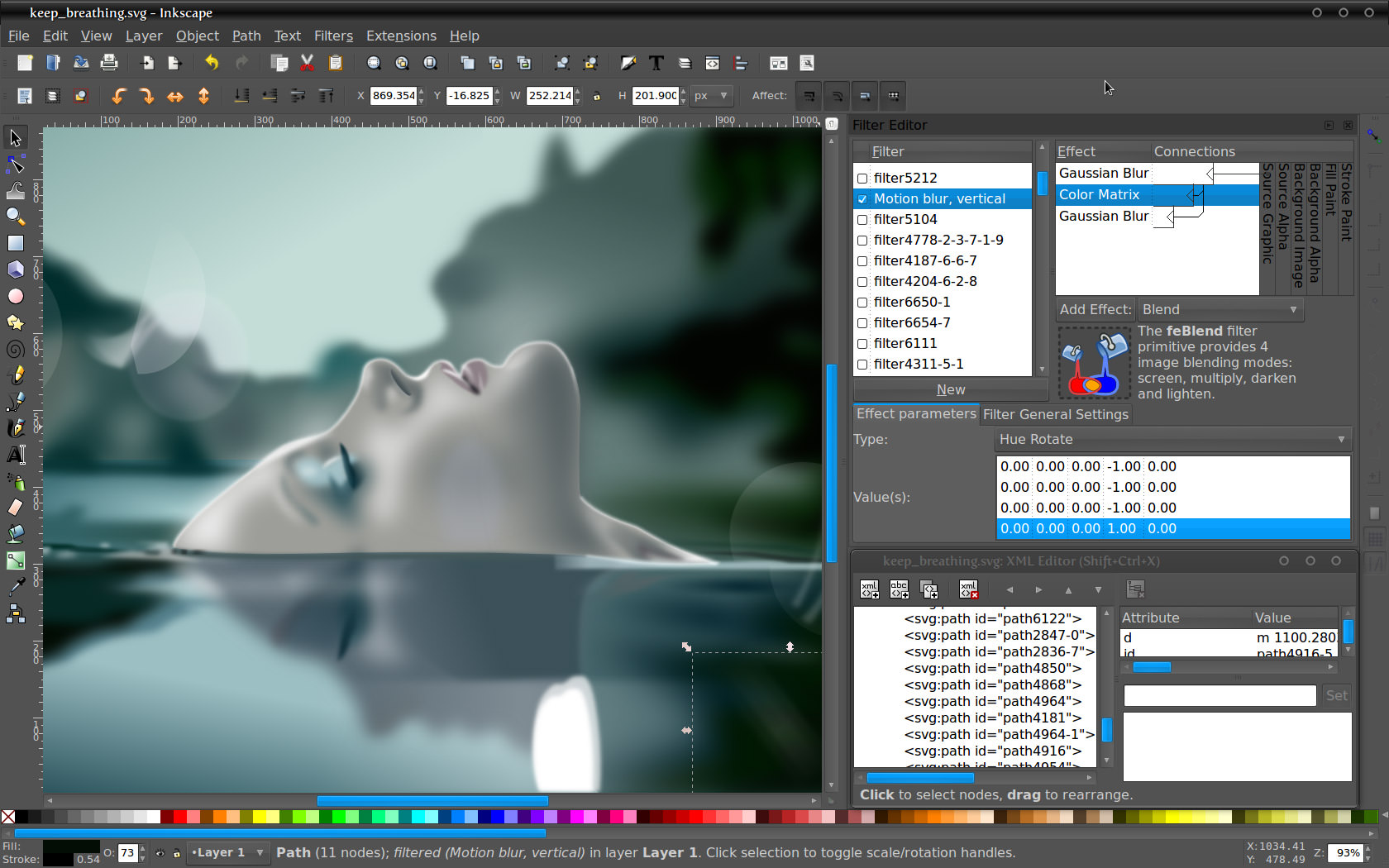
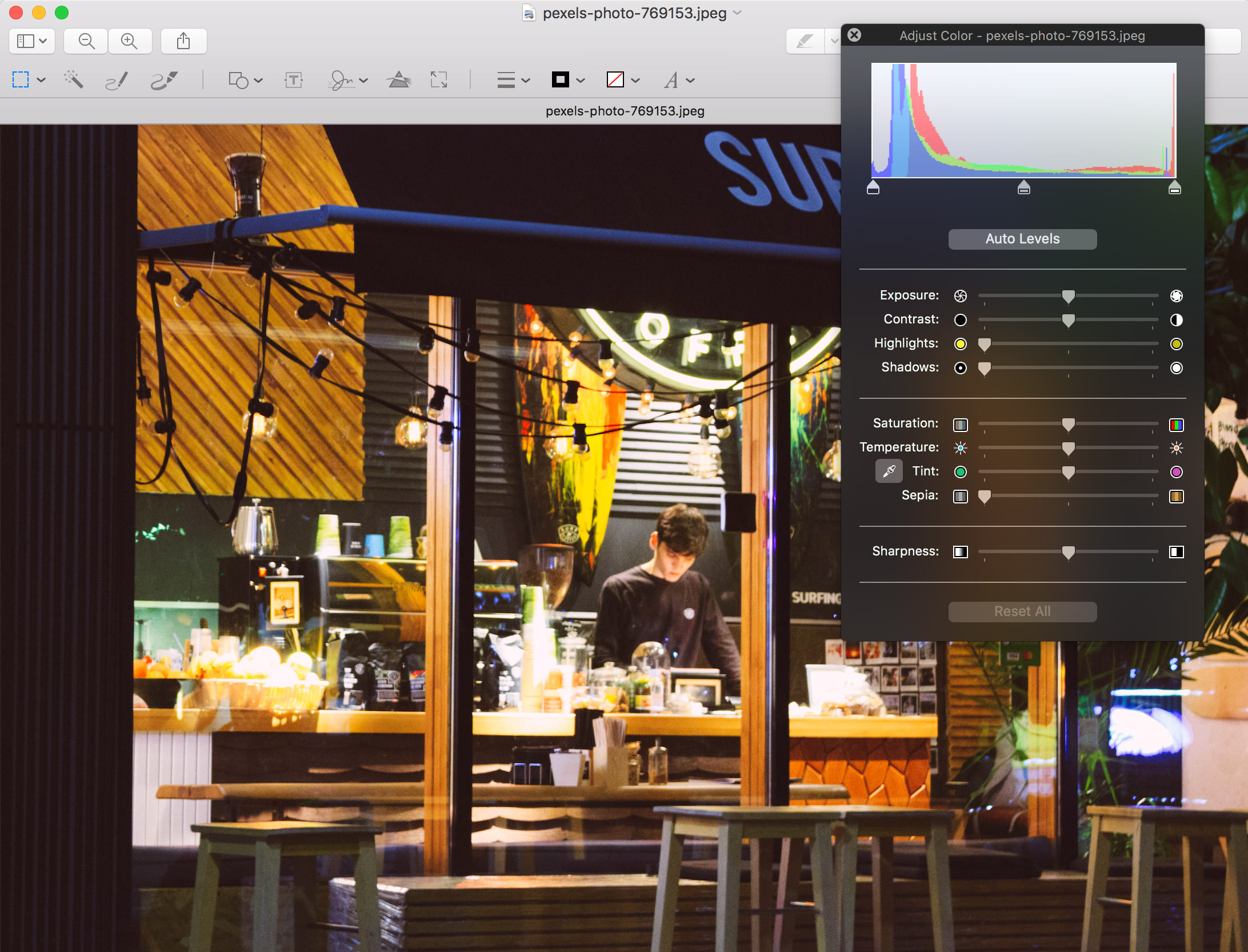
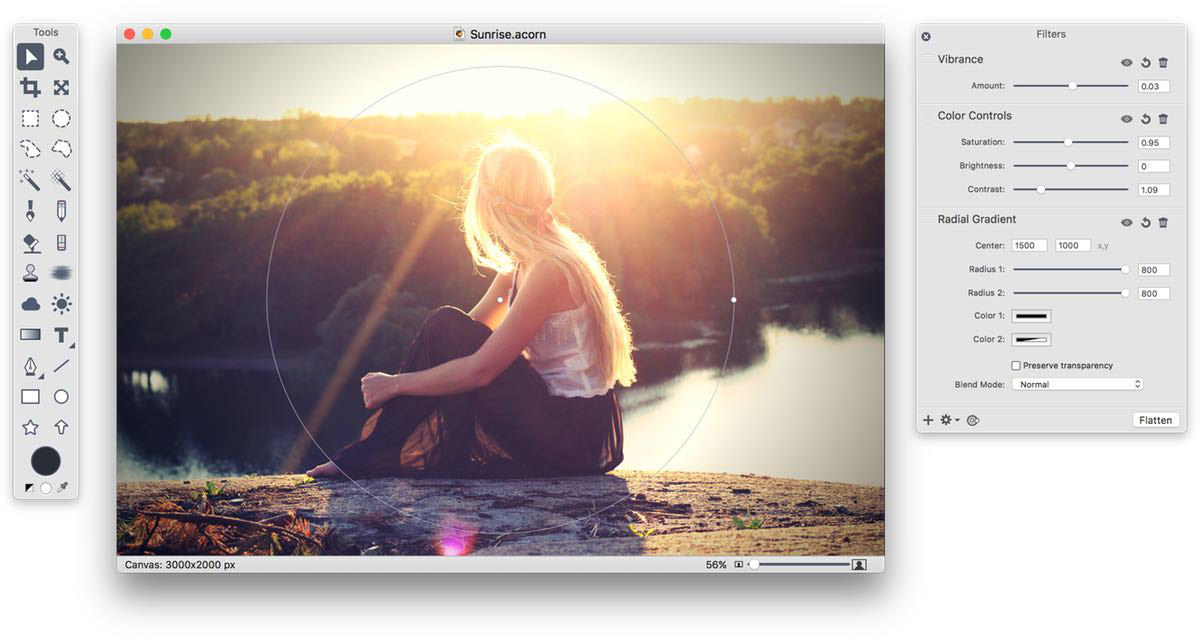
Image editing encompasses the processes of altering images. We use raster graphics editor as primary tool to edit a digital image in terms of manipulating, enhancing, transforming, applying effects and filters, and file formats converting.

free photoshop alternatives

Due to the popularity of digital cameras, image editing programs are readily available. At this moment, we believe Adobe Photoshop is still the most powerful program on market which perform a large variety of advanced image manipulations. However, not everyone will afford to get a copy for popular raster-based digital image editors like Adobe Photoshop if all one need to do is just basic image editing.

While you’re at it..

We’ve previously published 11 Free Adobe Photoshop Alternatives, and we encourage that you check it out too. And with no duplication between this, we got you 25 (in total) Photoshop alternatives here in hongkiat.com.

Full list after jump.

  1. Photobie

    Photobie is image editing software that combines features amateurs can use with advanced tools professionals will appreciate. Photobie is free for personal use with no Pro upgrade to pay for — all features are free.

    photobie

  2. Photo! Editor

    Photo! Editor is powerful multifunctional software offering a complete set of image editing tools. It contains anything a digital camera owner might need to correct or enhance their photos. You will enjoy the ultimate convenience and professional approach provided by each of the tools. With Photo! Editor, you can remove red eye instantly, enhance the color of the image, make funny caricatures, add astonishing lighting effects, straighten, resample and crop images. The Denoise tool is one of the world’s best to effectively remove luminance and color noise from digital images made under poor lighting conditions. You will also appreciate the Make Up tool that offers a complete set of retouching filters to make the best of your portrait photos.

    photo_editor

  3. Phantasmagoria

    Phantasmagoria is a fun, light-weight image editing application. The main focus is to apply effects to images, along with the basic editing that might be required after a sub-par shoot. In other words, what most of us actually need.

    phantasmagoria

  4. Image Analyzer

    Image Analyzer is an advanced image editing, enhancement and analysis software. The program contains both most image enhancement features found in conventional image editors plus a number of advanced features not even available in professional photo suites.

    Image_analyzer

  5. Artweaver

    Artweaver is a Windows Freeware program to simulate natural brush tools. It is therefore suitable to leave your creativity free run. Artweaver offers you a clear program window, which can be used without training immediately.

    artweaver

  6. Active Pixels

    Active Pixels resembles Photoshop in many aspects, from the way menus and windows are laid out on its interface to the keyboard shortcuts used for many actions. It also includes similar tools, like the magic wand, the gradient, the polygonal lasso and others. What’s more, it supports working with layers. Active Pixels also includes some extra embedded apps, such as a red-eye fixer, a picture browser and a screen capture tool – although it only grabs full-screen images.

    active_pixel

  7. Photoscape

    Photoscape is the fun and easy photo editing software that enables you to fix and enhance photos. Photoscape has a very powerful editor for you to perform resizing, brightness and color adjustment, white balance, backlight correction, frames, balloons, mosaic mode, adding text, drawing pictures, cropping, filters, red eye removal and blooming.

    photoscape

  8. VCW VicMan’s Photo Editor

    VCW VicMan’s Photo Editor is a versatile image editor with an intuitive interface and a wide variety of features. This powerful application is user friendly, offering simple image editing, high productivity and easy customization.

    vicman

  9. PaintStar

    PaintStar is a versatile digital image processing software suitable for such tasks as retouching of photographs, composing and authoring images, image morphing, screen capture, and displaying image thumbnail in Windows Explorer context menu. It supports alpha, layer, path ,and the most common editing techniques.

    paintstar

  10. Helicon Filter

    Helicon Filter is a complete image editing solution for the digital photographer. Its easy and intuitive interface, live preview feature, and in context help ensure an easy start for beginners. The program is built as step by step workflow guiding you through all post processing stages.

    Helicon_Filter

  11. Evan’s Image Editor

    Evan’s Image Editor (EIE) is a free image editor that allows for editing and creation of animated or still images. It contains several GPU-powered image modifiers that take advantage of modern graphics hardware, giving you an instant preview of the effect while you adjust parameters.

    EIE

  12. Free Image Editor

    Free Image Editor is a bitmap image-editing application that lets you retouch existing photos or create original graphics. Free Image Editor provides a rich graphics toolset for digital photography, print production and Web design.

    free_image_editor

  13. Photo Pos Lite

    Photo Pos Lite is a free lite version of the award-wining photo editor Photo Pos Pro. Using the Lite version you can edit, enhance and manipulate your pictures easily. You can edit and optimize your pictures, print it, resize it, convert it to another format and much more. The editor also includes some great drawing and painting tools for creating computer graphics. Support of scanners and digital cameras, Various of Image Enhancing and editing tools and functions, Paint Brush Tool, Shapes Tool, Clone Brush Tool, Rich Text Tools, Special Effects, Selection Tools, Simple Gradients and more.

    Photo_Pos_Lite

  14. MAGIX Xtreme Photo Designer

    In MAGIX Xtreme Graphic Designer your photos will be edited quickly and precisely. Its comprehensive set of features gives your less successful shots a helping hand and assists in transforming your photo ideas into reality. An intelligent Task Wizard explains simple and complex editing steps, resulting in successful image editing, fast!

    xtreme_photo_designer

Related Contents

Sponsors

Posted by Kay in Tools , at 11.13.08

Tags: , , , ,

Comments

  1. Luke November 13th, 2008

    And where is GIMP ? Also free and good tool …

    Reply
  2. Alex November 13th, 2008

    @Luke

    It was stated at the beginning of this post that there is ANOTHER post which includes other free image editing apps.
    Gimp is there

    Reply
  3. Dnyanesh November 14th, 2008

    ahh,
    you missed paint.net (the best alternative to photoshop)

    Reply
  4. Rahul November 14th, 2008

    humm… don’t know abt these man… but one thing is for sure that… nothing can beat Photoshop ;)

    Reply
  5. B.Zakaria November 14th, 2008

    We Can also find “The Gimp” !

    Reply
  6. Dainis Graveris November 14th, 2008

    Didn’t know about so many alternatives, but I will just stay with Photoshop forever..:)

    Reply
  7. dev(devSoft.mobi) November 14th, 2008

    So many alternatives but still cant beat photoshop CS4, but some of the alternatives look really good, will try out

    thank!

    Reply
  8. Lunedi November 14th, 2008

    I think the point here, folks, is that you do have a choice of photo-manip tools IF you can’t afford to buy Photoshop, or if you happen to be using a computer that doesn’t have that particular program. Face it, not everyone has the means to get PS and these (plus the other 11) offer good alternatives. Cheers!

    Reply
  9. Harsha November 14th, 2008

    Hey Kay, u missed Paint.NET, Try it once and you will be in love with it… A great Photoshop alternative and Opensource as well.

    http://blog.harshas.net/2007/05/paintnet-best-photo-editor.html

    Reply
  10. Kay November 14th, 2008

    @Dnyanesh & Harsha & B.Zakaria : Paint.net and Gimp were mentioned in http://www.hongkiat.com/blog/11-free-alternatives-softwares-to-adobe-photoshop/.

    @Alex & Lunedi : Thanks for helping. :)

    Reply
  11. zoolo BOY November 14th, 2008

    Yes photoshop is $$$! But it’s also the best!

    Reply
  12. Rizal November 14th, 2008

    my vote on photoscape…best wooo

    Reply
  13. Lisa Heath November 15th, 2008

    Awesome information! Thanks so much, I really needed this. I am still a rookie and it’s great to find a bunch of info like this all in one place.

    Reply
  14. piculous November 15th, 2008

    If you just want to do basic image manipulation, i can say these free tools is good enough for you to try…

    Reply
  15. aravinthan November 16th, 2008

    thanks its good to find so much useful software over here….

    Reply
  16. bretagne November 18th, 2008

    Nobody know Photofiltre? is an excellent alternative free to photoshop!

    Reply
  17. chokilala November 28th, 2008

    i’m using photoscape. it’s lightweight yet powerful :)

    Reply
  18. yonghow November 30th, 2008

    I prefer Evan’s Image Editor, easier to use for beginners.

    Reply
  19. Vinc December 10th, 2008

    I think you miss one of the best photo editor. And it is not just an alternative… it may become a replacement for Photoshop. The Best of, it is totally FREE.

    It is what we call GIMP.

    See this post:
    http://wsmuniversity.blogspot.com/2008/11/best-software-programs-in-ubuntu-for.html

    This post is about other FREE softwares that you can get for FREE (but not necessarily photo editor), included in this is GIMP.

    Have a nice day!!!

    http://www.wsmuniversity..blogspot.com

    Reply
  20. Kay December 10th, 2008

  21. Kitty January 5th, 2009

    OMG, you people! I am a website and graphic designer in OKLAHOMA.. I’m a college student, and even with bookstore discounts on Adobe products, I still can’t afford PHOTOSHOP!! I make SIDE MONEY using PHOTOFILTRE.. and PHOTOFILTRE STUDIO doing website design and graphic design! Are you serious? This program is WONDERFUL.. it’s AWESOME! I can’t believe you FORGOT to add this program.. or didn’t even know about it! Everyone… if none of these programs are working for you.. GET PHOTOFILTRE! You’ll love it! =) ~Satisfied BUSINESS Chic using PHOTOFILTRE =)

    Reply
  22. Dagobert March 2nd, 2009

    i just wanted to say that I love this site

    Reply
  23. digital camera bargains April 3rd, 2009

    Commenting usually isnt my thing, but ive spent an hour on the site, so thanks for the info

    Reply
  24. photo and photoshop April 6th, 2009

    Very Nice.

    I wish to be so creative.

    Reply
  25. gun point of sale April 26th, 2009

    Great work! I also have my own blog I just find it hard to write quality content like this.
    I guess I really don’t have the time.

    Reply
  26. yahiya khan May 19th, 2009

    hi dear i like u r eyes. God bless u BBye.

    YAHIYA KHAN
    Graphic Designer
    Mob: +971 (050) 3062112
    Email: y.khan@binhendi.com

    Reply
  27. evan May 25th, 2009

    what the best opensource image proccessing programme that can load psd from photoshop cs4? it’s seem that no one can handles psd files well.

    Reply
  28. janey May 29th, 2009

    Just want to say I love your blog, excellent free icons and very informative.

    Reply
  29. Quazzmarsh July 24th, 2009

    Cool stuff, Im straight from Warez-bb.org,tired of the bootleg stuff, need legit and u helped me alot.

    Reply
  30. Susan December 22nd, 2009

    What an excellent post. You have a lot of software that I was not aware of. At the same time, there are lots more free programs. You can read about them here.
    Free Photo Editing Software

    Reply
  31. yup seng January 24th, 2010

    i love this photo …………………………………..!!!!!!!!

    Reply

Leave a reply