How to Explain AI to a Friend Who Doesn’t Follow Tech
Most people have used ChatGPT by now, but far fewer could explain what is happening when they type a question and get a human-sounding answer back.
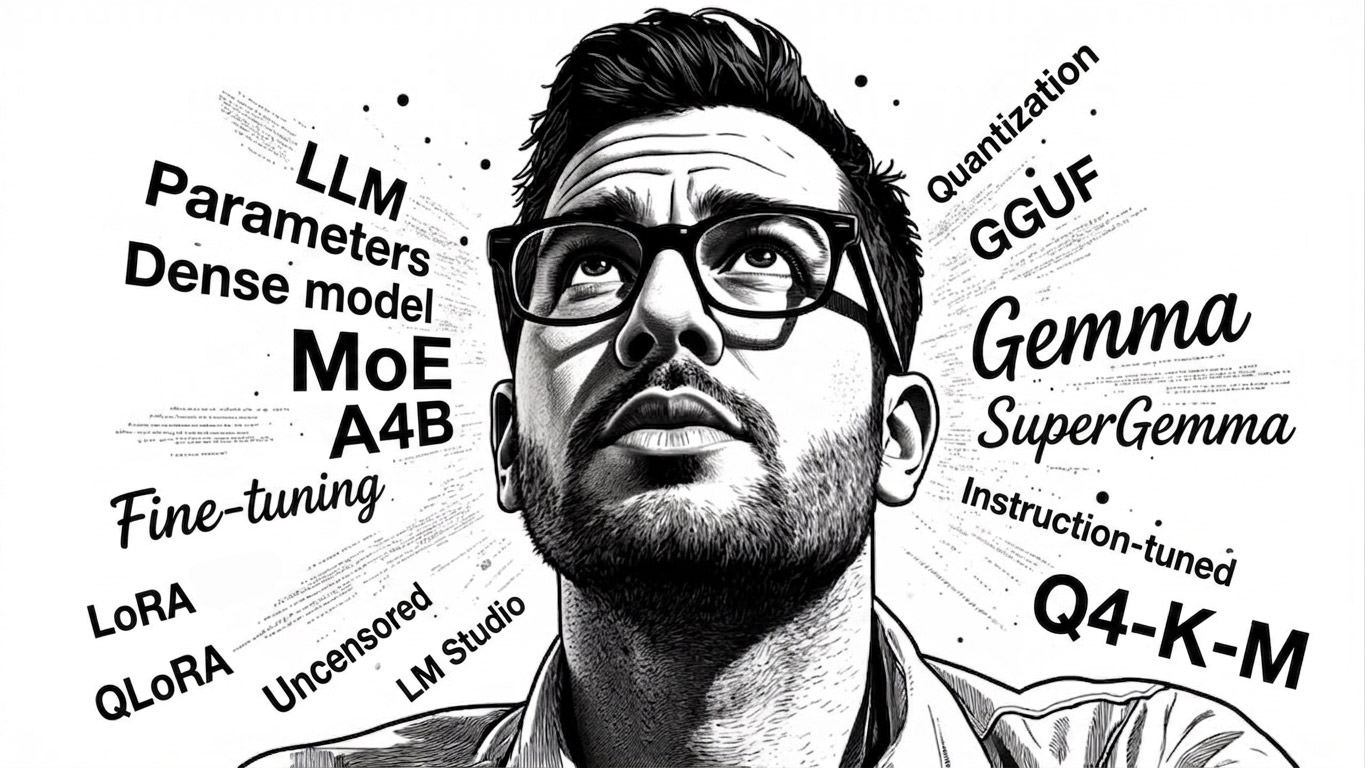
That is where a lot of AI confusion starts. People hear terms like LLM, 31B, 4-bit, GGUF, LoRA, or uncensored model, and the whole thing starts sounding like a niche obsession for people with too many graphics cards.
It is simpler than it sounds. If you can explain Spotify playlists, ZIP files, and the difference between a general doctor and a specialist, you can explain modern AI too.
This is a plain-English way to do that, especially for large language models, local AI, and the weird filenames that make the whole space look harder than it is.
Start With This: What Is an LLM?
An LLM, short for large language model, is software trained on a huge amount of text so it can predict what words should come next.
That sounds underwhelming, until you realize human conversation works a lot like that too. We read, listen, absorb patterns, then respond based on what we have seen before.
An LLM does something similar at a much larger scale. It is trained on huge amounts of text, often including books, websites, documentation, code, and other language data. It does not think like a person, but it gets very good at recognizing patterns in language. That is why it can answer questions, summarize documents, write emails, explain code, or help brainstorm ideas.
The easiest way to explain it to a friend is this:
An LLM is like a prediction engine for language. It has read an absurd amount of text and learned how words, ideas, and instructions tend to fit together.
If you want an analogy, picture a friend who has read half the internet and can reply instantly in full sentences. That is the big picture.
To make that more concrete, Gemma is one example of an open model family in the LLM world. It is Google’s base model line that people can download, run, and build on.
Then you get custom versions built on top of a model family like that. SuperGemma is a good example. It usually means someone took Gemma, fine-tuned it, changed its behavior, and often packaged it for easier local use.
So the relationship is simple:
LLMis the broad categoryGemmais one model family inside that categorySuperGemmais a customized version built from that family
That framing helps because a lot of AI terms are not separate inventions. They are often layers. First the model type, then the model family, then the customized version.
Parameters Are the Size of the Brain
When people talk about a model being 7B, 12B, 26B, or 31B, they are talking about parameters.
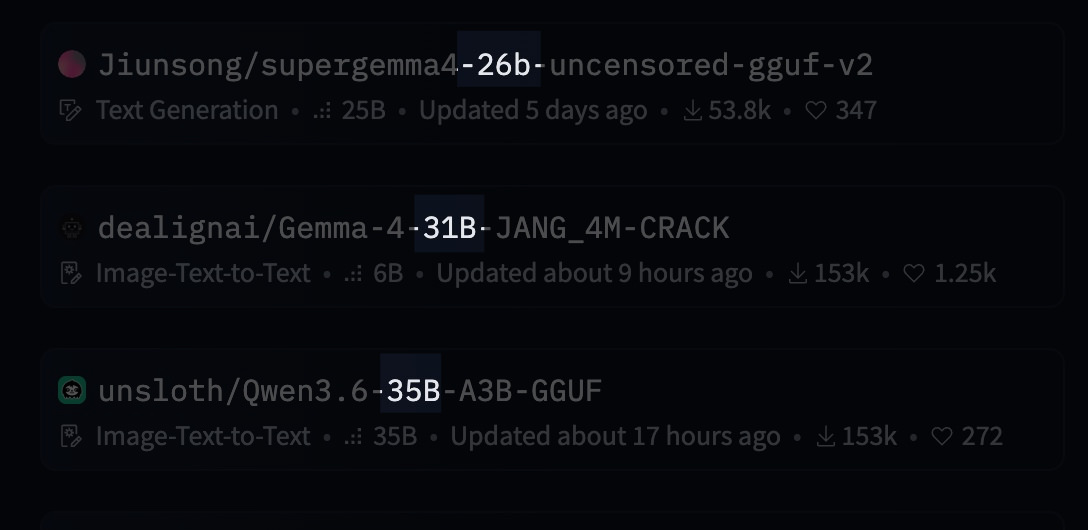
Parameters are the tiny numerical settings inside the model that got adjusted during training. You can think of them as the model’s internal wiring.
More parameters usually means the model can capture more nuance, hold more patterns, and perform better on harder tasks.
A simple way to explain it:
- a smaller model is like a smart pocket notebook
- a larger model is like a full reference library
Both can be useful. The bigger one usually knows more and handles trickier prompts better, but it also needs more memory and more power to run.
So if someone says they are running a 31B model, they mean it is a fairly large one with about 31 billion parameters.
Dense Models vs MoE Models
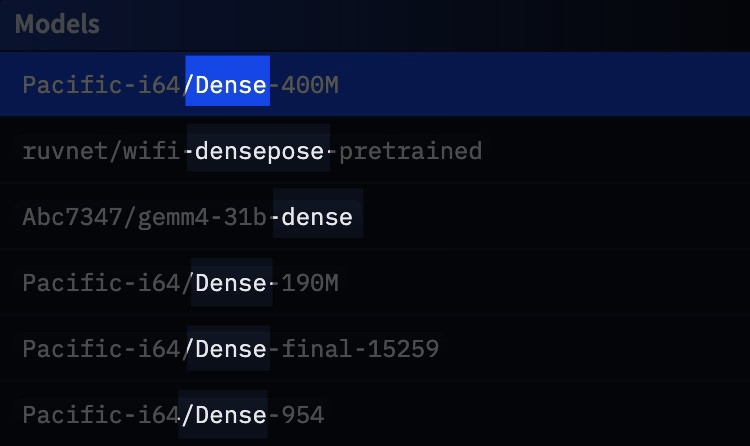
A dense model uses all of its brain for every reply. Every time it generates text, all of its parameters are involved.
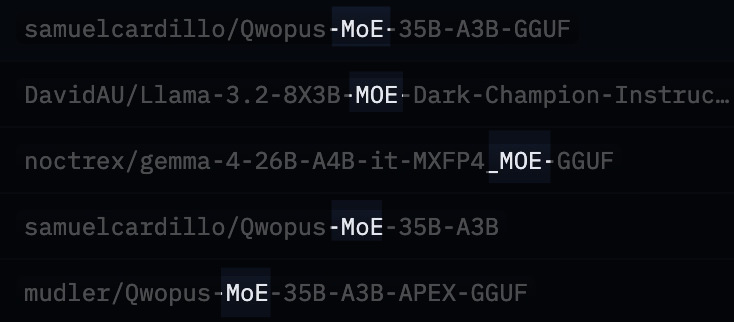
A Mixture-of-Experts model, usually shortened to MoE, is more selective. It has different specialist parts, and only some of them wake up for a given task.
The restaurant analogy works well here. A dense model is like one chef cooking every dish in the restaurant.
An MoE model is like a kitchen with specialists. If you order pasta, the pasta chef gets involved. If you order sushi, someone else steps in. Not every chef needs to touch every plate, which is why MoE models can feel more efficient. They may have a large total size, but only part of that capacity is active at a time.
If you see something like A4B, it usually means around 4 billion parameters are active for each step, even if the overall model is much larger.
Fine-Tuning Is Giving the Model Extra Lessons
A base model is the general version. It knows a broad range of things, but it is not always great at a specific style or task.
Fine-tuning is what happens when someone takes that base model and trains it further on a narrower set of examples.
That is how a general model becomes better at coding, roleplay, customer support, medical note formatting, or following instructions in a cleaner way.
Think of it like this: the base model is a smart student with a broad education, and fine-tuning is sending that student to extra classes. Maybe they become better at coding, more conversational, or less likely to refuse edgy prompts. The original brain is still there, just shaped in a more specific direction.
LoRA and QLoRA Are the Cheap Way to Customize AI
Training a model from scratch is expensive. That is why most hobbyists and small teams do not build a brand-new model. They start with an existing one and adapt it.
LoRA is one popular way to do that. Instead of retraining the whole model, LoRA keeps most of the original model frozen and adds a much smaller set of trainable layers on top. That cuts the cost dramatically.
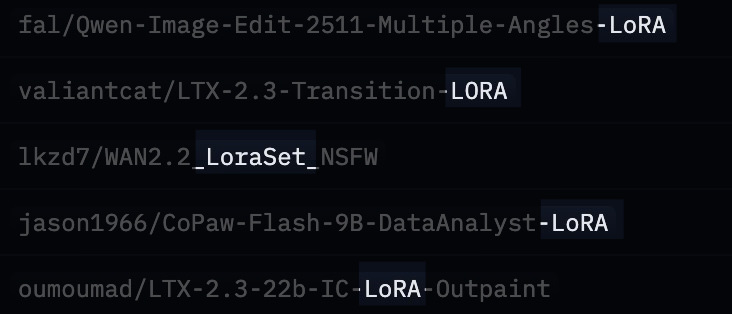
A clean analogy: full retraining is rewriting an entire textbook, while LoRA is adding a slim companion booklet that updates or extends the original.
QLoRA goes one step further. It first shrinks the model using quantization, then applies the LoRA-style training on top of that smaller version.
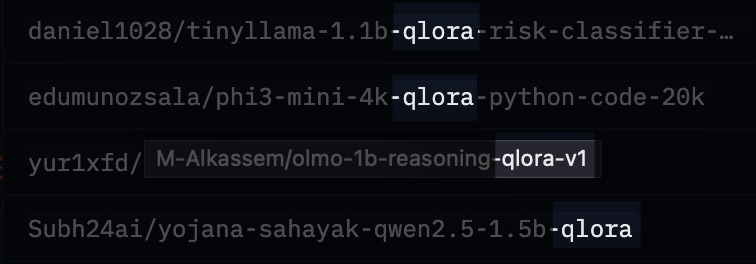
That is a big reason local AI got more accessible. It let regular people fine-tune strong models on hardware that would have been laughably underpowered a few years ago.
Quantization Is Model Compression
Quantization means storing the model’s numbers with lower precision so the file becomes smaller and easier to run.
The plain-English version is that you are compressing the model. Not in the exact same way as a ZIP file, but close enough for a beginner explanation.
A 16-bit model keeps more precision. A 4-bit model uses fewer bits per value, which makes it much smaller and lighter.
You lose some quality, but often not as much as people expect.
That tradeoff is why 4-bit models are so popular. They hit a sweet spot: smaller, faster, and much more practical on laptops.
If you need an analogy, compare it to converting a giant RAW photo into a high-quality JPEG. The file gets much smaller. Some detail is lost, but for everyday use it is often still excellent.
GGUF Is the Ready-to-Run File
Once people start downloading local models, they run into file formats.
GGUF is one of the big ones.
The easiest way to explain it is this: GGUF is a packaging format for local models, especially quantized ones.
It packages the model in a way that tools like llama.cpp and LM Studio can load easily.
For non-technical friends, I would just say:
GGUF is the version of the model that has been packed for convenient local use.
If the full original model is a warehouse full of parts, GGUF is the neatly packed version that is easier to move and run.
How to Read Weird Model Names Without Panicking
This is the part that makes local AI look more mysterious than it really is.
Take a name like:
google/gemma-4-26B-A4B-it
Or:
Jiunsong/supergemma4-26b-uncensored-gguf-v2-Q4_K_M.gguf
It looks chaotic, but it is mostly labels stacked together. Here is how to read them.
1. The Creator Name
The part before the slash tells you who published it.
google means the official release came from Google, while Jiunsong means it is a community release from that user or team.
2. The Model Family
gemma-4 or supergemma4 tells you which model line it belongs to.
That is similar to saying iPhone 16, Galaxy S26, or ThinkPad X1. You can also think of it like a car name such as Honda Civic or BMW 3 Series. It tells you the family and generation before you get into the engine, trim, or extras.
3. The Size
26B means about 26 billion parameters.
That gives you a rough sense of the model’s scale.
4. The Architecture Detail
A4B usually points to the active parameter count in an MoE setup.
So while the full model may be larger, around 4 billion parameters are actively doing work at a time.
5. The Behavior or Tuning
it usually means instruction-tuned. In other words, it was trained to follow prompts and behave more like a helpful assistant.
instruct usually signals the same idea.
uncensored usually means the model has fewer refusal rules.
6. The Format
gguf means it is packaged for local running.
7. The Quantization
Q4_K_M is the quantization method.
For beginners, the key detail is simple: it is a 4-bit version, and that usually means a good balance between quality and file size.
So when someone says they are running SuperGemma 26B Q4_K_M GGUF, what they usually mean is:
I am using a 26-billion-parameter custom Gemma model that has been compressed into a practical local file.
That sentence alone clears up a lot.
What Actually Happens From Lab to Laptop
If you want the full journey in one pass, it usually looks like this:
- A big lab trains the original base model.
- They release it publicly, or at least release weights people can use.
- Other developers fine-tune it, compress it, and package it.
- You download the version that fits your hardware.
- A local app such as Ollama or LM Studio runs it on your machine. If you want a more containerized setup, this Docker LLM setup guide shows another route.
That is the pipeline. The AI assistant on somebody’s laptop is often just the final step of a long chain of training, adaptation, and compression.
Why Local AI Clicks for Regular People
For most people, the appeal of local AI comes down to three things.
First, privacy. Your prompts and files can stay on your own machine.
Second, cost. Once the model is downloaded, you are not paying per message.
Third, control. You can choose a model that fits your style, hardware, and tolerance for safety filters.
That is why local AI keeps pulling in curious tinkerers, developers, and people who simply do not want all their work flowing through somebody else’s cloud. For a practical example, running LLMs locally with LM Studio shows why that tradeoff feels worth it for many people.
A Simple Way to Explain It to a Friend
If your friend zones out the moment you say “transformer architecture,” skip the jargon and use this version instead:
AI chatbots like ChatGPT run on language models. These models are trained on huge amounts of text so they can predict and generate useful replies. Bigger models are usually smarter, smaller ones are easier to run, and people often compress or customize them so they can work on regular laptops.
That gets you most of the way there.
If they are still curious, add this:
File names that look scary are usually just labels telling you who made the model, how big it is, whether it was customized, and whether it has been compressed for local use.
That is usually the moment the whole thing stops looking mysterious.
Where Beginners Should Start
If someone wants to try local AI without turning it into a weekend project, I would keep it simple.
Start with Ollama or LM Studio. If you need a practical walkthrough, this guide to running an LLM locally with LM Studio is a useful companion. Then pick an instruction-tuned model. If you are on a decent laptop, a 4-bit quantized model is usually the safest starting point.
If the file name still looks intimidating, break it into parts instead of trying to decode it all at once. That is how most people learn it, one label at a time.
Final Thought
You do not need to understand every acronym in AI to talk about it intelligently. You just need a clean mental model.
An LLM is a language prediction engine trained on a huge amount of text. Parameters tell you how big it is, fine-tuning changes its behavior, quantization shrinks it, and GGUF packages it. Those long model names are mostly just specs.
Once you see it that way, AI gets a lot less mysterious. It starts looking like what it really is: software, packaging, tradeoffs, and a lot of labels.