Mozilla’s Thunderbolt Is an Open-Source AI Client, but What Exactly Is It?
Mozilla-backed MZLA Technologies is building Thunderbolt, an open-source AI client for organizations that want tighter control over how they deploy and use AI.
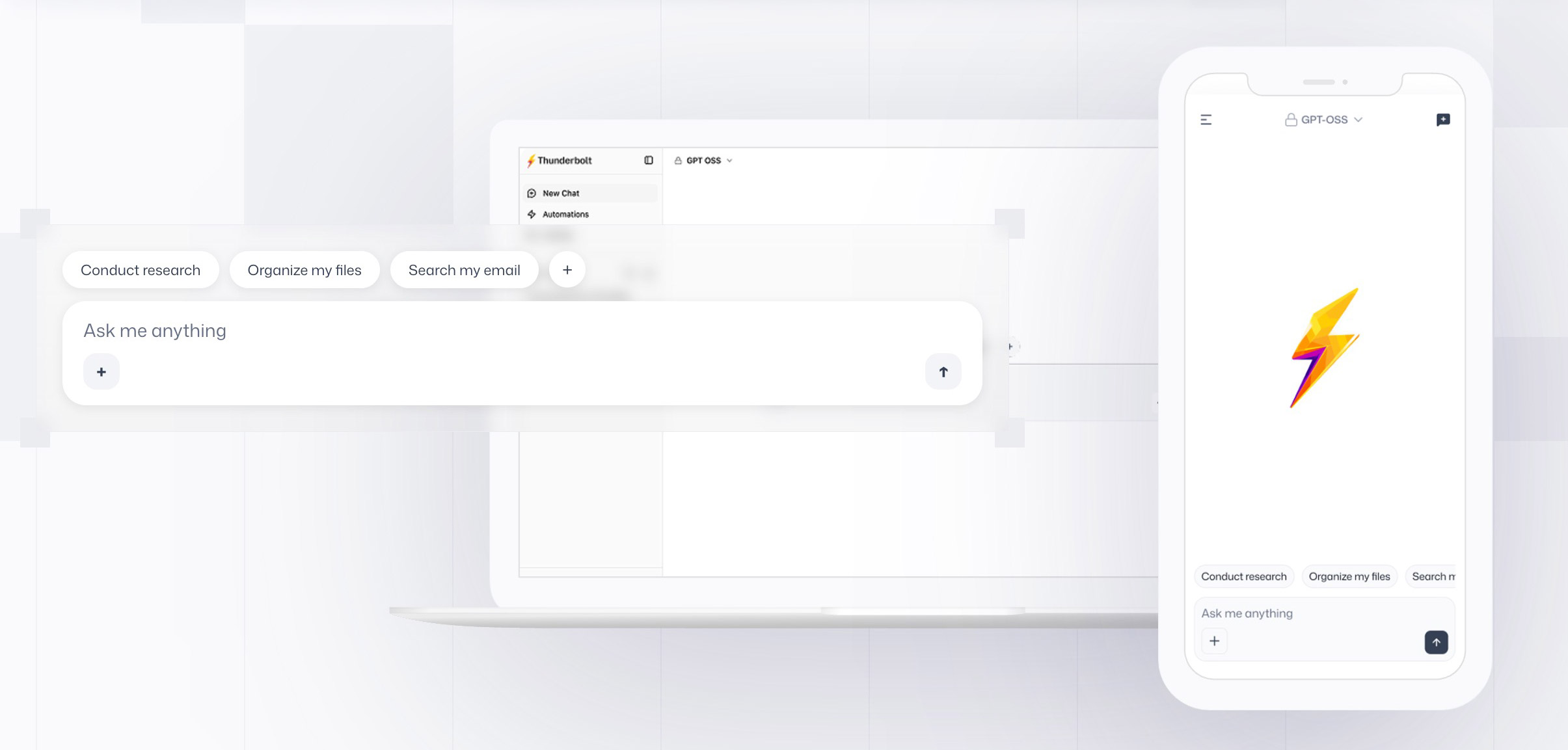
Start with what Thunderbolt is not.
It is not a new AI model, and it is not just another chatbot app.
It sits between people, AI models, company data, and automation tools. Mozilla is pitching a system companies can run on their own terms instead of one closed AI experience.
That is why Mozilla calls it a sovereign AI client. The pitch is simple: organizations choose where it runs, which models it connects to, what data it can access, and how deeply it integrates with internal systems.
So What Is Thunderbolt?
Thunderbolt is an enterprise AI client designed to be self-hosted, extensible, and model-agnostic.
Based on the launch announcement and follow-up coverage, Mozilla wants it to help organizations:
- run AI with frontier, local, or on-prem models
- connect AI to internal tools and company data
- automate recurring workflows and scheduled tasks
- use the same setup across web and native apps
- keep deployment and privacy controls on their own infrastructure
In plain English, Thunderbolt is trying to be the interface and workflow layer for enterprise AI, not the intelligence itself.
If a company already uses several models, private knowledge sources, internal systems, and agent-style workflows, Thunderbolt is supposed to bring those pieces into one operational layer.
Why Mozilla Keeps Framing It Around Control
The real hook in Mozilla’s messaging is not convenience. It is ownership.
Plenty of companies are interested in AI right up until the discussion turns to sensitive documents, internal knowledge, employee data, compliance requirements, and vendor lock-in. That is the hesitation Mozilla is targeting.
Thunderbolt’s pitch is straightforward: if AI is becoming part of core business workflows, companies should not have to hand that entire layer over to a closed external platform.
That explains the emphasis on self-hosting, open-source licensing, and optional end-to-end encryption.
What Thunderbolt Can Connect To
Mozilla says Thunderbolt can work with:
- leading commercial AI providers
- open-source models
- local models running on company infrastructure
- MCP servers
- ACP support (in development)
Together, those pieces make Thunderbolt look less like a chat app and more like an orchestration layer.
It is built to let users interact with AI, search internal information, run research tasks, and trigger automations that depend on other tools or internal systems. If you need a quick refresher on how MCP servers fit into real workflows, that broader ecosystem helps explain the positioning.
This is a bigger enterprise play than the usual “ask a bot a question and get an answer” setup.
What Thunderbolt Looks Like
Thunderbolt is expected to work across:
- web
- Windows
- macOS
- Linux
- iOS
- Android
Mozilla is not presenting this as a backend-only framework for developers. It wants Thunderbolt to feel like something teams can actually use day to day across both desktop and mobile environments.
The simplest way to picture it is as an AI control panel for a company, with user-facing apps on top and model, data, and workflow integrations underneath.
Who Thunderbolt Is Really For
This is not really a consumer AI product.
Yes, the code is open source, and individuals can likely experiment with it. But the positioning is clearly enterprise-first.
The obvious audience is:
- companies that want private or on-prem AI deployments
- teams that do not want one vendor controlling the entire AI stack
- organizations that need internal data integrations
- businesses experimenting with agents and workflow automation
- technical teams that want flexibility over models and tools
Mozilla also seems to be leaving room for a managed version later, along with enterprise services and support. So while the software is open source, the business angle is still easy to see.
For readers who are more interested in the self-hosted side of the story, this guide to running an offline chat assistant gives a simpler consumer-scale version of the same control-first idea.
The Catch
This still looks early.
Reports say Thunderbolt is still in development and undergoing security audit work before it is ready for enterprise production use. So this is not the kind of launch where everything is polished and ready to roll out tomorrow.
There is also a naming problem. “Thunderbolt” is already heavily associated with Intel and Apple’s hardware interface, so some confusion is guaranteed.
Still, the bigger idea is clear.
Thunderbolt is Mozilla’s attempt to build the control layer around enterprise AI: open source, self-hostable, flexible, and designed for organizations that do not want to outsource the entire stack.
If you were wondering whether it is a chatbot, an LLM, or some hidden Firefox feature, the short answer is no.
It is closer to an enterprise AI client that connects models, data, tools, and workflows in one place.