Dinky Is a Free Mac App That Compresses Images, Videos, and PDFs
If you compress files often on a Mac, you probably already know the usual tradeoff. Browser tools feel disposable, desktop apps can feel bloated, and the quick hacks are fine until you need to do the same job every day. For simpler jobs, optimizing images on your Mac is still the quickest no-install option.
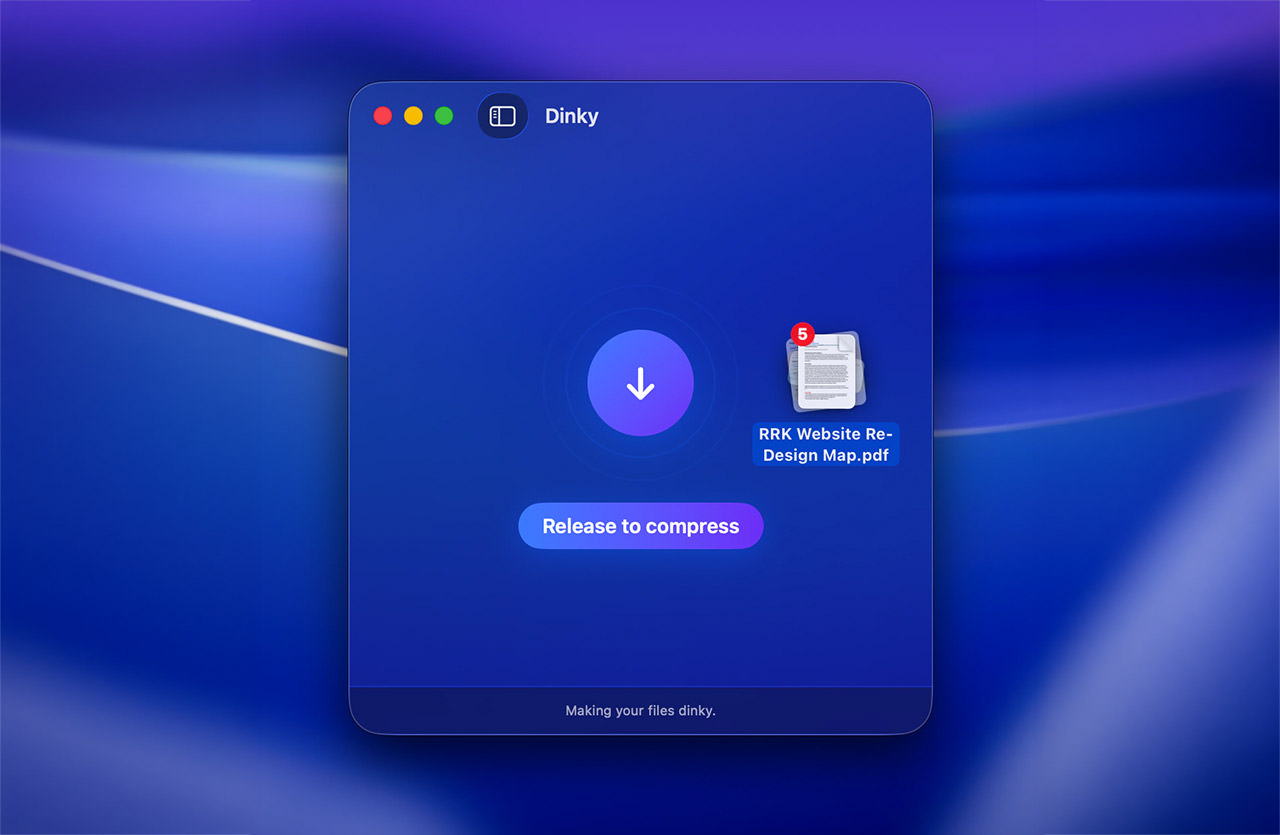
Dinky is a free app, and that already makes it more appealing if you have been comparing it with paid compression tools like Optimage or Permute.
It is a small macOS utility from Derek Castelli that compresses images, videos, and PDFs in one place. You drop files in, it gives you smaller ones back, but the real appeal is how much repetitive file prep it can absorb once you start using presets, watch folders, and automation.
What Dinky Does
Dinky goes beyond the usual image-only utility. It works with JPG, PNG, WebP, AVIF, TIFF, and BMP, then exports images to WebP, AVIF, or lossless PNG. It also compresses videos to MP4 with H.264 or HEVC presets, and shrinks PDFs while either keeping selectable text and links or flattening pages for more aggressive reduction.
- compress images, videos, and PDFs from one app
- drag and drop files, paste from the clipboard, or use a direct URL
- convert images to WebP, AVIF, or lossless PNG, which pairs nicely with this WebP guide
- resize images or target a specific file size
- save presets, watch folders, and use Apple Shortcuts for repeat jobs
- keep originals, move them to backup, or send them to the trash after compression
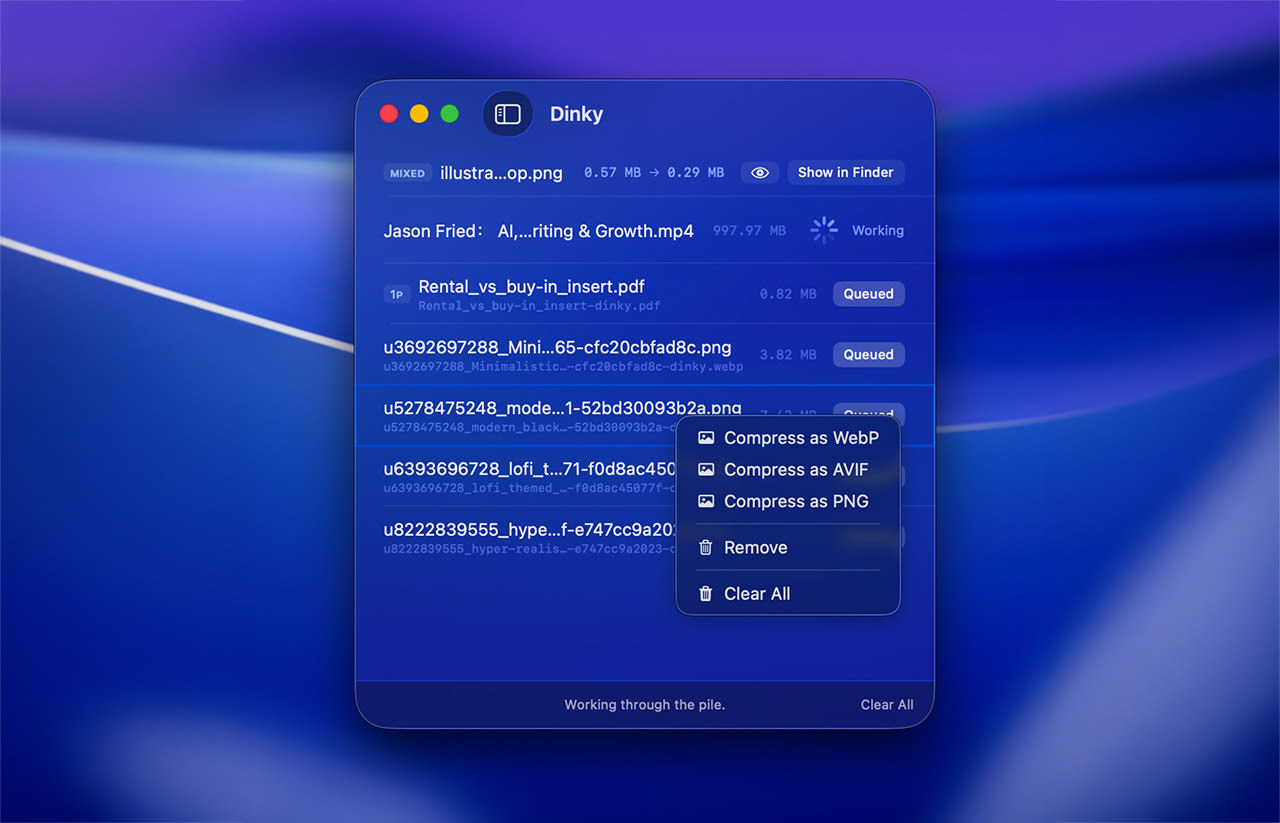
That makes it a stronger fit for recurring file prep, especially if you would otherwise piece together the same workflow with Quick Actions or guides like this one on batch compressing files on Mac.
Dinky is listed at around 28 MB installed. Built in Swift and SwiftUI, with no Electron and no web views, it still feels like a lightweight native app rather than a wrapped website pretending to be one.
Who This Is For
Dinky makes the most sense for people who compress files constantly and are tired of doing it in a browser tab.
That includes:
- bloggers and publishers preparing web images
- designers exporting client assets
- people dealing with video uploads
- anyone cleaning up PDFs before sending or archiving them
- Mac users who want a native utility instead of an online service
If your workflow already includes repetitive file prep, Dinky looks like one of those tools that could quietly save time every week.
Before You Install It
There are a few practical limits to keep in mind.
First, it is built for macOS 15 Sequoia and later, not as a cross-platform tool.
Second, it is not notarized, so macOS will probably block it the first time you open it. You can still run it, but you will need to approve it through macOS security settings or remove the quarantine flag manually.
Still, if you are comfortable installing indie Mac software, that probably will not scare you off.