11 Icon Pack Websites Designers Should Bookmark
A good icon set saves time and keeps an interface visually consistent.
It helps users scan faster and saves you from drawing the same magnifying glass, hamburger menu, or notification bell over and over. If you want to cast a wider net, this list of icon search engines is a useful companion.
The harder part is finding libraries that are pleasant to browse, visually consistent, and broad enough that you do not run out of options halfway through a project.
These 11 cover a good spread: open-source defaults, premium systems, huge libraries, and a few more style-specific picks.
1. Lucide
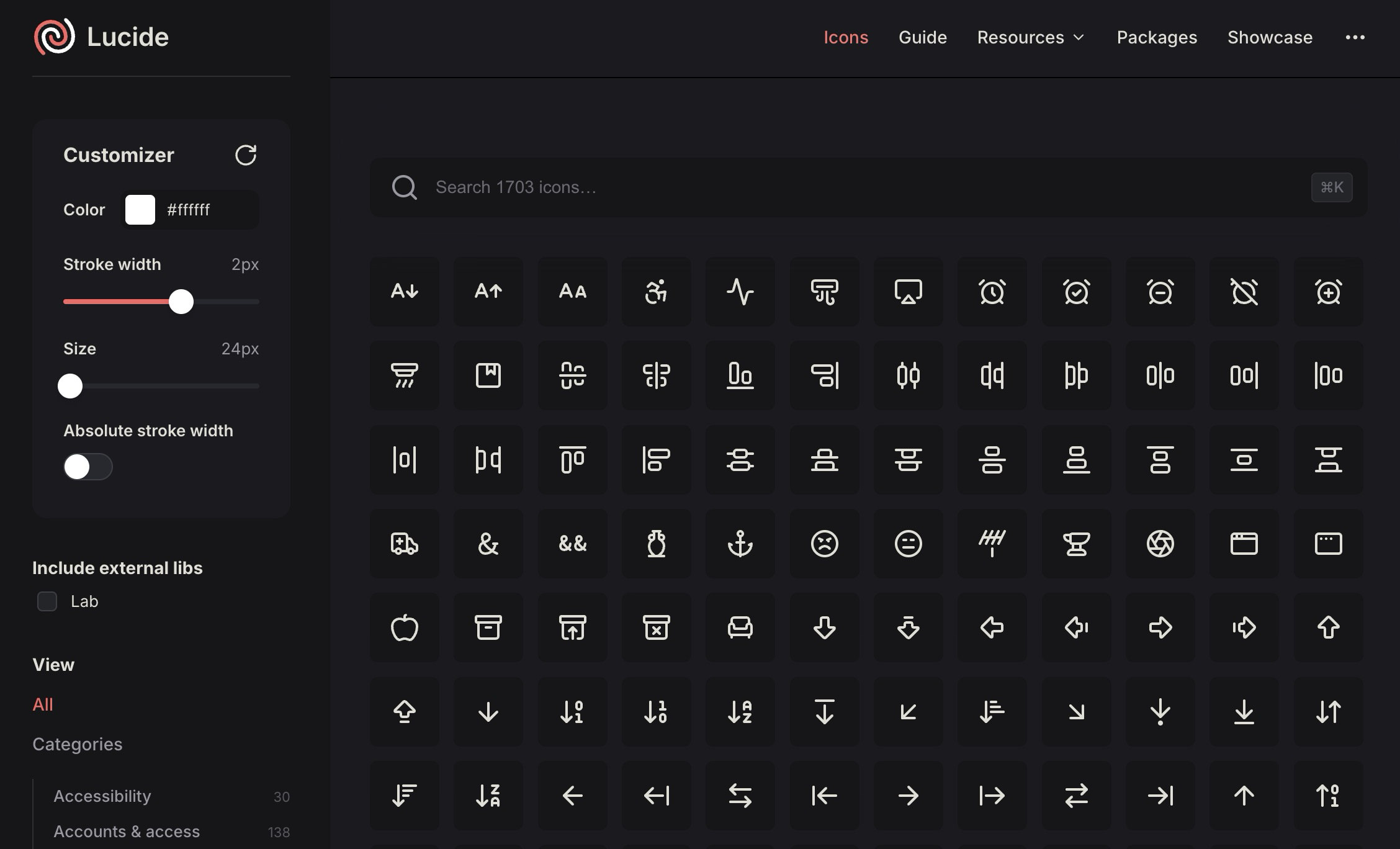
Lucide is a clean open-source icon library with a crisp, minimal style that drops into modern web apps without fighting the rest of your interface.
It is more than a website with SVG downloads. It also has packages for React, Vue, Svelte, Solid, Astro, React Native, and more, which makes it practical for actual product builds rather than one-off mockups.
If you want lightweight outline icons with a consistent look, Lucide is easy to keep in rotation.
2. Iconsax
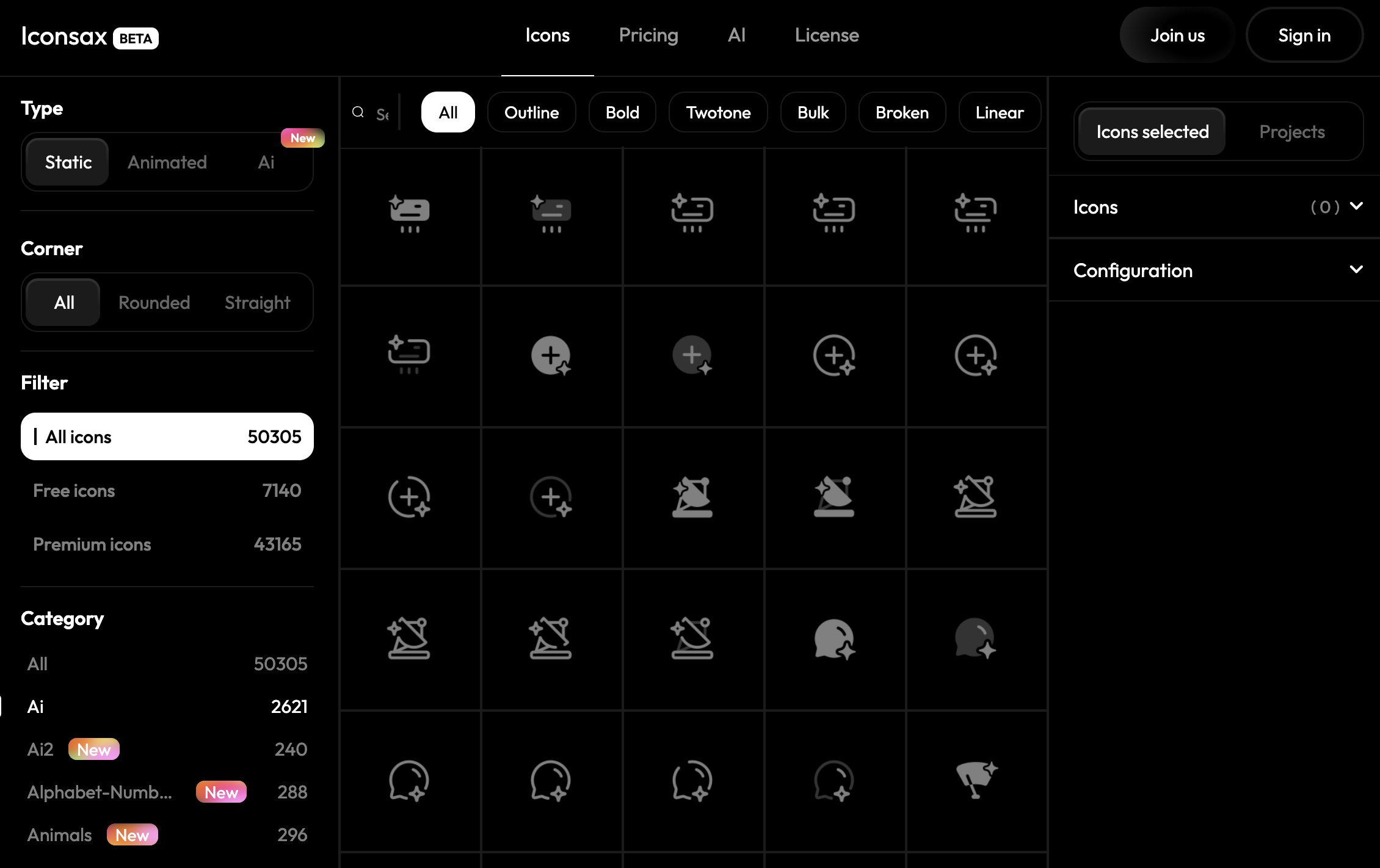
Iconsax targets designers who want range. It is more commercial than barebones open-source libraries, and the main draw is sheer volume. The site has tens of thousands of icons across multiple styles, framework support, a Figma plugin, and AI-assisted icon generation.
It works well when you need one library that covers dashboards, mobile UI, admin screens, and edge-case icon needs without switching visual styles halfway through.
3. The Noun Project
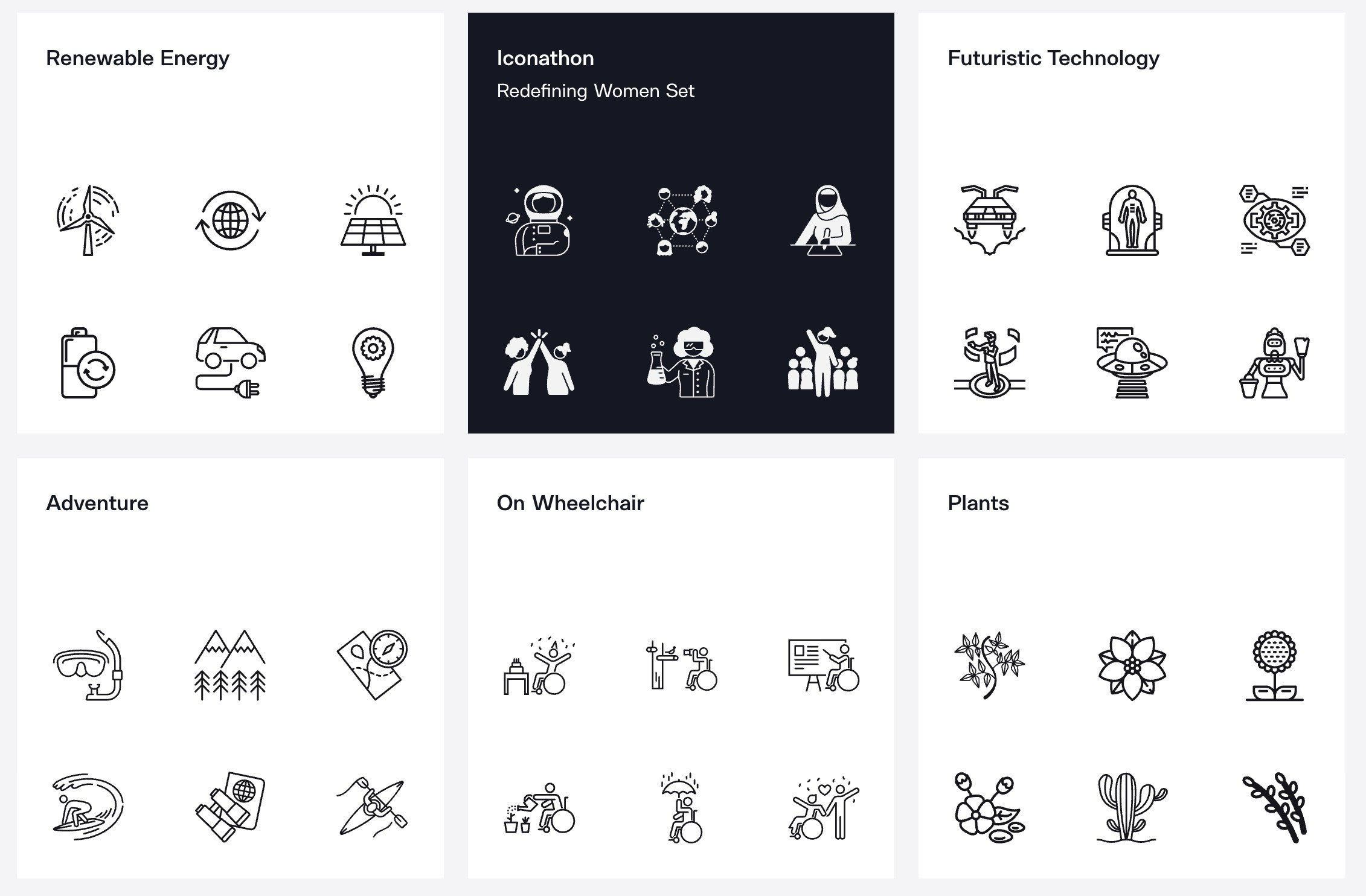
The Noun Project is less of a single icon pack and more of a huge icon marketplace. You get a massive, diverse collection of symbols made by many contributors, which helps when you need a very specific concept that most UI icon sets do not cover. The tradeoff is consistency, because not every icon will feel like it belongs in the same interface.
For presentations, editorial graphics, concept-driven visuals, or hard-to-find symbols, it is a useful place to look.
4. Iconic
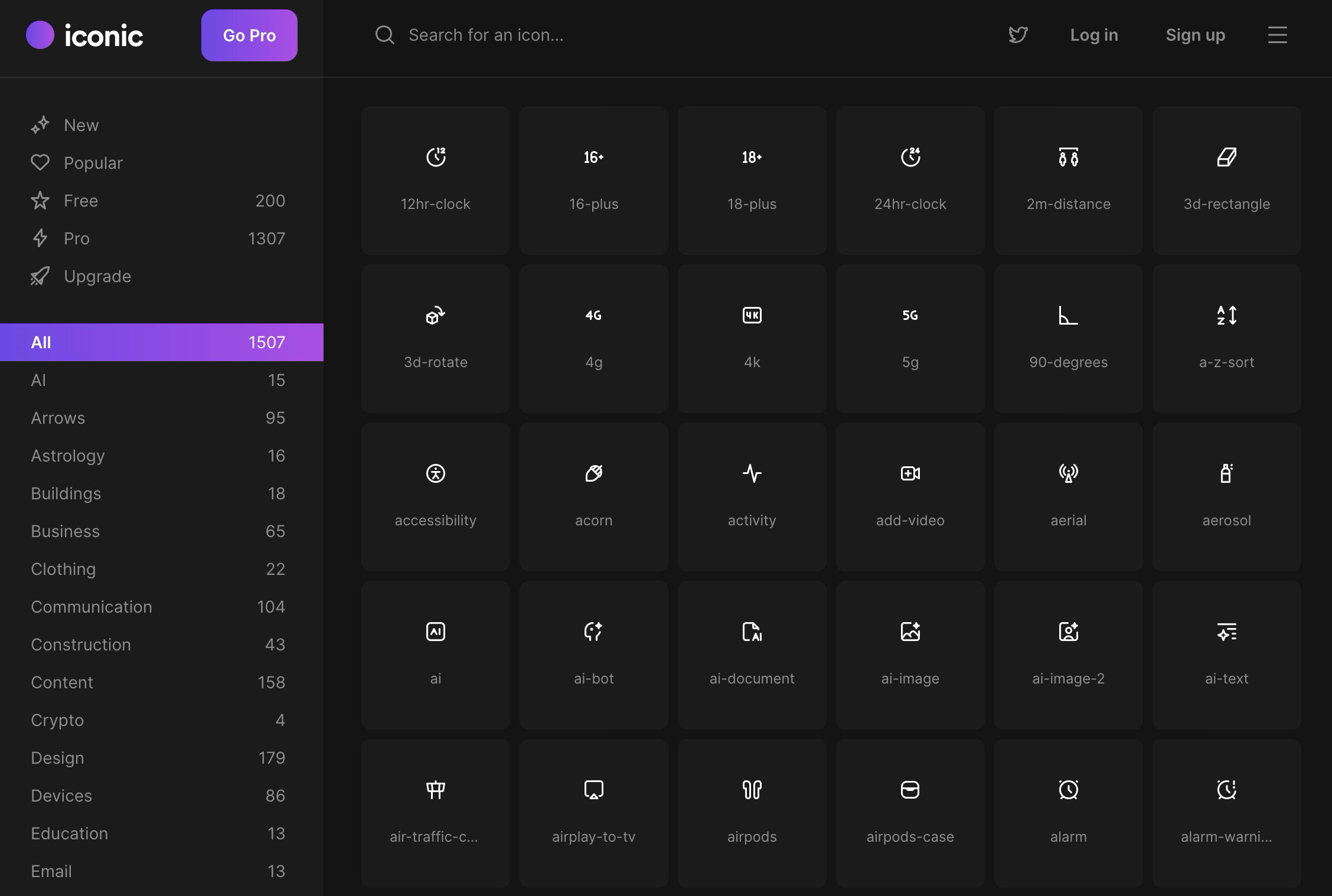
Iconic keeps things straightforward. The site calls its icons pixel-perfect, works on a 24 by 24 grid with a 1.5px stroke, and splits the collection between free and pro sets. The free license is usable, which puts it ahead of icon libraries that bury the useful stuff behind pricing caveats.
The library covers interface-friendly categories and everyday UI shapes, with a style that sits comfortably in web products.
5. Hugeicons
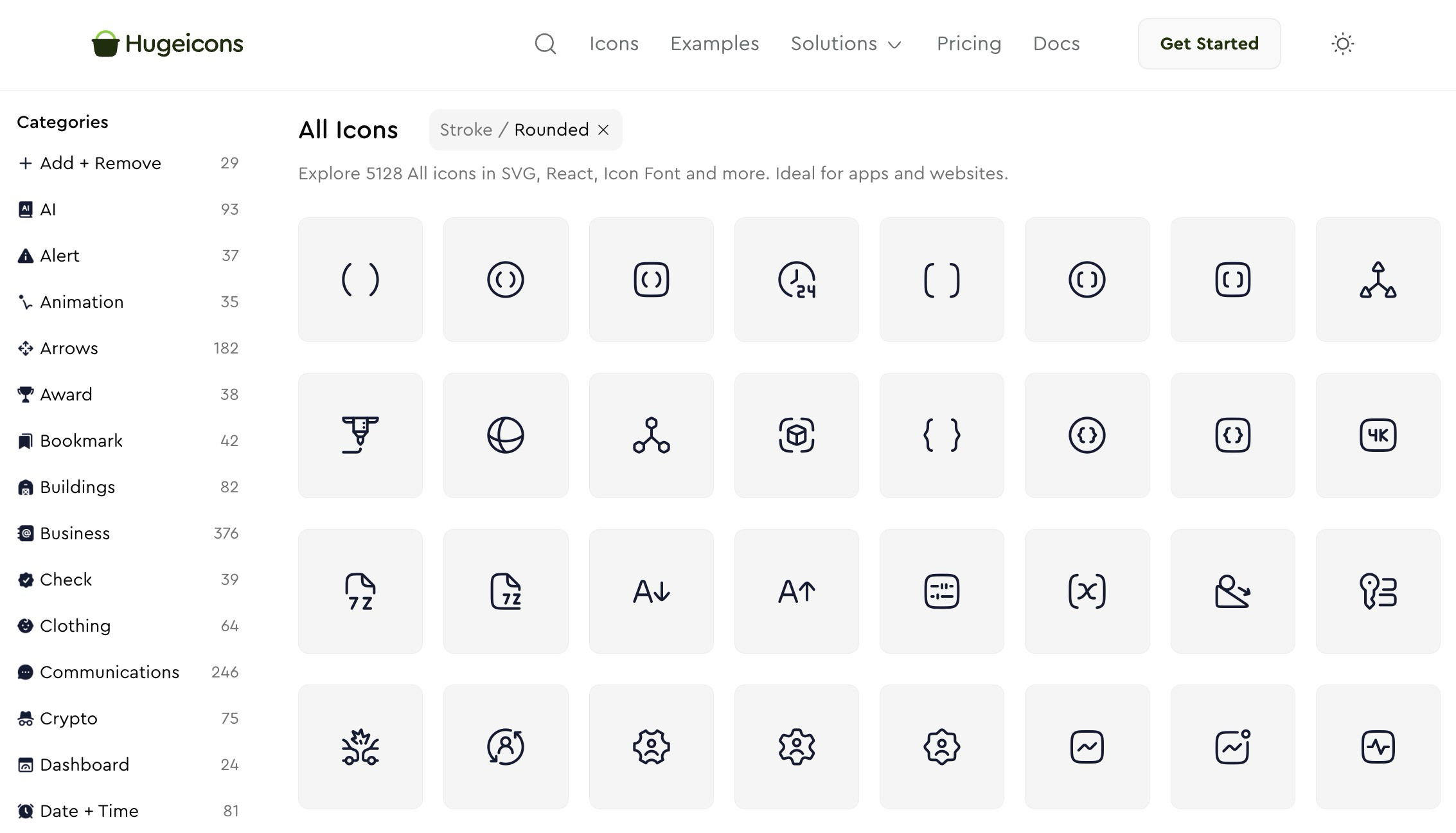
Hugeicons is built around scale. The site positions itself as a giant icon system for both designers and developers, with framework packages, a Figma plugin, icon fonts, and enough breadth to cover almost any app category you can think of.
You pick this when you want scale, coverage, and a polished commercial ecosystem around the icons rather than something intimate or opinionated.
6. Pixelarticons
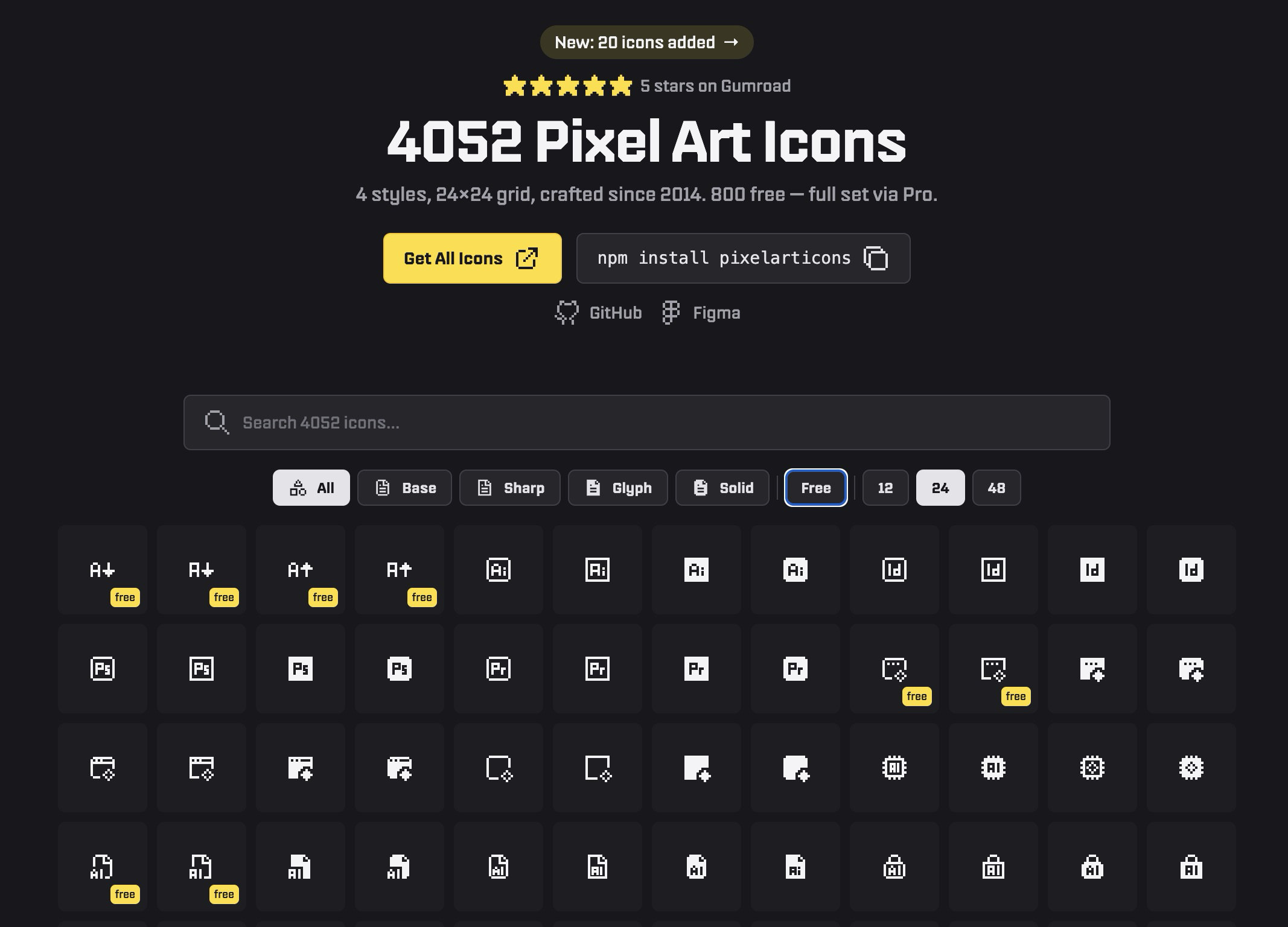
Most icon libraries aim for smooth and neutral. Pixelarticons goes in the opposite direction with a full pixel-art look. If you are designing something retro, game-like, playful, or deliberately low-fi, this fits better than forcing a generic outline icon pack into the wrong project.
The library has thousands of icons across multiple styles, with a free tier and a pro upgrade for the full set.
7. Nucleo
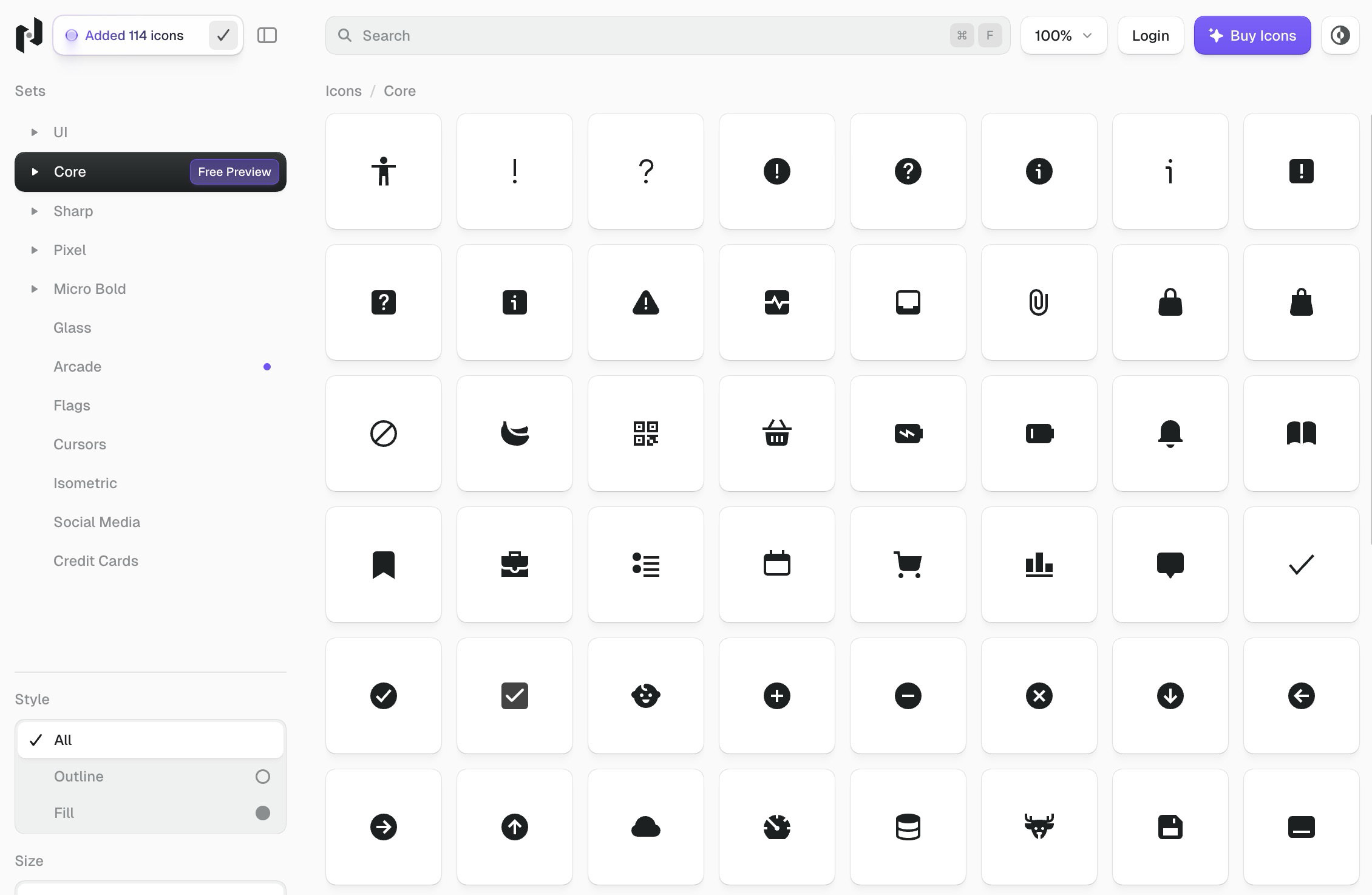
Nucleo is built around workflow as much as icon count. It combines a large premium library with its own app for browsing, customizing, and exporting icons, plus React packages for developers.
If you work on larger design systems or manage assets across teams, that extra layer is useful. Plenty of icon sites stop at “here are some SVGs.” Nucleo is built more like a full toolkit.
8. Iconoir
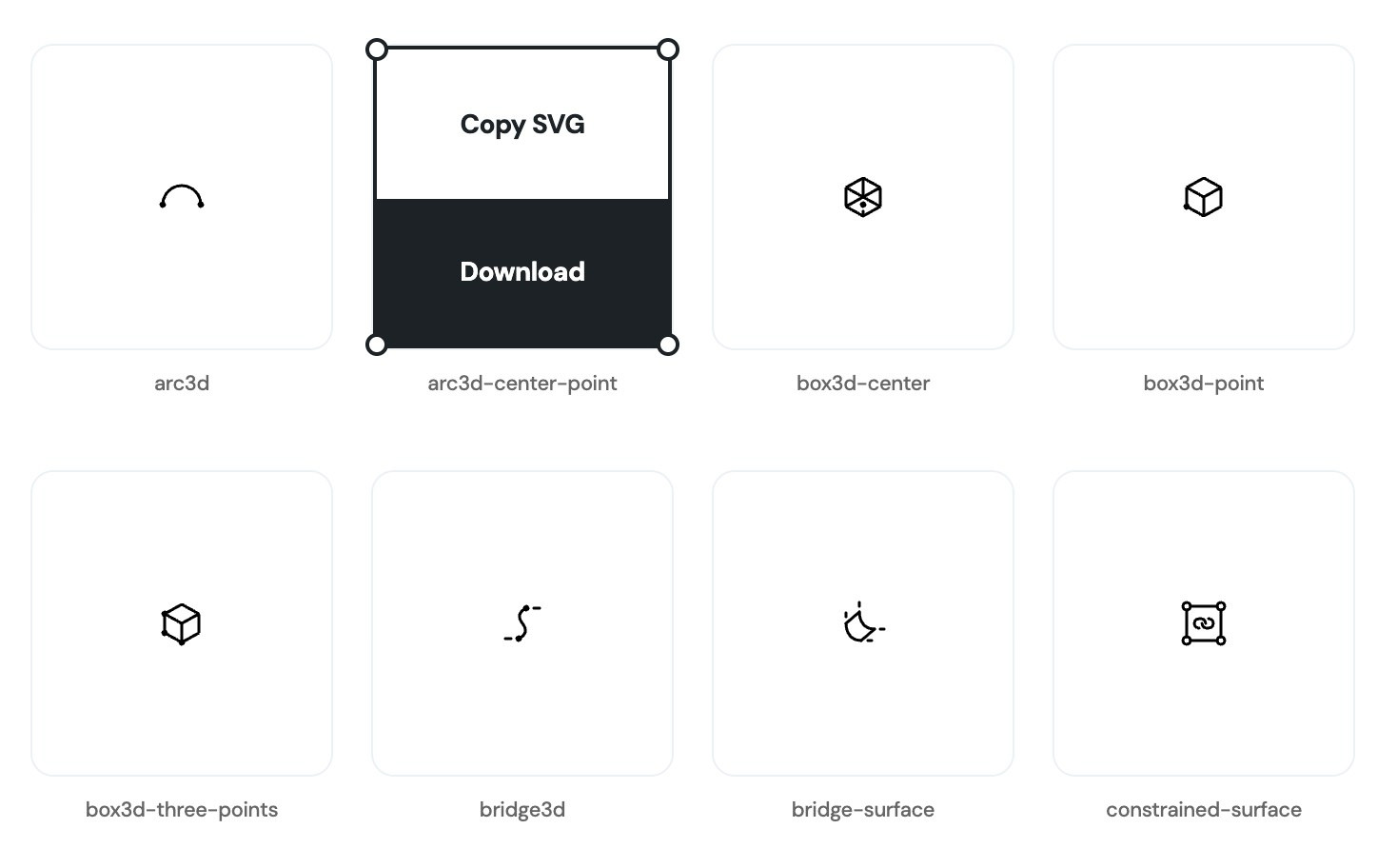
Iconoir is an open-source option that is modern, flexible, and genuinely free without the usual premium bait hanging over every click. Its style is clean and slightly expressive without becoming noisy. The project also supports multiple outputs, including SVG, font, React, React Native, Flutter, Figma, and Framer.
If you want a free library that still feels product-ready, Iconoir is easy to recommend.
9. Feather Icons
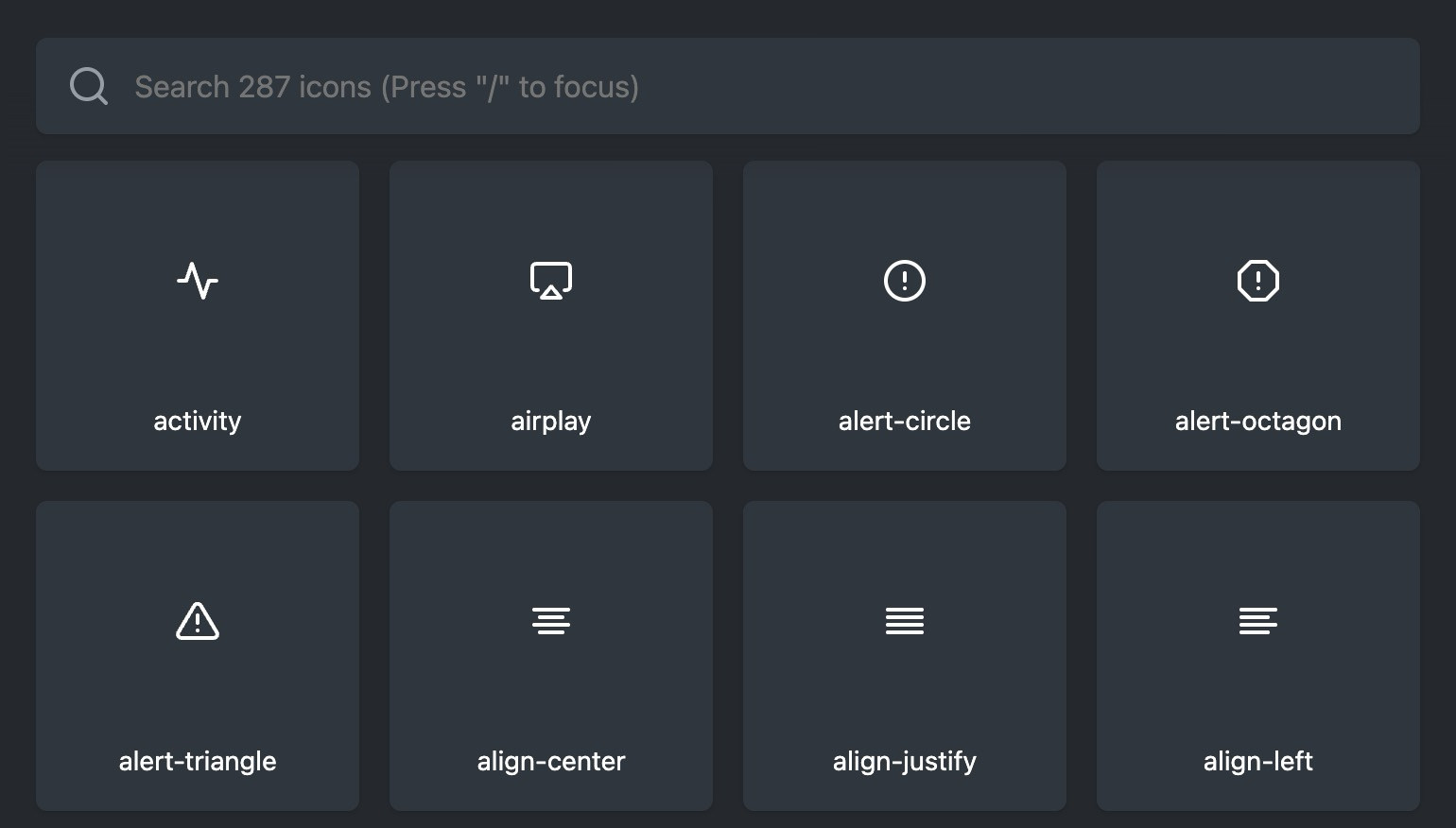
Feather is simple, open source, and very restrained. No marketplace pitch. No bloated interface. Just a clean collection of icons with adjustable size, stroke width, and color.
If your taste runs minimal and you do not need thousands of niche symbols, Feather is an easy default.
10. Phosphor Icons
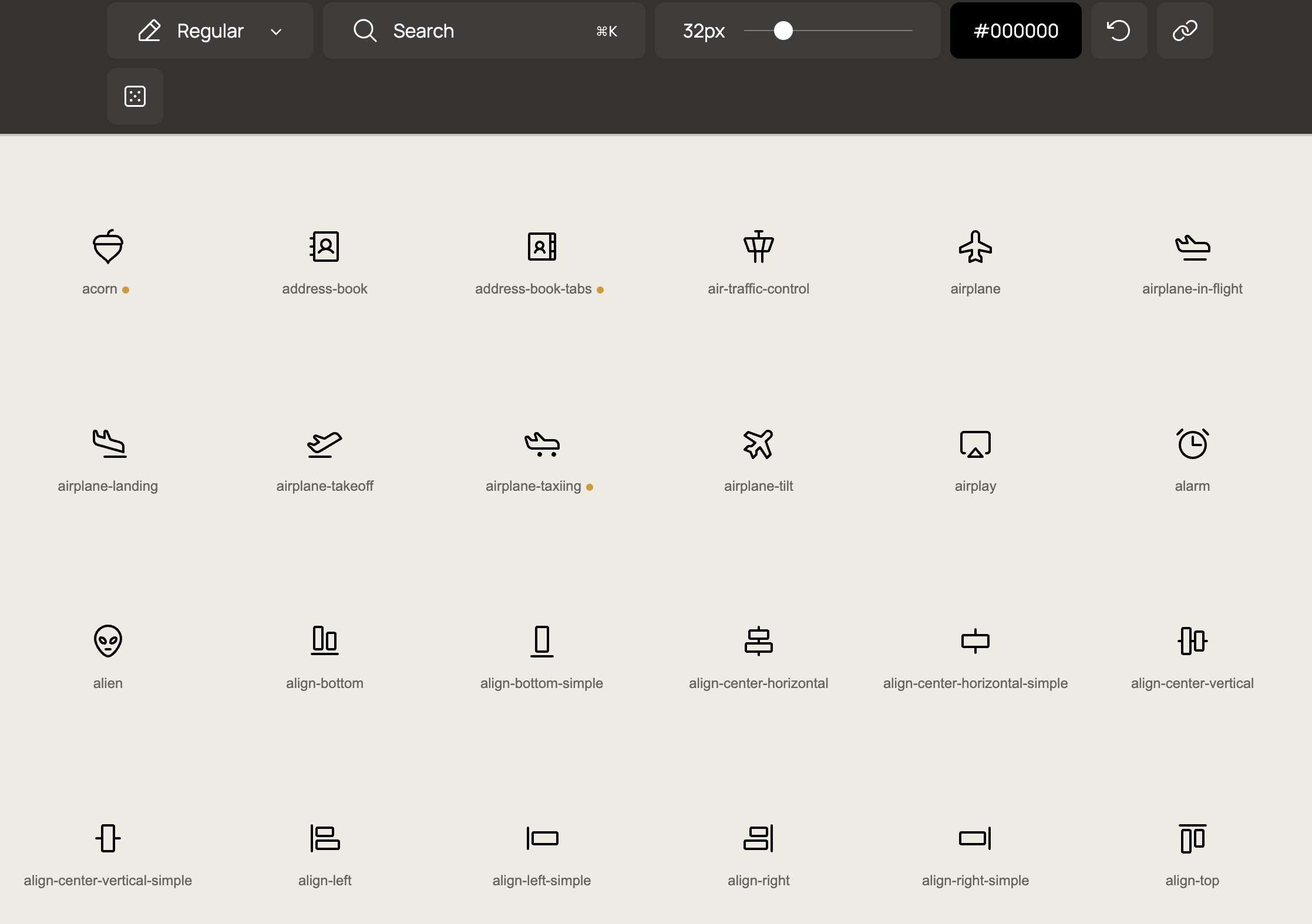
Phosphor is a flexible icon family used widely in product and interface work. It is broad and designed to work across UI, diagrams, presentations, and general digital product design.
If Feather feels too sparse for you, Phosphor is often the next step up.
11. Pikaicons
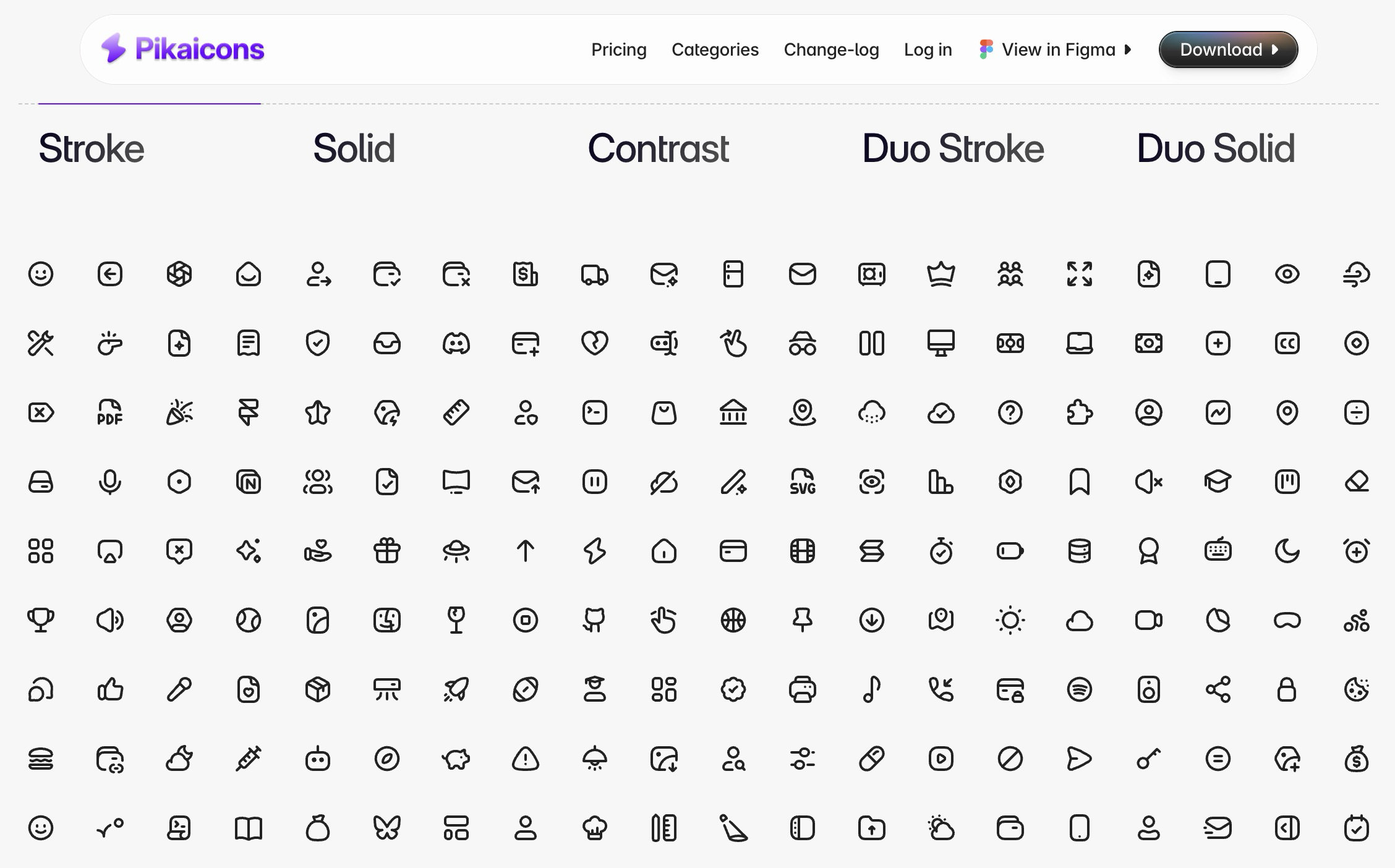
Pikaicons is more playful than the flatter, more clinical icon libraries out there. The site pitches it as a modern icon library for web and mobile, with more than 5,000 icons, multiple styles, and a Figma-first workflow. That makes it useful for designers who live in Figma and want something with a bit more charm without losing consistency.
Pikaicons works well when you want your UI to look polished without making it feel sterile.