Why You Should Still Log In to Your Secondary Email Accounts
There is a very unglamorous kind of digital risk that gets overlooked all the time. Not phishing kits. Not malware. Not AI scams. Just that other email account you made years ago and barely touch now.
You know the one: the address you use for throwaway signups, the inbox attached to an old domain, or the backup Gmail account you set up because it seemed smart at the time, then quietly forgot existed.
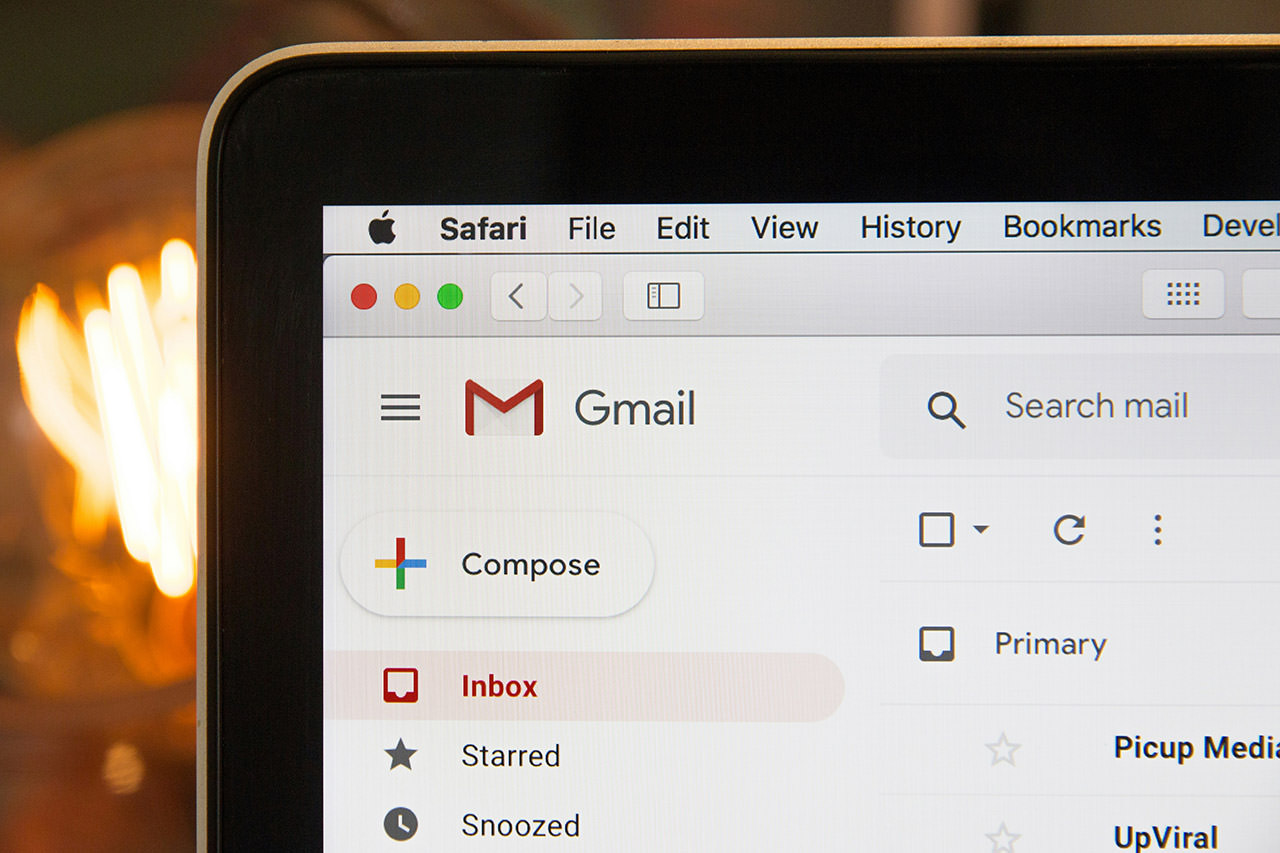
It feels harmless to ignore it, but if that email is tied to recovery for any of your important accounts, it is not a side account anymore. It is infrastructure, and neglected infrastructure is where problems like to hide.
The Problem Is Not the Inbox. It Is What the Inbox Unlocks.
A secondary inbox is easy to dismiss because the account itself often looks quiet. No real conversations, no daily workflow, no reason to check it unless something goes wrong. That is exactly why it gets ignored.
But a recovery email is not valuable because of what is inside it. It is valuable because of what it can open.
If a service can send password reset links, sign-in approvals, verification codes, or security alerts there, then that inbox has leverage. It may not be your main account, but it may still be part of the path back into your bank, cloud storage, social accounts, shopping logins, or work tools. A guide on How to Make Your Gmail Account Safer is a useful companion if you have never checked your recovery settings closely.
That changes the math.
A Forgotten Backup Account Can Fail in More Than One Way
Most people think of email neglect as just not reading messages.
The real issue is broader than that.
Sometimes an old inbox goes inactive long enough that the provider starts treating it like abandoned property. Sometimes the password is ancient. Sometimes two-factor authentication was never turned on. Sometimes the account is still signed in on a laptop you sold, a phone you reset, or a browser profile you no longer control.
And sometimes the inbox is technically still fine, but you have trained yourself never to look at it, which means you also never see the warning lights: password reset attempts, new logins from unfamiliar devices, security notifications, even recovery email changes. All the little signs that would have told you something was off are just sitting there unread in the quietest inbox you own.
This Is Why Attackers Like Quiet Accounts
A noisy primary inbox gets attention. A neglected backup inbox does not, and that makes it a softer target.
Not necessarily because it is easier to break into, though sometimes it is. More because it is easier to exploit without being noticed quickly. A broader roundup of online privacy and security tips reinforces the same point: the neglected parts of your setup are often the weakest ones.
If someone gets into a secondary inbox that you rarely check, they may have more time than they should. More time to search for recovery messages. More time to trigger resets. More time to pivot into other accounts. More time before you even realize that particular door was still connected to anything important.
The damage is often indirect. You do not lose the forgotten inbox first. You lose the more valuable account it helps recover.
The Mistake Is Treating Secondary as Unimportant
“Secondary” is a workflow label. It is not a security label.
That is the part many of us get wrong.
We rank accounts based on how often we use them. But account security should be ranked by how much access an account controls.
A backup inbox you never open might still matter more than a social app you check every day. If it sits in your recovery chain, it deserves the same seriousness as your primary email. Maybe more, because you are less likely to notice when something is wrong.
What to Do Instead
This does not need a giant life overhaul. Just a small cleanup pass with some common sense.
Log in on Purpose
If an email account can recover another account, do not wait until an emergency to test it.
Open it occasionally. Make sure it still exists. Make sure you still know the password. Make sure it is not asking you to confirm anything you missed six months ago.
Secure It Like It Matters
Use a strong unique password. Turn on two-factor authentication. Review recovery methods. Check active sessions and connected devices. The same basics show up in this guide to Facebook account security too, because the pattern is the same across almost every account that matters.
The boring checklist still wins here.
Audit Where It Is Being Used
This is the step most people skip because it is annoying. Go through your important accounts and see which email addresses are listed for recovery, alerts, and verification. Chances are, at least one service is still pointing to an inbox you have mentally retired.
That is worth fixing before you need it.
Reduce the Friction
If checking multiple inboxes is why the account gets ignored, route the important stuff somewhere visible.
Forward messages. Import mail. Set up filters. Whatever makes that account harder to forget.
The goal is not to admire your inbox architecture. The goal is to avoid being blindsided by a forgotten dependency.
The Better Mental Model
Do not think of these accounts as extras. Think of them as hidden support beams. You do not stare at support beams every day either, but you do care a lot when one quietly rots.
That is what a neglected recovery inbox is: invisible right up until it becomes structural.
Final Thought
A lot of digital security advice focuses on the flashy stuff. This is not that. This is maintenance, quiet, boring, low-status maintenance, but it matters.
If an email account helps you recover anything important, it is an important account. Full stop.
So log in to your secondary email accounts, not because they are busy, but because they are trusted.