What Are AI Agent Skills and Where to Find Them
AI agents are getting more capable, and one reason is the rise of AI agent skills. These skills let an agent interact with apps, websites, and files so it can do more than just answer questions.
In this article, we’ll look at what AI agent skills are, how they work, and where you can find them.
What Is an AI Agent Skill?
Without skills, AI can usually explain how to do something. With skills, it can go a step further and help do the work.
Let’s say you ask AI how to build an SEO-optimized landing page. It can explain the process, but it can’t build the page on its own.
Give it the right skills, tools, scripts, and instructions, though, and it can start building the page and optimizing it for search.
So instead of being just a conversation partner, skills make AI much more useful when you want real tasks completed.
Creating a Skill
A skill is usually a small collection of files stored in a specific folder, with a main file that gives the AI agent context about what the skill does and how it should be used.
To create a skill, you’ll usually start with the main file, SKILL.md. This file defines the name, description, and instructions that tell the AI how to perform the task.
For example, let’s say you want to automatically generate a readme.txt file for a WordPress plugin whenever you’re about to release a new version. You can start by creating the file and defining its name and description.
---
name: create-wordpress-readme
description: 'Create a readme.txt file for WordPress plugin'
---
Next, you add instructions describing how the file should be generated.
In this case, the readme.txt file would be based on the README.md file. Since both files follow different formats and requirements, the AI needs to adapt the content to match the WordPress readme.txt specification. You can also include instructions on where to find important details such as the plugin version, compatibility, and other metadata.
## Instructions
- Read the README.md and copy the main description and these sections: "Features" and "Installation" over.
- Extract the list of contributors from the "contributors" field in package.json file.
- Extract the version from the "version" field in package.json file.
- Extract the changelog from the CHANGELOG.md and convert the format to be used in readme.txt file.
- Extract the "Requires PHP", "Tested up to", and "Requires at least" from the phpcs.xml file.
- Make sure the readme.txt file follows the guideline in https://developer.wordpress.org/plugins/wordpress-org/how-your-readme-txt-works/
Once everything is ready, place the skill in the following directory structure.
skills
\-- create-wordpress-readme
    \-- SKILL.md
That’s the basic structure of a skill. Many AI agents already support skills, including Claude Code, Cursor, GitHub Copilot, Codex CLI, Gemini CLI, and OpenCode.
If you’re using any of these applications, you can start with a prompt, see how the skill behaves, and refine the instructions until it works the way you want.
Installing Pre-Made Skills
Creating a skill from scratch takes time because you need to set up files, scripts, and instructions that AI can reliably follow. The good news is that you don’t always have to build one yourself. There are plenty of pre-made skills you can install and use right away.
Installing a skill is simple. You can do it with a single npx command:
npx skills add <owner/repo> --skill <skill-name>
If you’re a developer, designer, or marketer, here are some useful collections worth checking out.
Anthropic Skills
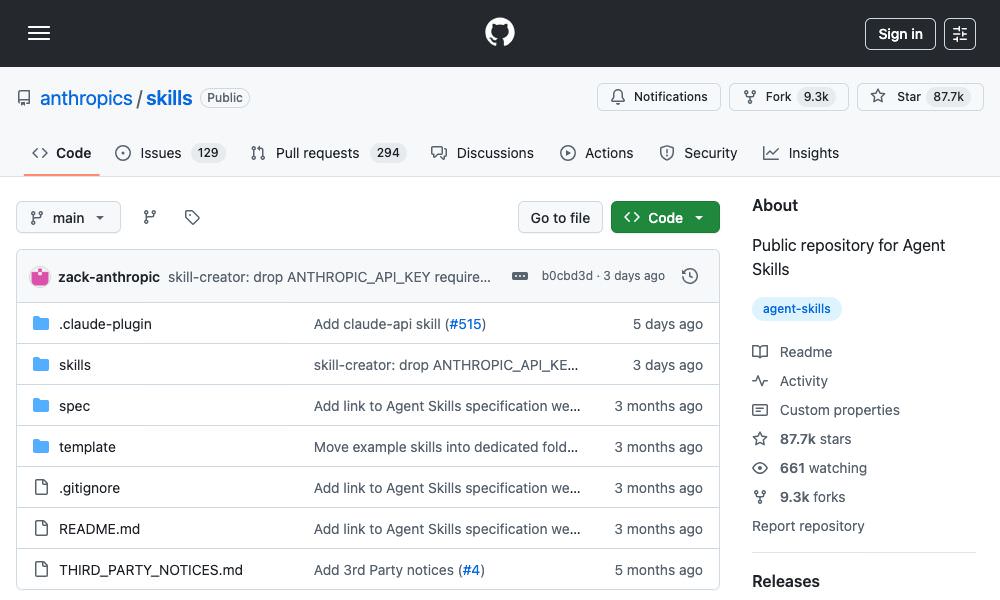
Anthropic Skills is a public collection of agent skills. It includes a core skill-creator tool for generating new skills, along with several ready-to-use skills for common tasks such as:
- pdf: Adds the ability for AI to work with PDF files, including reading them, extracting content, merging multiple files, adding watermarks, and more.
- docx: Adds the ability for AI to create, edit, or modify Microsoft Word documents.
- pptx: Helps create and edit presentation slides or pitch decks in Microsoft PowerPoint.
- xlsx: Helps create and manage spreadsheets, add data columns, apply formatting, and more in Microsoft Excel.
To install a skill from the Anthropic collection, run:
npx skills add https://github.com/anthropics/skills --skill <skill-name>
Stitch Skills
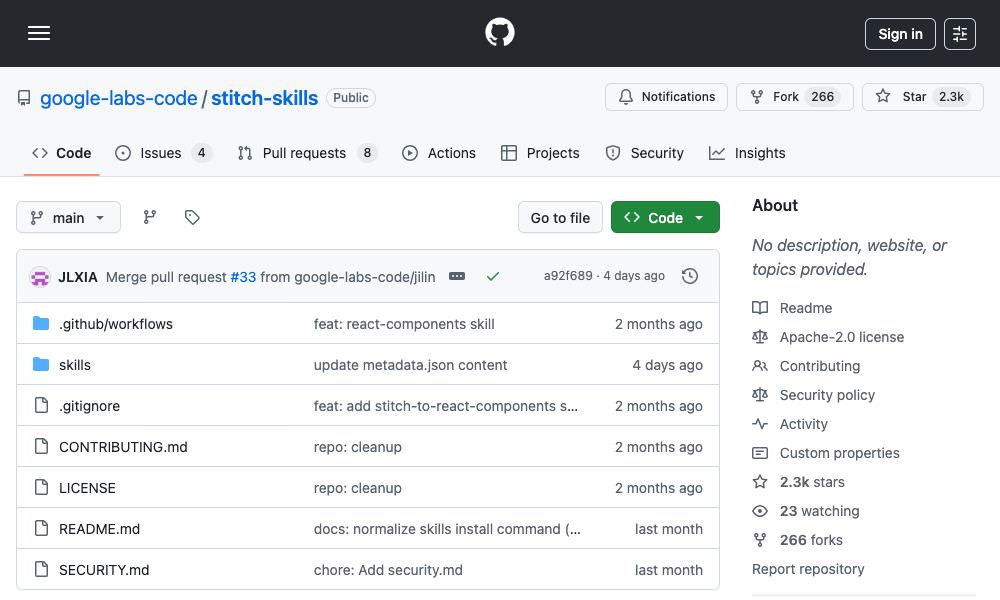
This collection is designed for Google Stitch. It includes several pre-made skills that can help you work faster on app and website design projects. These skills include:
- design-md: Reviews your Stitch project and generates a DESIGN.md file that documents the design system, such as colors, fonts, and design rules, so your team has a clear reference.
- shadcn-ui: Helps you work with shadcn/ui components more efficiently. It can guide you in finding components, installing them, customizing styles, and integrating them into React apps using recommended best practices.
- react-components: Transforms Stitch screens into ready-to-use React components. It keeps styles consistent with design tokens and makes sure the generated components follow best practices.
To install a skill from the Google Stitch collection, run:
npx skills add https://github.com/google-labs-code/stitch-skills --skill <skill-name>
WordPress Skills
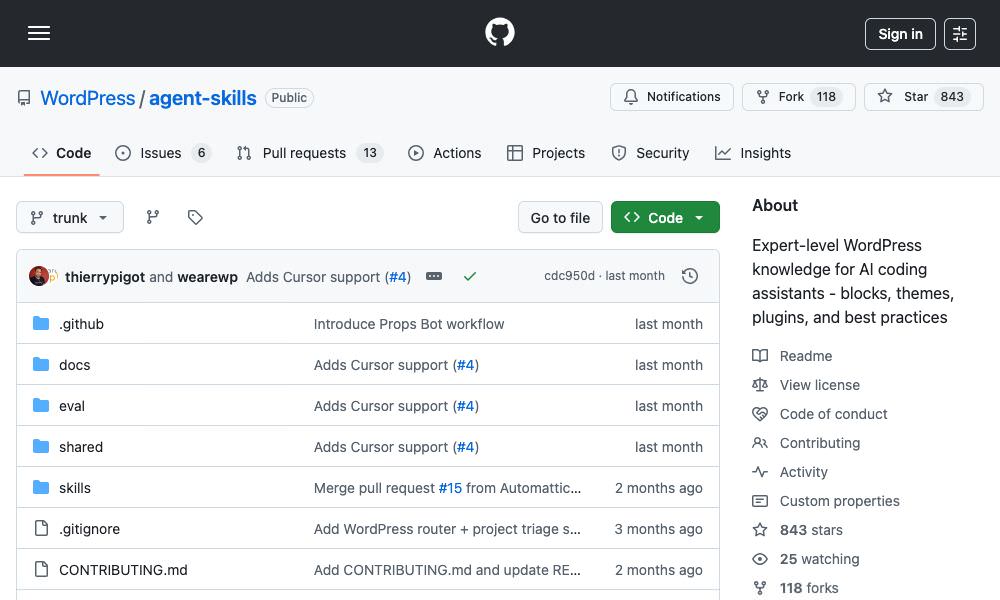
This WordPress Agent Skills collection helps AI coding agents work more effectively with WordPress.
This collection provides knowledge and instructions for common tasks like building plugins or themes, integrating with the WordPress REST API, and running tests. Here are some of the skills you can install from it:
- wp-block-development: Helps AI build WordPress Gutenberg blocks, including setting up
block.json, registering blocks, managing attributes, and handling dynamic rendering. - wp-rest-api: Helps AI understand and build WordPress REST API endpoints, including registering routes, handling authentication and permissions, validating requests, and exposing custom post types or metadata.
- wp-plugin-development: Helps AI develop WordPress plugins, including plugin structure, hooks, admin settings pages, data storage, scheduled tasks, security best practices, and release packaging.
To install a skill from the WordPress collection, run:
npx skills add https://github.com/wordpress/agent-skills --skill <skill-name>
Or you can install directly from the source into your project repository with the following commands:
git clone https://github.com/WordPress/agent-skills.git
cd agent-skills
node shared/scripts/skillpack-build.mjs --clean
node shared/scripts/skillpack-install.mjs --dest=../your-wp-project --targets=codex,vscode,claude,cursor
Laravel Skills
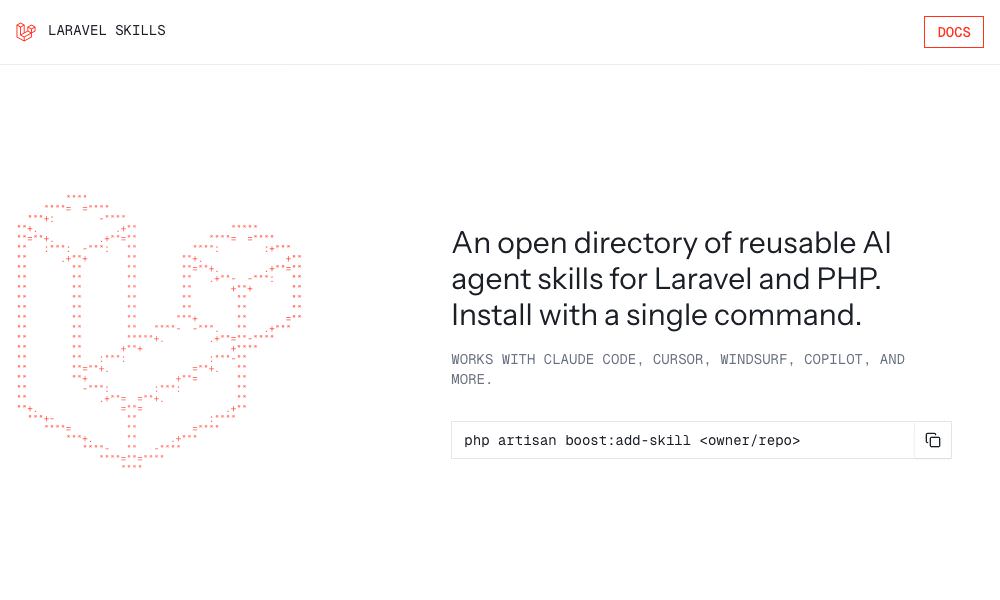
A public directory created by the Laravel team where developers can find and share AI agent skills for Laravel and PHP. These skills help AI agents better understand Laravel tasks such as working with Eloquent, building APIs, or writing tests.
You can browse the available skills on the website and install them easily using Laravel Boost. Here are some of our favourite skills in the collection:
- filament: Helps AI work better with FilamentPHP.
- laravel-specialist: Helps AI work with Laravel 10+ projects, including models, authentication, queues, APIs, Livewire components, and testing.
- laravel-permission-developments: Helps AI manage roles and permissions in Laravel using Spatie’s Laravel Permission package, making it easier to implement secure access control in your application.
Unlike the other skill packages, you can install Laravel Skills with the Laravel Boost command.
php artisan boost:add-skill <owner/repo> --skill <skill-name>
Let’s say you want to install the laravel-permission-developments skill. You can run this command in your Laravel project directory:
php artisan boost:add-skill spatie/laravel-permission --skill laravel-permission-developments
Marketing Skills
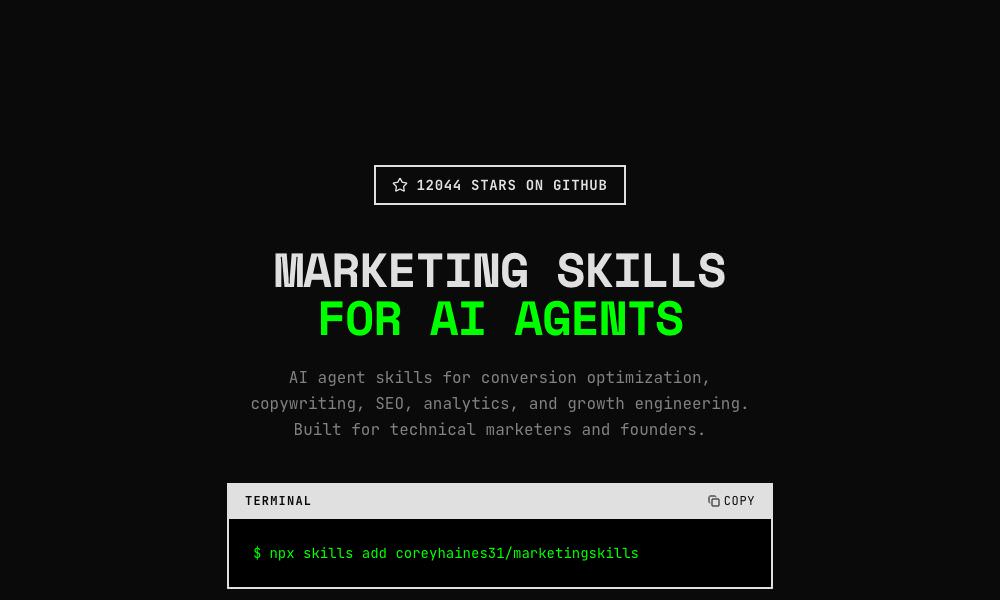
This collection provides specialized skills designed to help AI agents perform marketing tasks. It focuses on areas such as conversion optimization, copywriting, SEO, analytics, and growth engineering.
These skills are especially useful for marketers, founders, and developers who want to use AI to improve campaigns, analyze performance data, and automate common marketing workflows.
Here are some of the skills available in this collection:
- cold-email: Helps AI write B2B cold emails and follow-up sequences that get replies, including subject lines, opening hooks, body copy, CTAs, personalization, and multi-step outreach.
- ai-seo: Helps AI optimize content to appear in AI search results and AI-generated answers, increasing the odds of being cited by tools like ChatGPT, Perplexity, and other AI assistants.
- copywriting: Helps AI write or improve website marketing copy, including headlines, value propositions, and CTAs for pages like homepages, landing pages, and product pages.
Wrapping Up
Skills provide a structured way to extend the capabilities of AI agents, allowing them to handle more complex and domain-specific tasks with better accuracy.
As the ecosystem grows, these shared skills will likely play an important role in making AI agents more specialized and helping people automate tasks more effectively.
If you’d like to learn more about building and integrating your own skills, this guide from Anthropic is a good place to start: