10 OpenClaw Alternatives Worth Trying
The AI agent ecosystem is evolving quickly. While OpenClaw helped popularize accessible agent workflows, developers are now exploring tools that offer faster performance, better efficiency, and different architectural approaches. Many newer frameworks focus on lower latency and smaller resource footprints.
In this article, we’ll look at 10 OpenClaw alternatives, from lightweight options like PicoClaw to more full-featured tools like Moltis, to help you choose the right fit for your next AI agent project.
Let’s start with Nanobot.
Nanobot
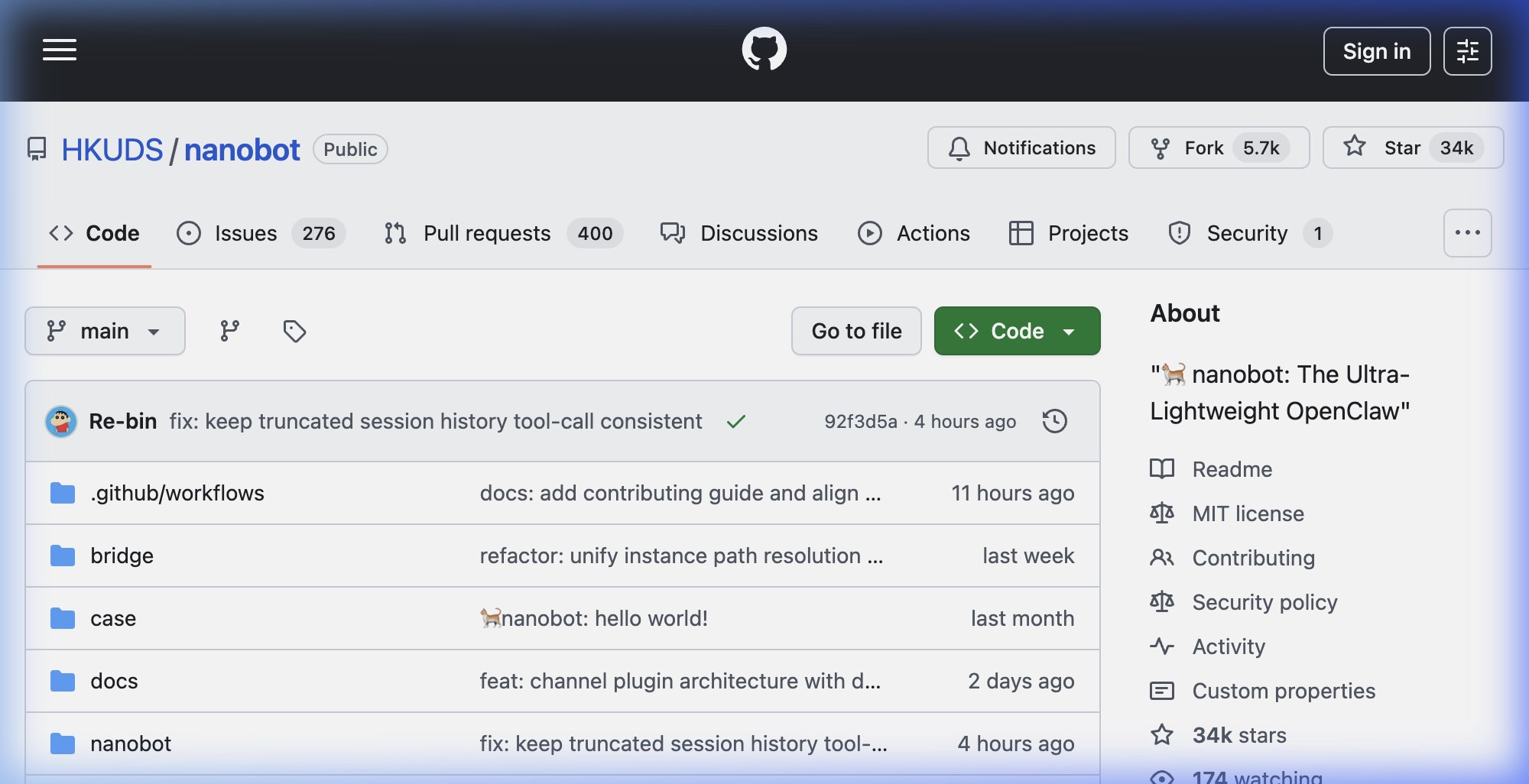
Nanobot is a lightweight, open-source AI agent framework developed by the University of Hong Kong (HKUDS). It is designed as a minimal alternative to OpenClaw.
It provides similar capabilities in only a few thousand lines of Python. That makes it easier to deploy, modify, and run on modest hardware. It also supports multiple LLM providers with built-in memory.
Pros
- Lower resource footprint: It starts in less than a second and uses very little RAM. That makes it a practical fit for a cheap VPS or an older laptop.
- Regional messaging support: Besides popular platforms like WhatsApp and Telegram, it supports Asian enterprise platforms like DingTalk and QQ.
- Built-in MCP support: It leans on MCP, so you can plug in MCP-compatible tools like Brave Search or Google Drive without extra plugins or external tooling.
Cons
- No GUI: Unlike OpenClaw, Nanobot is strictly CLI- and chat-based. If you want a point-and-click experience, this is not it.
- Fewer out-of-the-box skills: OpenClaw has ClawHub, a registry of community-made skills. With Nanobot, you’re more likely to write a small script or connect an MCP server yourself.
Nanobot is a strong choice if you want a fast, hackable framework for building personal AI agents.
NullClaw
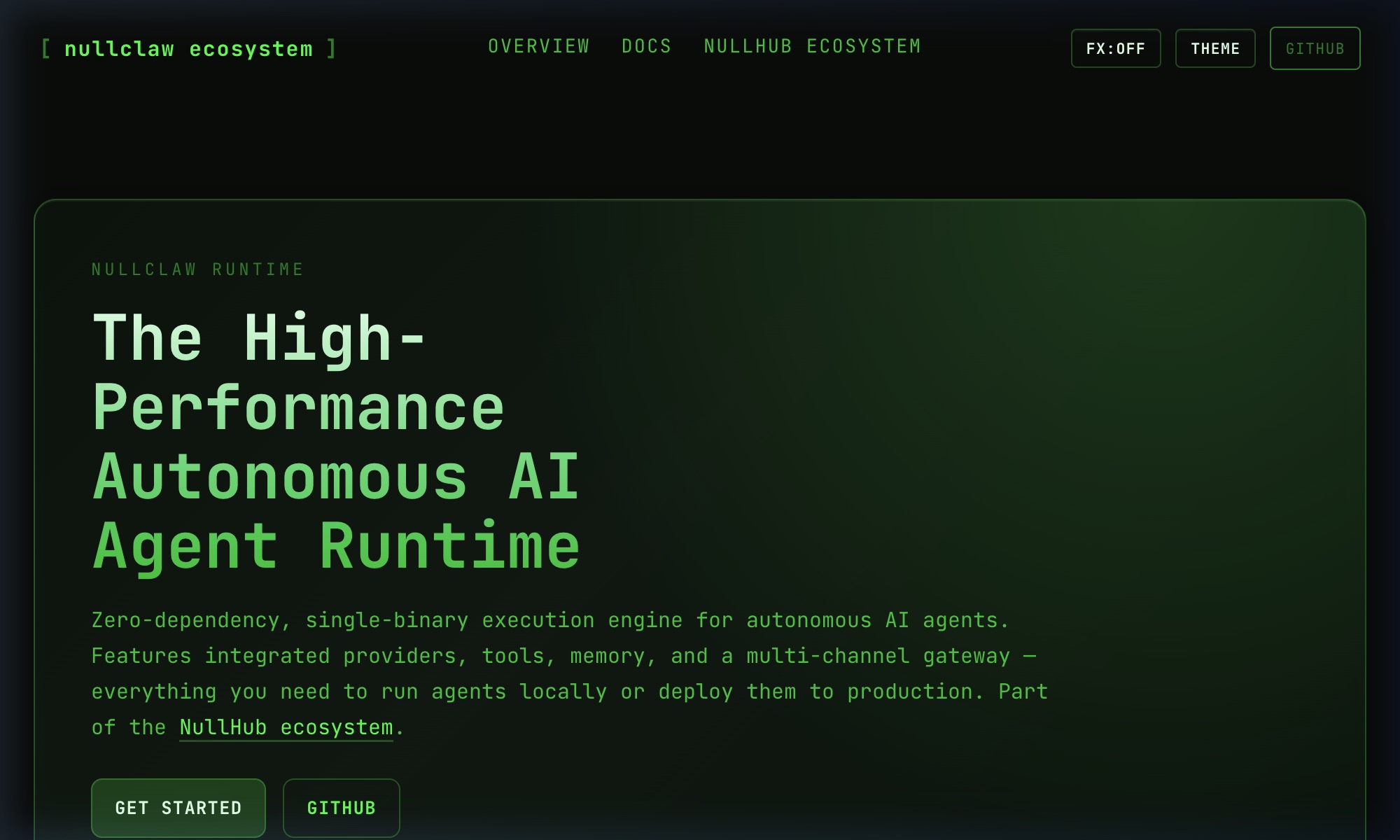
NullClaw is a high-performance, open-source AI agent runtime built as a tiny single-binary tool. It is designed for efficiency, so it can run on ultra-low-end hardware with near-instant boot times while still supporting 50+ LLM providers, secure sandboxing, and modular integrations.
Pros
- Better performance: It is known for its 678 KB binary size and roughly 1 MB RAM footprint. Compare that with OpenClaw, which is built with Node.js and often needs far more memory. It also boots in under 2 milliseconds.
- Edge and IoT ready: It can run comfortably on a Raspberry Pi Zero or even a router.
- Zero dependencies: It is written in Zig and compiled to a static binary, so it does not require Python, Node.js, or another runtime on the host machine.
Cons
- No GUI: Configuring NullClaw means editing JSON or YAML files and understanding system paths. It lacks the friendlier installer and dashboard experience that OpenClaw offers.
- Developer barrier: If you want to modify the core code, you need to know Zig, which is far less common than JavaScript or Python.
If you’re looking for a lightweight, fast, and privacy-focused AI agent, NullClaw is a compelling option. It works well on a cheap VPS or embedded device where it can handle tasks quietly in the background.
NanoClaw
NanoClaw is a lightweight, open-source personal AI agent designed to run locally on your machine. While OpenClaw aims to be an all-in-one Swiss Army knife, NanoClaw takes a more focused, security-first approach.
Its minimal single-process architecture makes it easier to set up and run on low-powered devices like a Raspberry Pi. It also includes built-in support for WhatsApp, Telegram, Slack, and Gmail.
Pros
- OS-level isolation: NanoClaw runs each agent in its own Docker container or Apple Container on macOS. If an agent is compromised by a malicious site or prompt injection, it stays contained.
- Per-group privacy: Each WhatsApp or Telegram group gets its own isolated container, memory file, and filesystem. That reduces the risk of one chat leaking into another.
- Scheduled tasks: NanoClaw lets you schedule tasks at specific times or intervals, which is useful for reports, update checks, or cleanup jobs.
Cons
- Claude-locked: While OpenClaw supports many models, NanoClaw is closely tied to Anthropic. If you do not want to use Claude, this will be limiting.
- No GUI or dashboard: There is no point-and-click desktop app. Setup and management happen through the terminal and messaging apps.
- Setup complexity: It aims for low configuration, but you still need Docker or another container runtime installed and running.
NanoClaw makes sense if you want a secure and simple AI assistant that can handle private data safely inside isolated containers.
PicoClaw
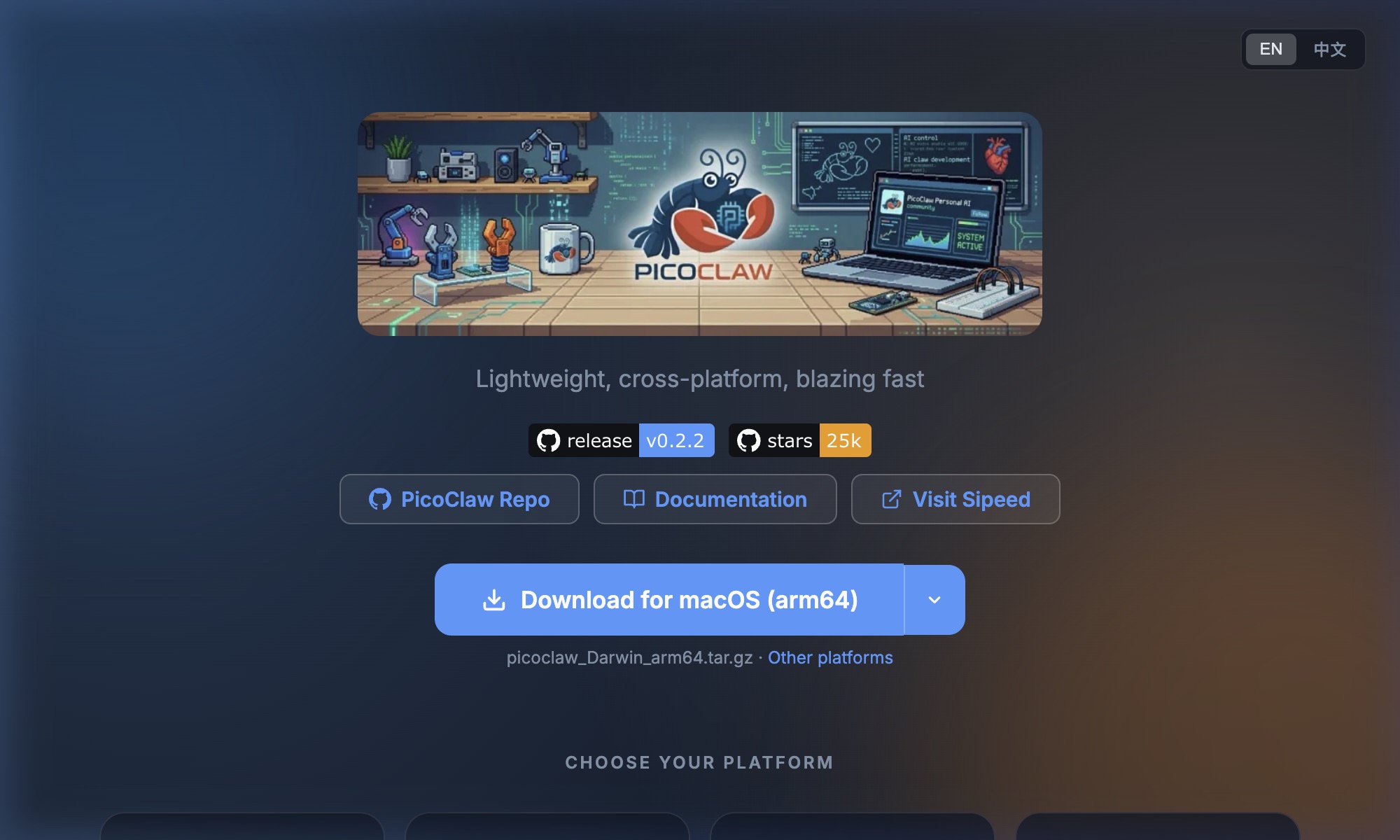
PicoClaw is an open-source AI assistant designed for very low-cost hardware. It uses minimal resources, starts quickly, and can still handle reminders, web searches, basic automation, and chat-based commands.
That makes it a good choice for personal projects, edge computing, or lightweight AI assistants that do not need powerful machines.
Pros
- Asian platform support: Out of the box, it supports platforms like QQ, DingTalk, and LINE, which are often secondary in Western-focused frameworks.
Cons
- No browser automation: OpenClaw’s biggest strength is its ability to use a computer directly. PicoClaw is a headless agent. It communicates through APIs and messages but cannot control a live browser window yet. A proposal has been added, but the feature is not available at the time of writing.
- No GUI: Everything is configured through a
config.jsonfile and used through Telegram or the terminal. If you want a graphical interface, this may be a deal breaker.
If you need a lightweight AI assistant for low-cost hardware with strong Asian platform support, PicoClaw is worth a look.
ZeroClaw
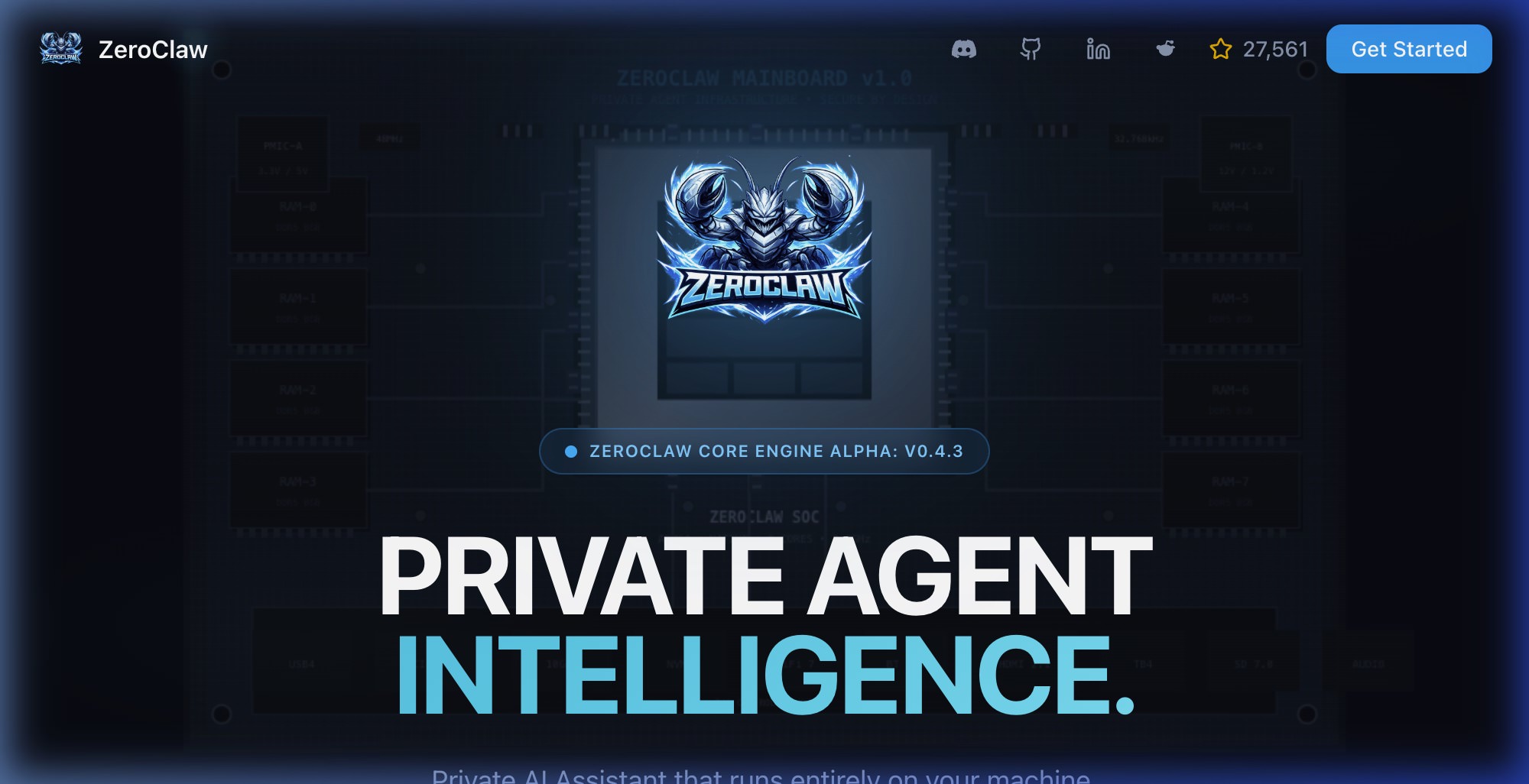
ZeroClaw is a lightweight, Rust-based AI agent runtime built for fast local execution. It needs under 5 MB of RAM and ships as a binary of roughly 3.4 MB.
It connects to providers like OpenAI, Anthropic, and local models. It also handles memory, tools, and workflows behind the scenes while storing data locally in SQLite, which helps keep everything private and under your control.
Pros
- Lightweight: It can run on a single-core CPU while using very little RAM.
- High concurrency: ZeroClaw uses Rust’s async model to handle many simultaneous tasks with lower CPU overhead than heavier runtimes.
- Custom provider support: It supports custom providers, so you are not limited to only OpenAI or Anthropic.
Cons
- The Rust learning curve: Unless you already know Rust, customizing the core or writing advanced native plugins will be harder than doing the same in JavaScript or Python.
- Broad provider support can add complexity: It supports 20+ providers including Ollama, DeepSeek, Moonshot, and others. That flexibility is useful, but it can also make configuration more involved.
Like NullClaw and PicoClaw, ZeroClaw is a solid fit if you want an AI agent that is fast, reliable, and able to handle heavier workloads without using much memory.
IronClaw
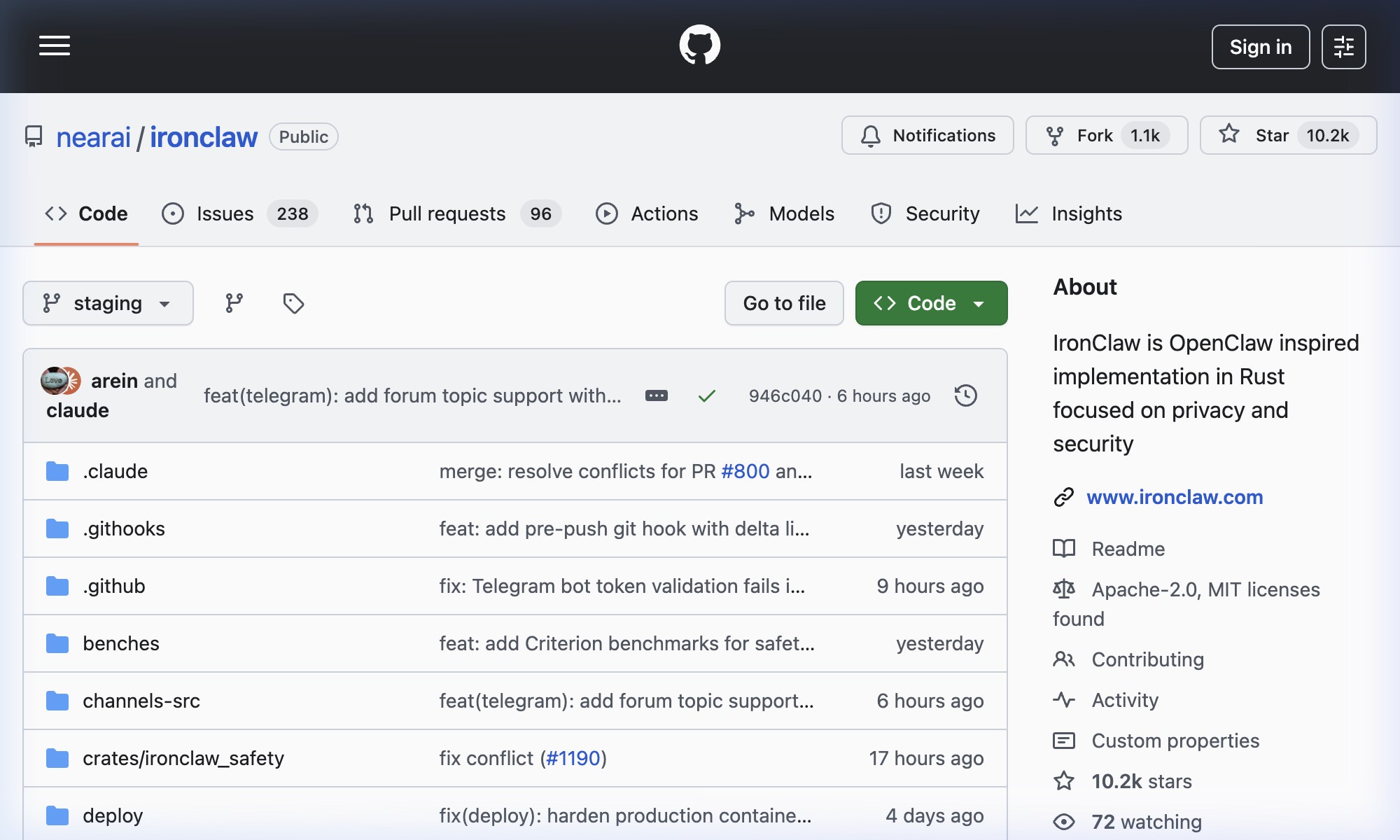
IronClaw is a secure, open-source AI assistant you can run on your own machine. It focuses on privacy and safety by keeping workloads local and protecting sensitive information like credentials.
It isolates AI tasks in secure environments, monitors activity, and gives you tighter control over tool access. You can interact with it through APIs or messaging apps like Telegram and Slack, which makes it a flexible and security-focused alternative to OpenClaw.
Pros
- WASM sandboxing: Unlike OpenClaw, which often runs tools on the host or inside general containers, IronClaw executes untrusted tools in isolated WebAssembly sandboxes.
- Credential protection: It uses a credential injection model where the AI model itself never sees your API keys. Secrets are injected only at execution time.
- Better performance: It offers a small memory footprint and quick startup times.
Cons
- NEAR ecosystem dependency: To use many of its features, you currently need a NEAR AI account. That adds third-party authentication to the mix.
- WASM plugin limits: The sandboxed model improves safety, but it can also limit compatibility with tools that expect full native access.
IronClaw is best suited to security-sensitive work, especially when the agent may handle credentials, financial data, or internal systems.
OxiBot
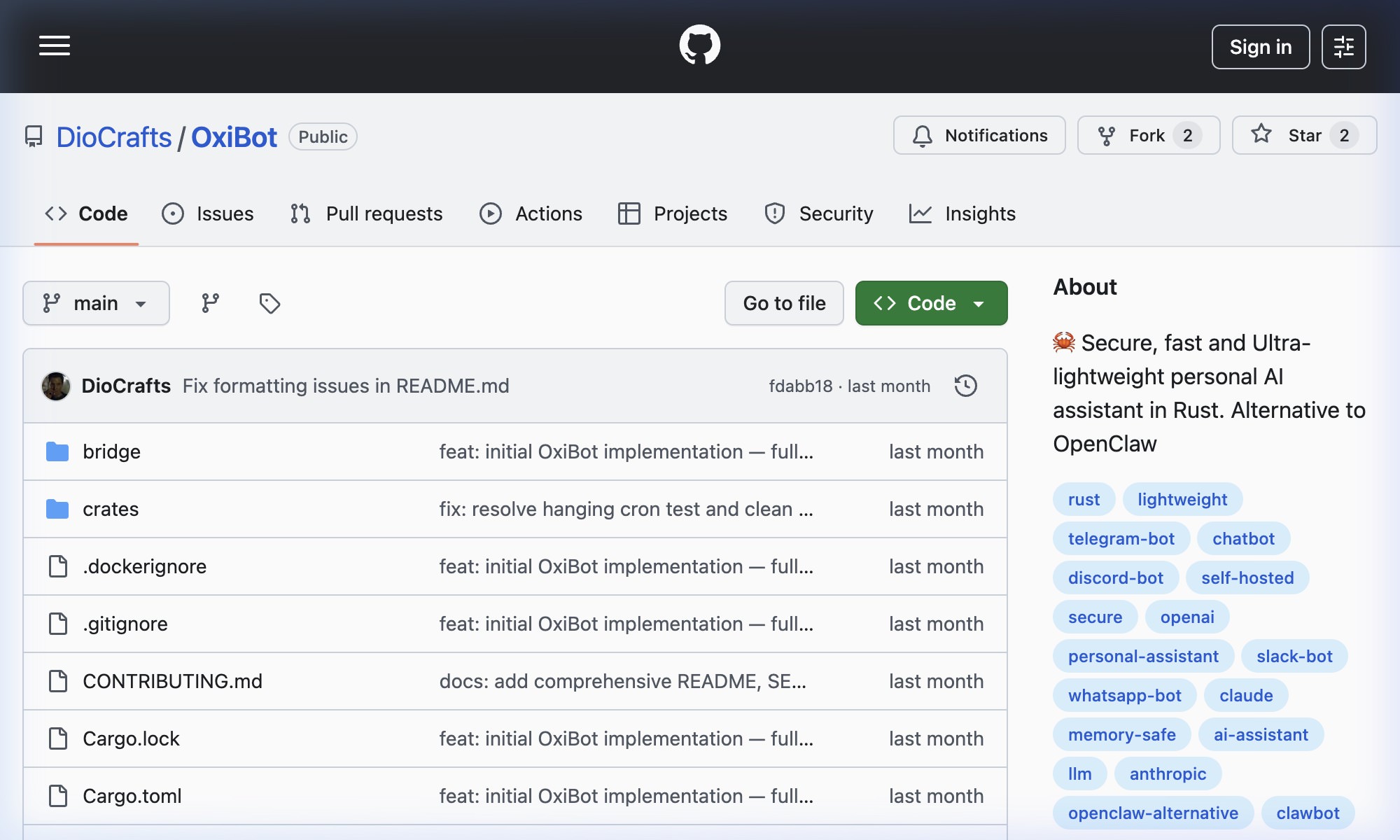
OxiBot is a lightweight AI assistant built in Rust that you can run on your own machine. It is designed to be fast, secure, and simple while using fewer system resources than larger AI tools.
It is effectively a port of Nanobot with a similar configuration model and feature set, but built in Rust instead of Python. It ships as a single static binary that is easy to deploy and run.
Pros
- Rust-based: Built with Rust, it offers better performance and memory efficiency than many Python-based alternatives.
- Nanobot clone: If you are already familiar with Nanobot, OxiBot will feel immediately familiar.
- Single static binary: It comes as one static binary that is easy to deploy and run.
Cons
- Development friction: Rust is powerful, but it is harder to modify and extend than the JavaScript or Python used by many other tools in this category.
- Headless by nature: It is not built for browser automation in the same way OpenClaw is. It focuses on text, tasks, and command execution rather than GUI control.
OxiBot is a practical choice if you want a fast local assistant with low overhead, especially if you plan to pair it with a local model like Ollama.
MaxClaw
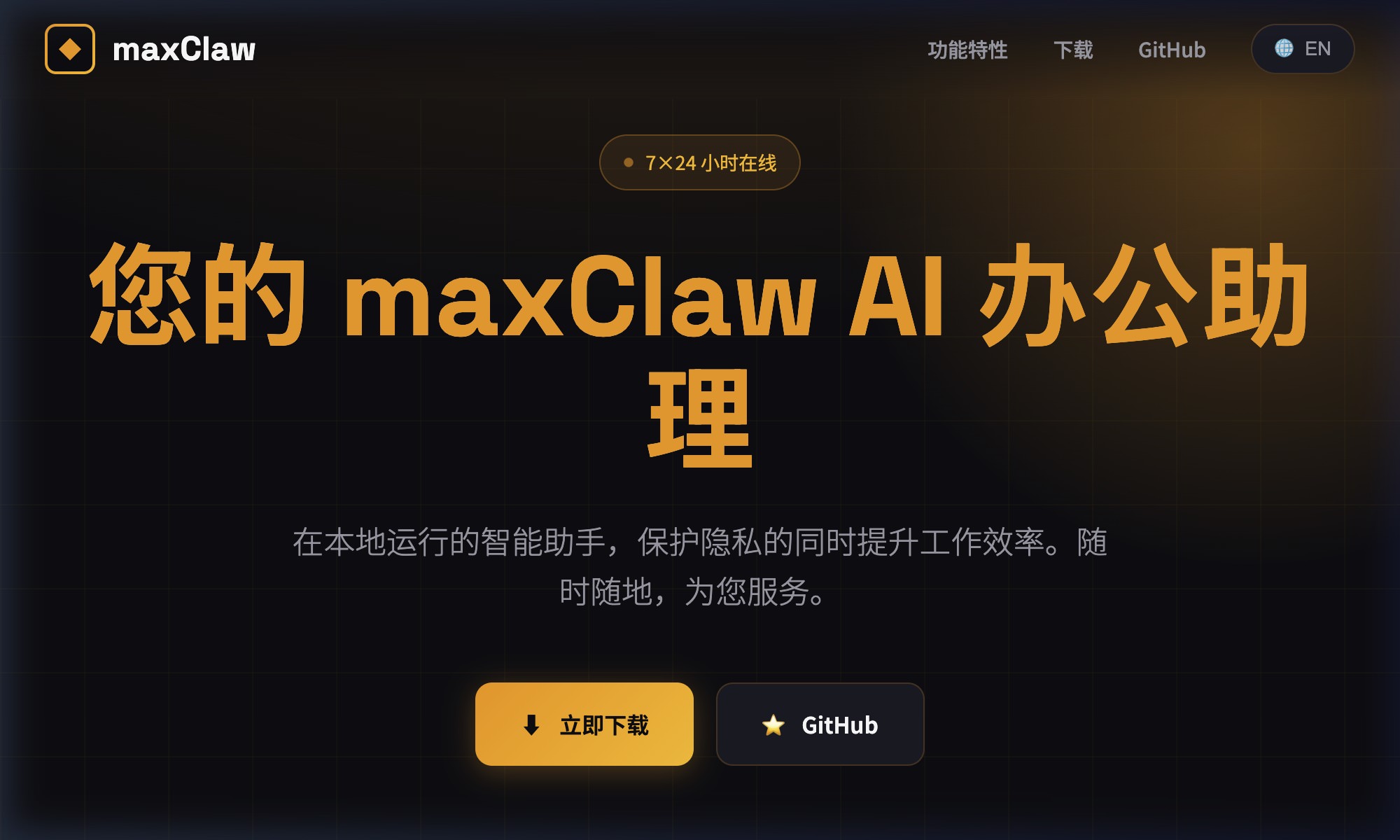
MaxClaw is a local AI assistant built with Go and designed to run on your own machine with relatively low memory usage. It works as a single efficient program that handles tasks, tools, and workflows without needing cloud services.
Pros
- Go-based: Built with Go, it offers strong performance and memory efficiency compared with many JavaScript- or Python-based alternatives.
- GUI: It includes a simple interface for chatting, managing files, and running commands in one place.
Cons
- Limited providers: It seems to support only OpenAI and Anthropic. That may be restrictive if you prefer providers like Ollama or DeepSeek.
- No Windows support: Both the GUI and CLI are available only on Linux and macOS.
MaxClaw is a good fit if you want a fast, lightweight local AI assistant with a GUI, though it is a weaker choice for Windows users.
CoPaw
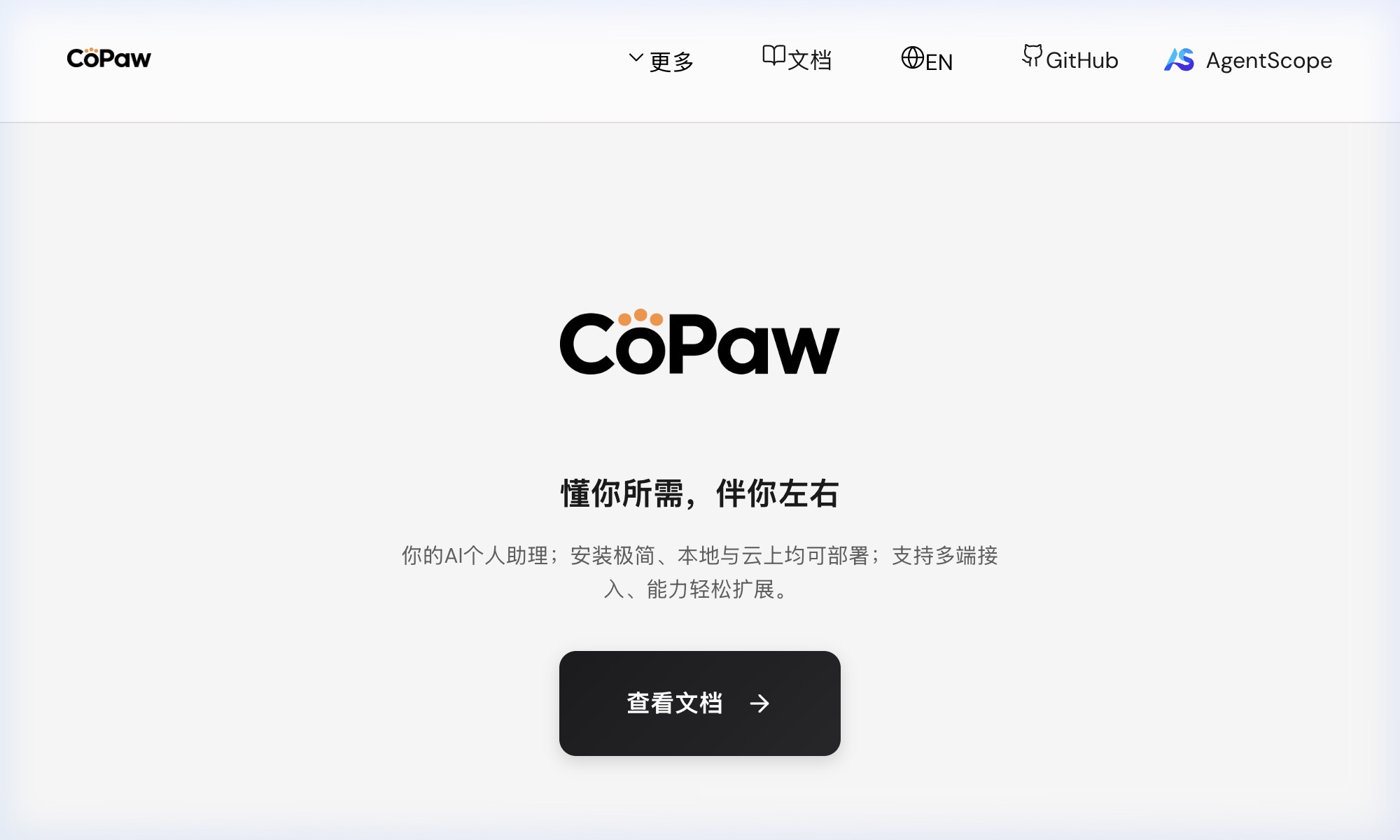
CoPaw is an open-source AI agent platform that lets you run and manage agents locally or in the cloud. It is easy to set up and includes a simple web interface for chatting, configuring agents, and tracking usage.
It supports integrations with apps like Discord and iMessage, works with local AI models for better privacy, and includes support for skills that extend its capabilities. You can get started with a one-line install script or Docker.
Pros
- Multi-channel support: CoPaw has built-in support for iMessage, Discord, Telegram, DingTalk, Feishu, and QQ.
- Built-in MCP and skills: It includes MCP and skills out of the box, making it easier to add tools and capabilities.
- Web interface: It provides a simple interface for chatting with agents, configuring them, installing MCP, and adding providers.
Cons
- Resource overhead: It needs more system resources than lightweight alternatives like PicoClaw or MaxClaw.
- Python dependencies: It relies on Python, which can offer flexibility but also adds environment and compatibility overhead.
CoPaw is a good option if you want a local AI assistant that spans multiple platforms and comes with a ready-made web interface.
Moltis
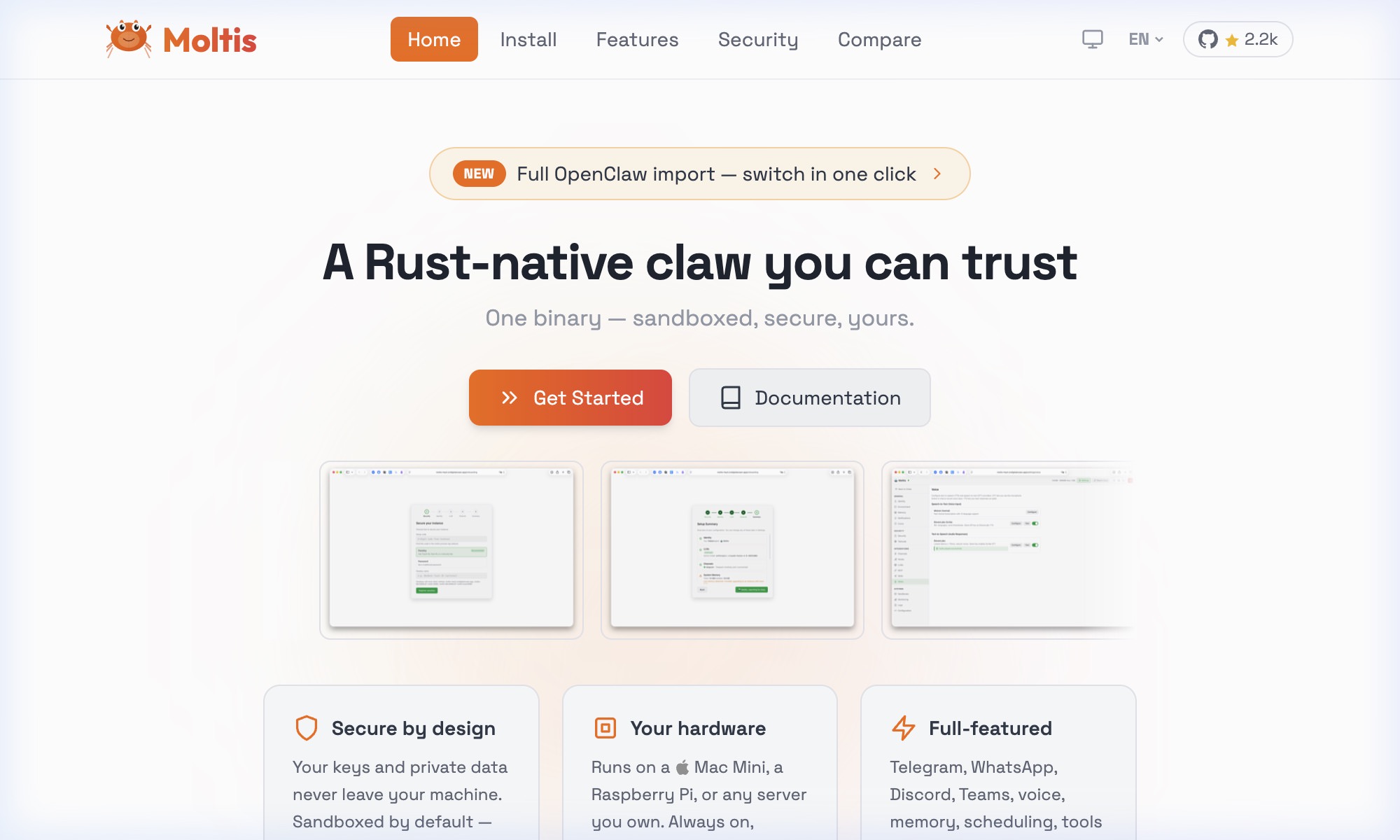
Moltis is a self-hosted AI assistant built in Rust that runs as a single binary on your own machine. It works as a local hub that can connect to different AI providers while keeping everything private.
It includes long-term memory, voice support, and secure tool execution, and can be accessed through a web interface or apps like Telegram and Discord.
Pros
- Native desktop app: Moltis provides a dedicated desktop experience that feels more like a workstation than a simple chatbot.
- Voice support: It includes built-in voice support for hands-free interaction.
- GraphQL API: It offers a GraphQL API for developers who want programmatic access.
Cons
- GUI reliance: Moltis is heavily GUI-driven. If you want a headless agent that runs quietly on a server, OpenClaw or Nanobot are better fits.
Moltis is best suited to people who prefer a polished desktop interface and workspace-style setup while still running everything locally.
Wrapping Up
Since we last looked at OpenClaw, an entire ecosystem of alternatives has emerged. Many aim to cut the requirements from something that feels heavy to something that can run on a much smaller machine.
Here’s a quick breakdown of the key players we’ve covered to make the choices easier to compare:
| Agent | Runtime | Size (Binary/Core) | RAM Usage | GUI Included |
|---|---|---|---|---|
| OpenClaw | Node.js (TS) | ~200 MB (dist/deps) | ~1.5 GB+ | Yes (Web) |
| Nanobot | Python | ~3,500 LOC | ~50-100 MB | No |
| NanoClaw | Node.js | < 1 MB (Code) | ~100 MB + Container | No |
| ZeroClaw | Rust (Native) | ~3.4 MB | < 5 MB | No |
| PicoClaw | Go (Native) | ~8 MB | ~10-45 MB | Yes (Minimal Web) |
| Moltis | Rust (Native) | ~42 MB | ~60-100 MB | Yes (Native Desktop) |
| IronClaw | Rust (Native) | ~5 MB | N/A | Yes (Web/TUI) |
| OxiBot | Rust (Native) | ~18 MB | < 8 MB | No |
| NullClaw | Zig (Native) | 678 KB | ~1 MB | No |
| CoPaw | Python | ~15 MB (Core) | ~150-300 MB | Yes (Console/App) |
| MaxClaw | Go (Native) | N/A | N/A | Yes (Desktop) |