11 Useful Websites You Should Know
The web still has plenty of corners that feel genuinely useful. Not social feeds, not another AI wrapper, just sites that solve a problem fast, answer a specific question, or help you discover something you would not have found on your own.
If you enjoy this kind of thing, our earlier roundup of interesting websites you should bookmark goes in a different direction but scratches the same itch. This list stays practical: 11 websites worth bookmarking because they do something well.
iLoveIMG
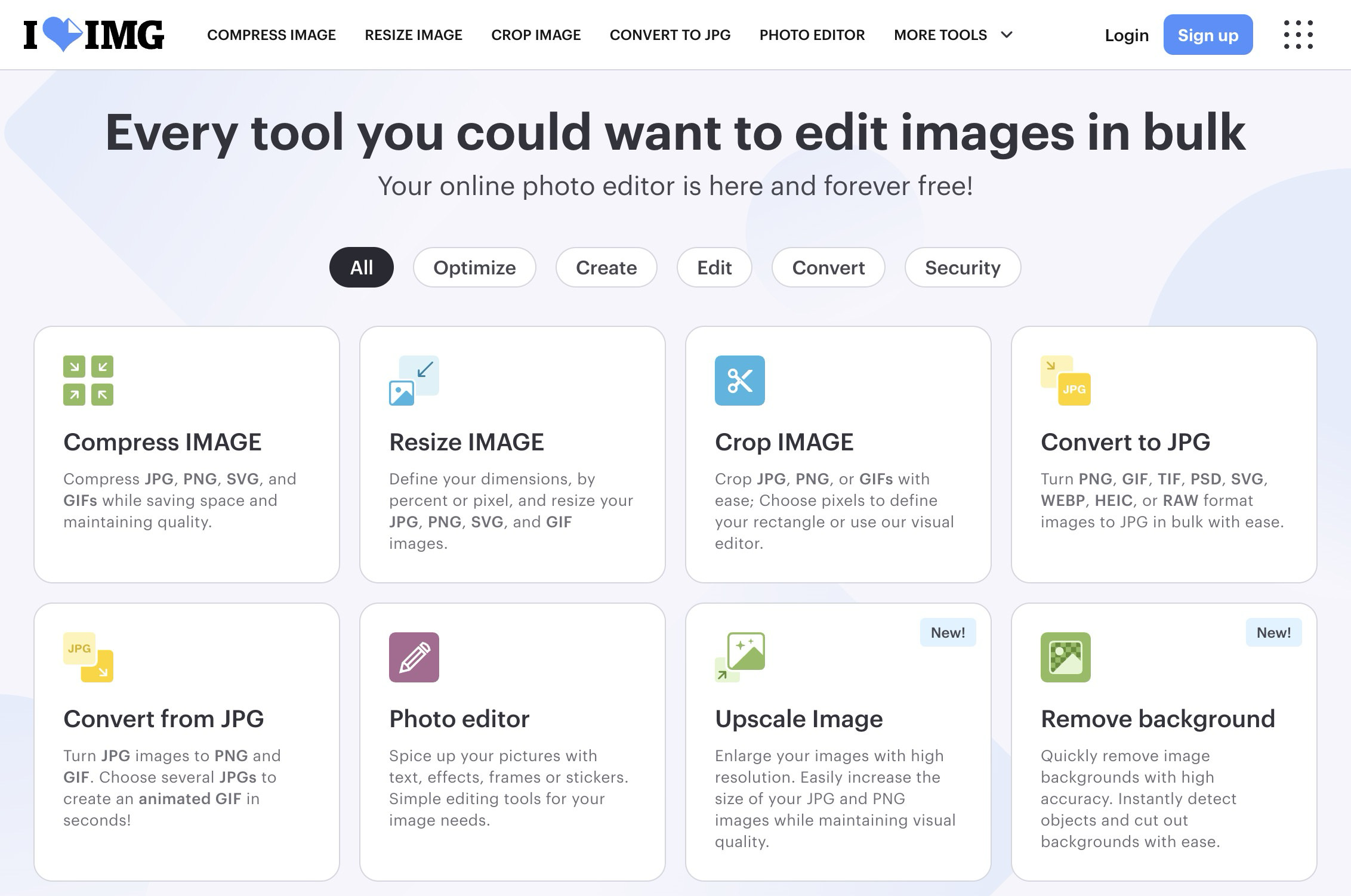
iLoveIMG is one of the easiest places to start when you need to resize, compress, crop, convert, watermark, or clean up images without opening Photoshop. It packs a long list of image tools into a simple browser interface, and most of them work in bulk, which is where the real convenience kicks in.
What makes it useful is how little setup it asks from you. Drop in a few JPGs or PNGs, pick the action you need, and you are done. If you like collecting this kind of utility, these online tools for web design projects are a good companion read.
BookFinder
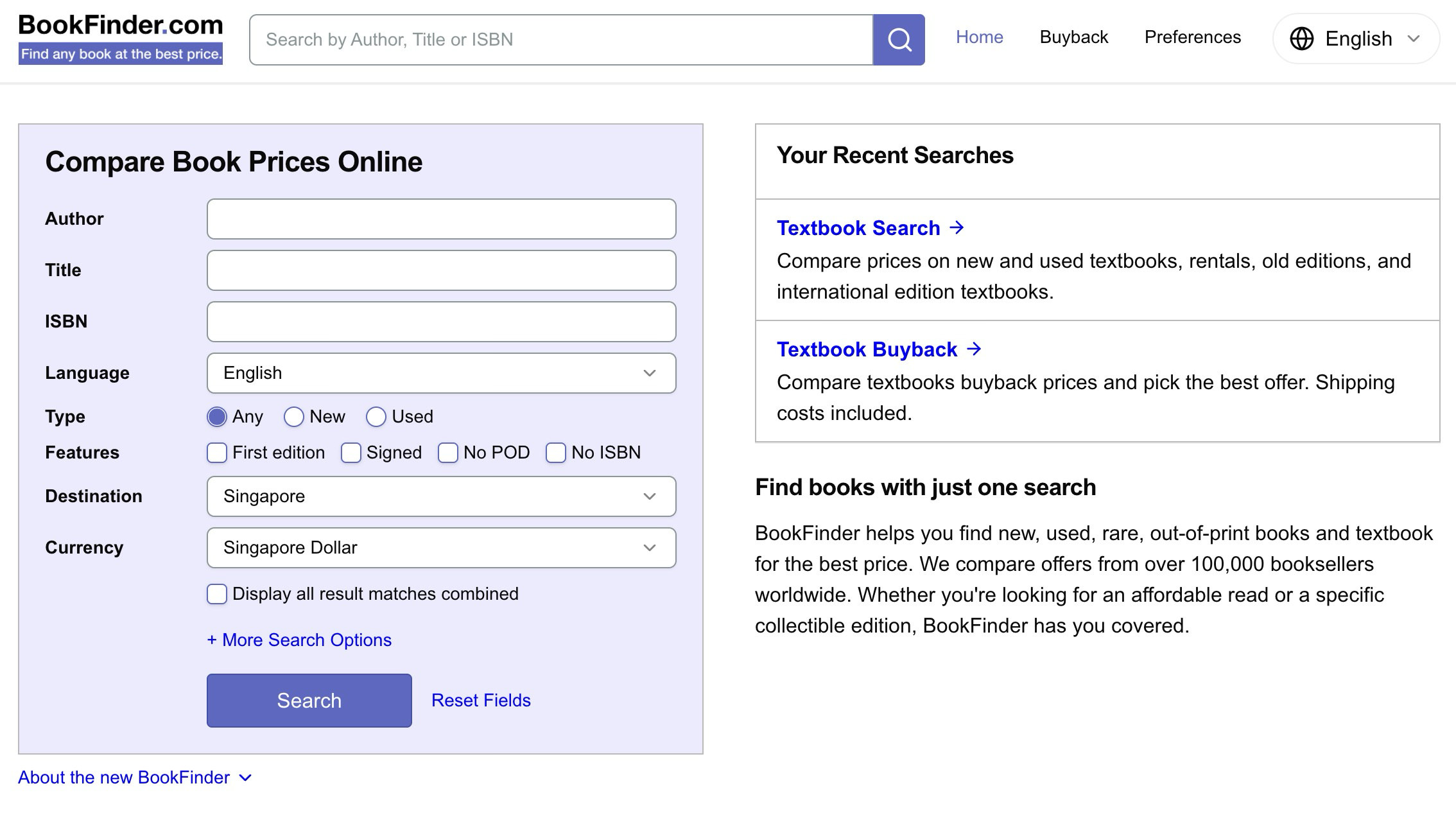
BookFinder is a price comparison engine for books. Search for a title, author, or ISBN, and it pulls listings from a large number of booksellers so you can compare prices for new, used, rare, and textbook editions in one place.
It is especially handy when you are chasing an out-of-print title, an older edition, or the cheapest possible copy of a book you only need for reference. Instead of bouncing across marketplaces one by one, you get a broader view of availability, condition, and pricing almost immediately.
Gapminder
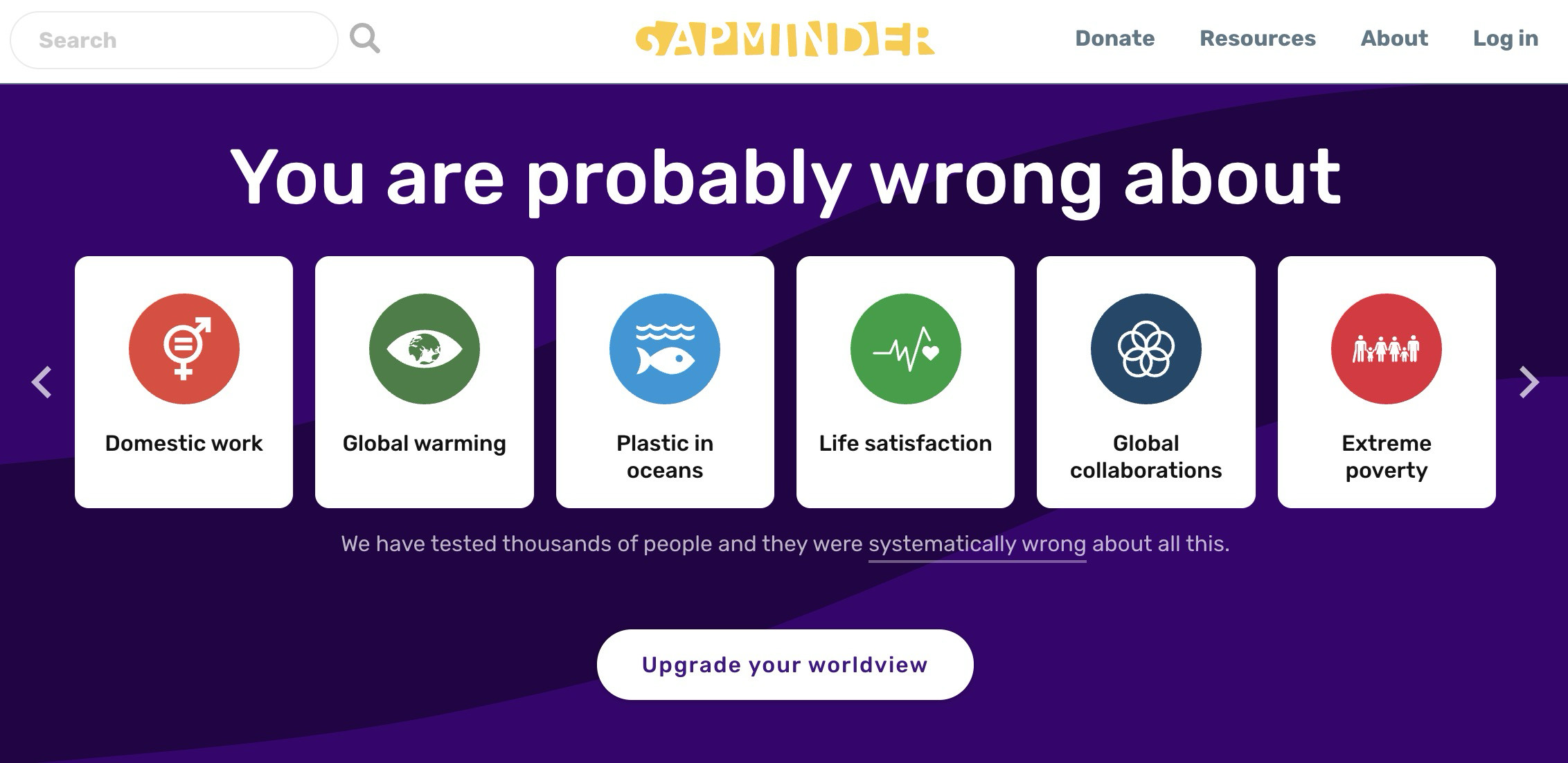
Gapminder is one of the best websites for anyone who likes data but does not enjoy being buried in dry reports. Its mission is to challenge common misconceptions about the world using interactive charts, short explainers, and quizzes built around global trends.
You can use it to explore data on poverty, life expectancy, education, population, energy use, and more. Teachers, journalists, students, and curious readers will get the most out of it, but even a quick visit can reset a few assumptions about how the world is changing.
AsanConvert
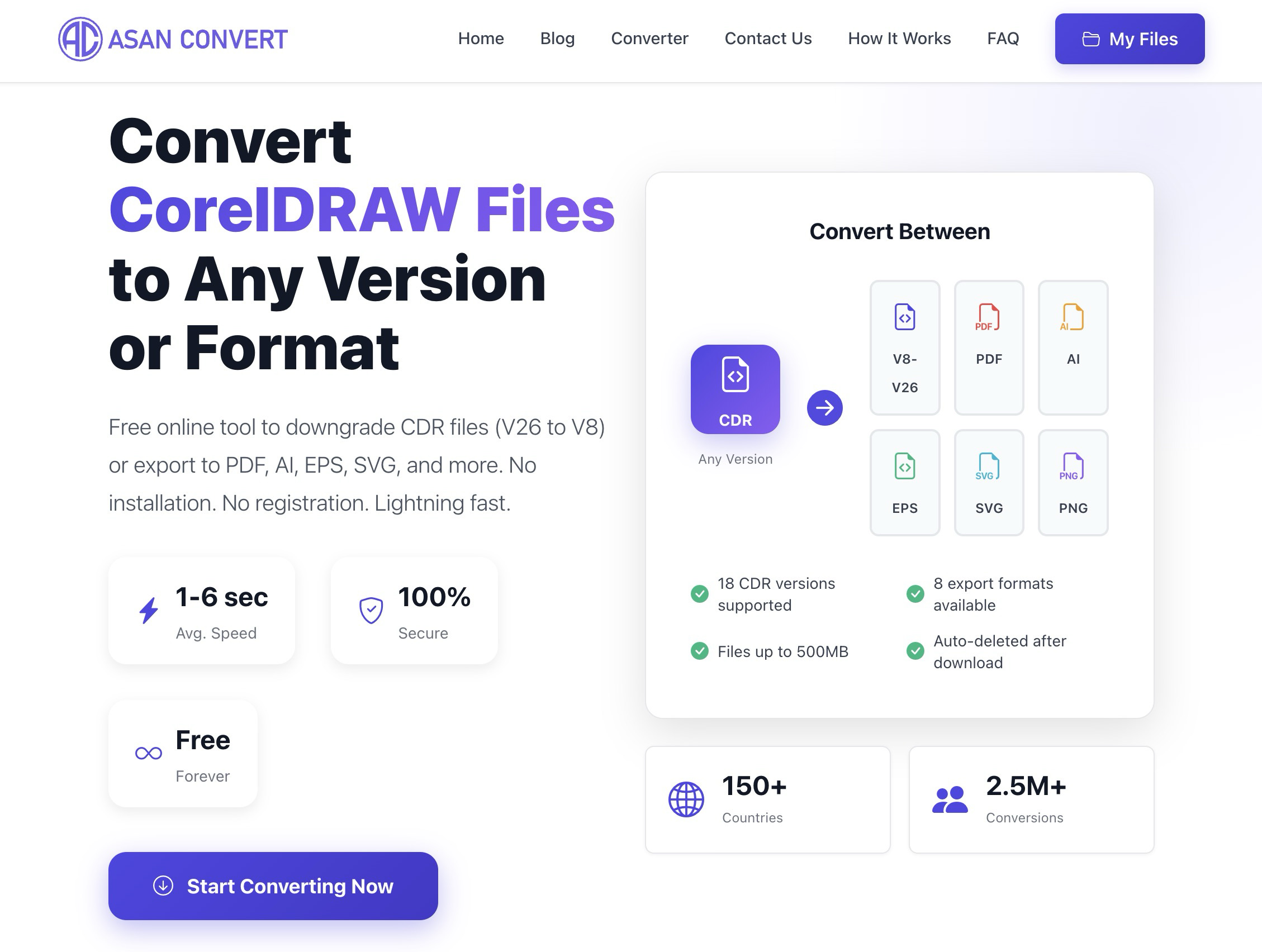
AsanConvert does one very specific job that will make perfect sense to a very specific crowd: it converts CorelDRAW files across versions and exports them into formats such as PDF, AI, EPS, SVG, and PNG. If you have ever received a .cdr file that your version of CorelDRAW refuses to open, this site is aimed straight at that headache.
That narrow focus is exactly why it is useful. Instead of hunting for desktop workarounds or asking someone else to re-save the file for you, you can upload it and convert it in the browser. Not everyone will need this, but the people who do will probably bookmark it on the spot.
curlconverter
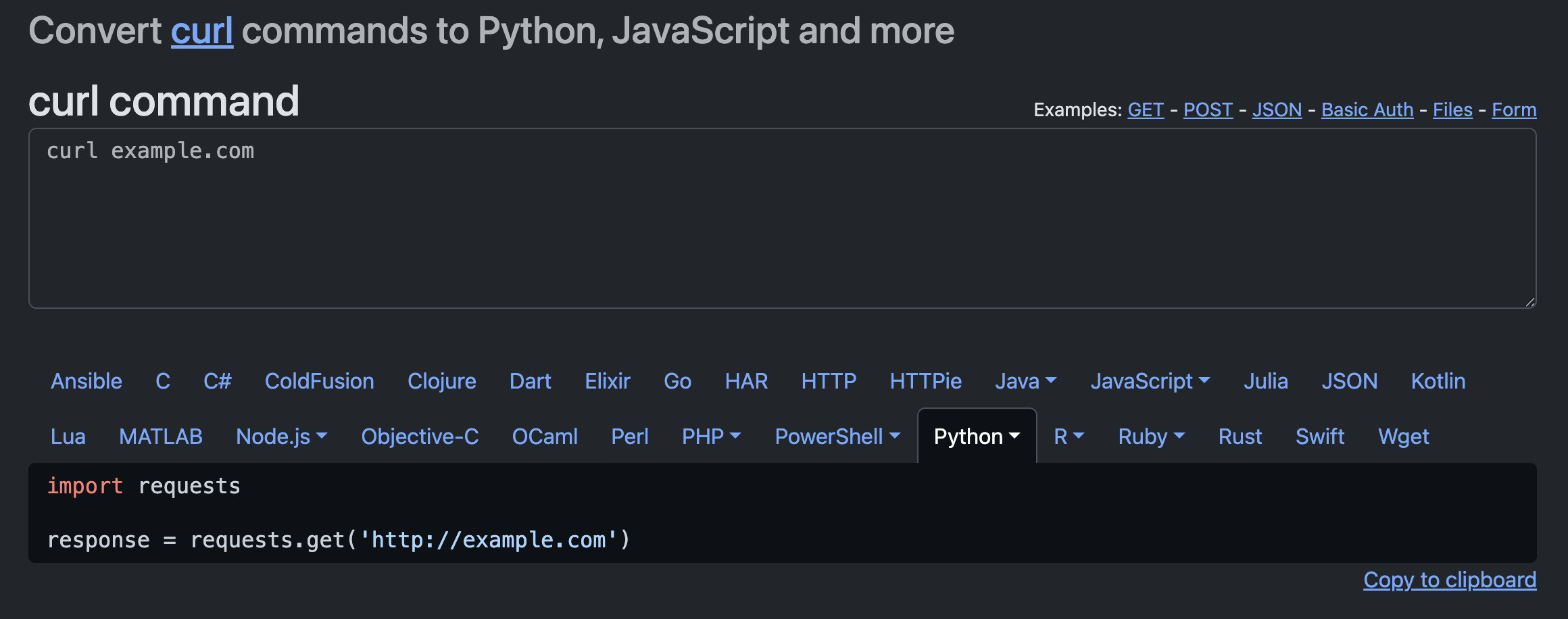
curlconverter takes a raw curl command and turns it into code for other languages and libraries. Paste in a request copied from your browser or terminal, then convert it into Python requests, JavaScript fetch, Node.js, Go, PHP, and plenty more.
For developers, this is a small but excellent shortcut. A copied curl request is often the fastest way to capture an API call, but not the nicest thing to drop into an app. curlconverter handles the translation step quickly, and the browser-side conversion is a nice touch too.
ProPublica Nonprofit Explorer
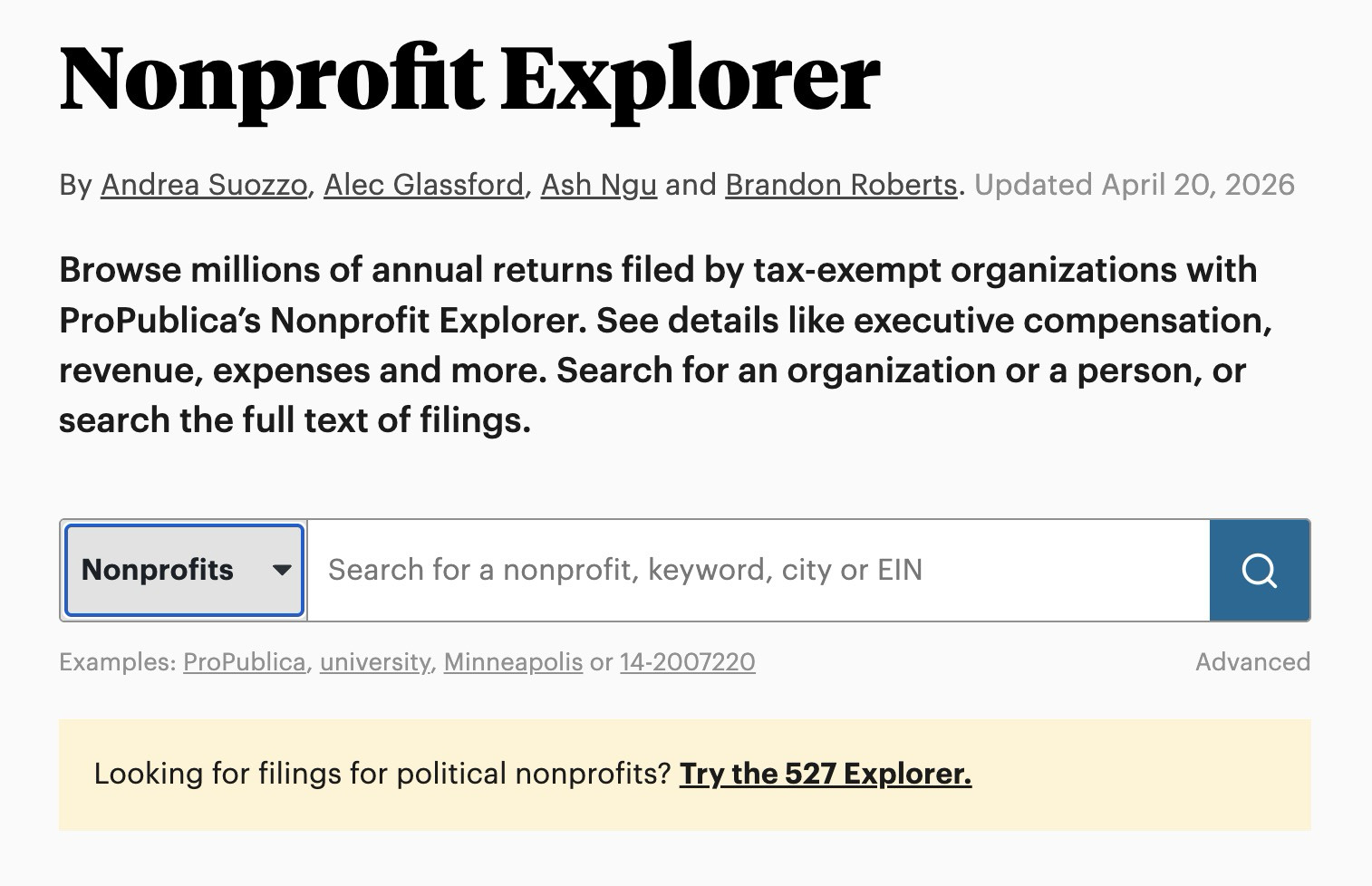
ProPublica’s Nonprofit Explorer lets you browse tax filings from millions of U.S. tax-exempt organizations. You can search by nonprofit name, person, city, keyword, or EIN, then dig into revenue, expenses, executive compensation, and full filing text.
This is a strong research tool for journalists, donors, job seekers, and anyone doing due diligence. If you want to know how a nonprofit is funded, how large it has become, or what its filings actually say, this site makes that process much easier than digging through scattered public records on your own.
archai

archai is a short adaptive assessment that tries to measure how ready you actually are for AI. According to the site, it takes about eight minutes and ends with a single result you can share.
What I like about the idea is that it does not present itself as another broad AI news or prompt library site. It feels more like a focused diagnostic. If you are curious where you stand, or you want a lightweight conversation starter for teams thinking about AI adoption, it is a neat little tool.
Ninite
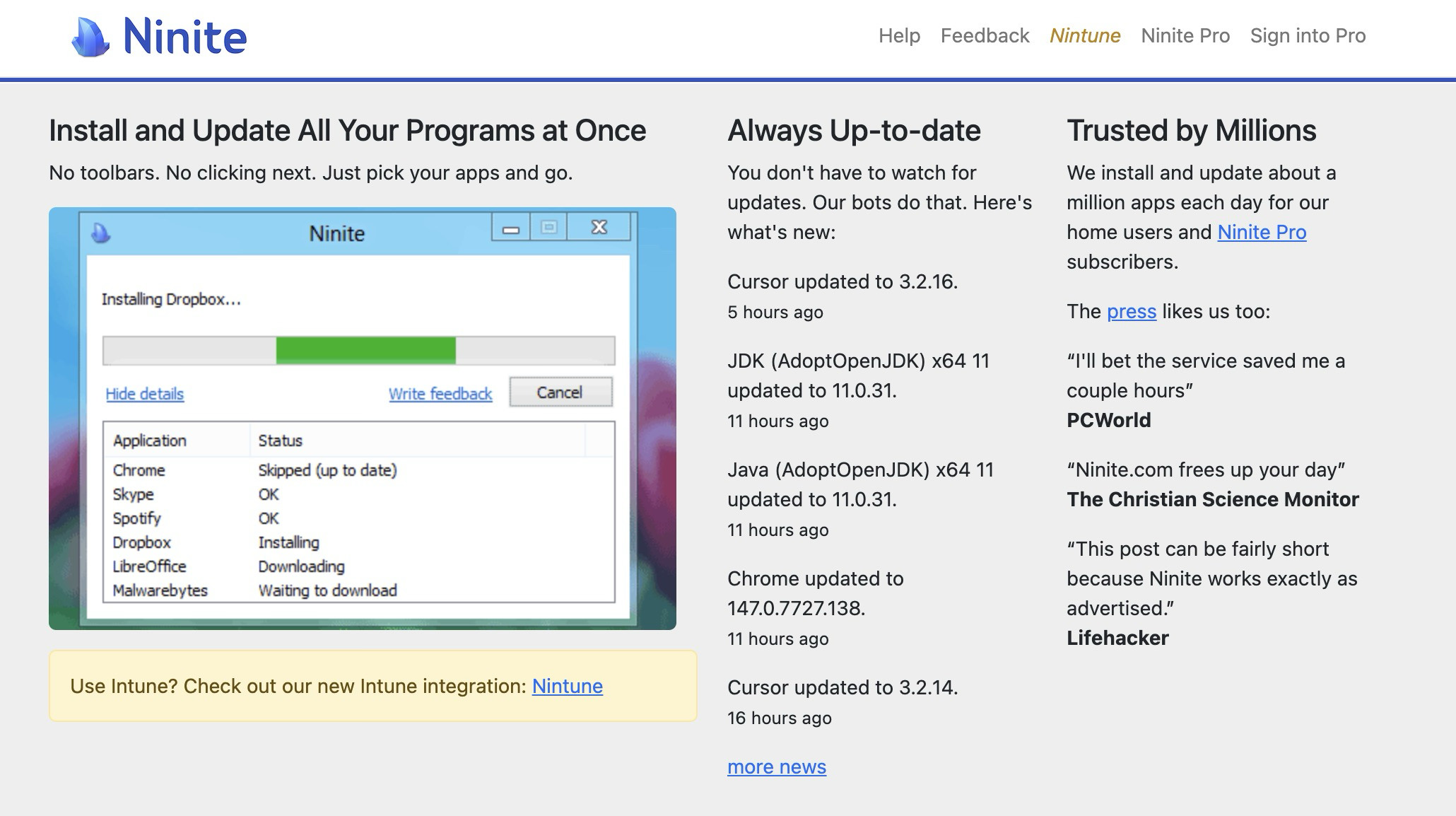
Ninite has been around for years, and it is still one of the cleanest Windows utilities on the web. You pick the apps you want, download one custom installer, and Ninite handles the rest. No bundled junk, no endless Next buttons, no toolbars quietly sneaking in.
It is excellent for setting up a new PC or refreshing an old one. Browsers, messaging apps, utilities, runtimes, developer tools, media players, compression tools, and more are all there. For Windows users, it sits nicely alongside our list of free Windows tools you should install.
CEOExpress
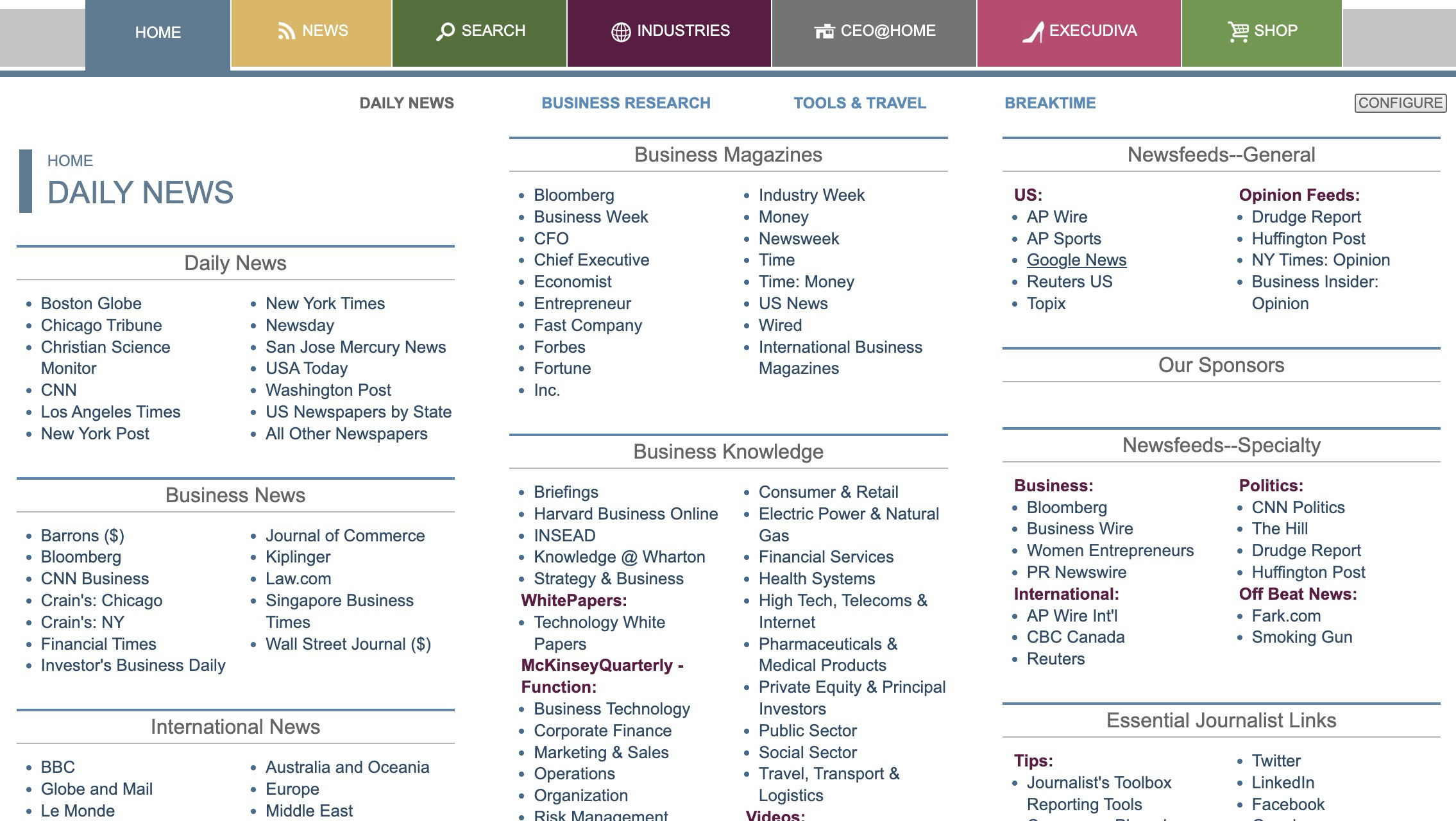
CEOExpress feels like an old-school web portal, and that is exactly the charm. It collects links to business news, financial resources, research tools, travel info, weather, newspapers, and other executive-focused utilities in one dense homepage.
The design is unapologetically dated, but that almost helps. There is very little fluff between you and the links. If you like the idea of a start page that acts more like a control panel than a polished content experience, CEOExpress still does that job surprisingly well.
Music-Map
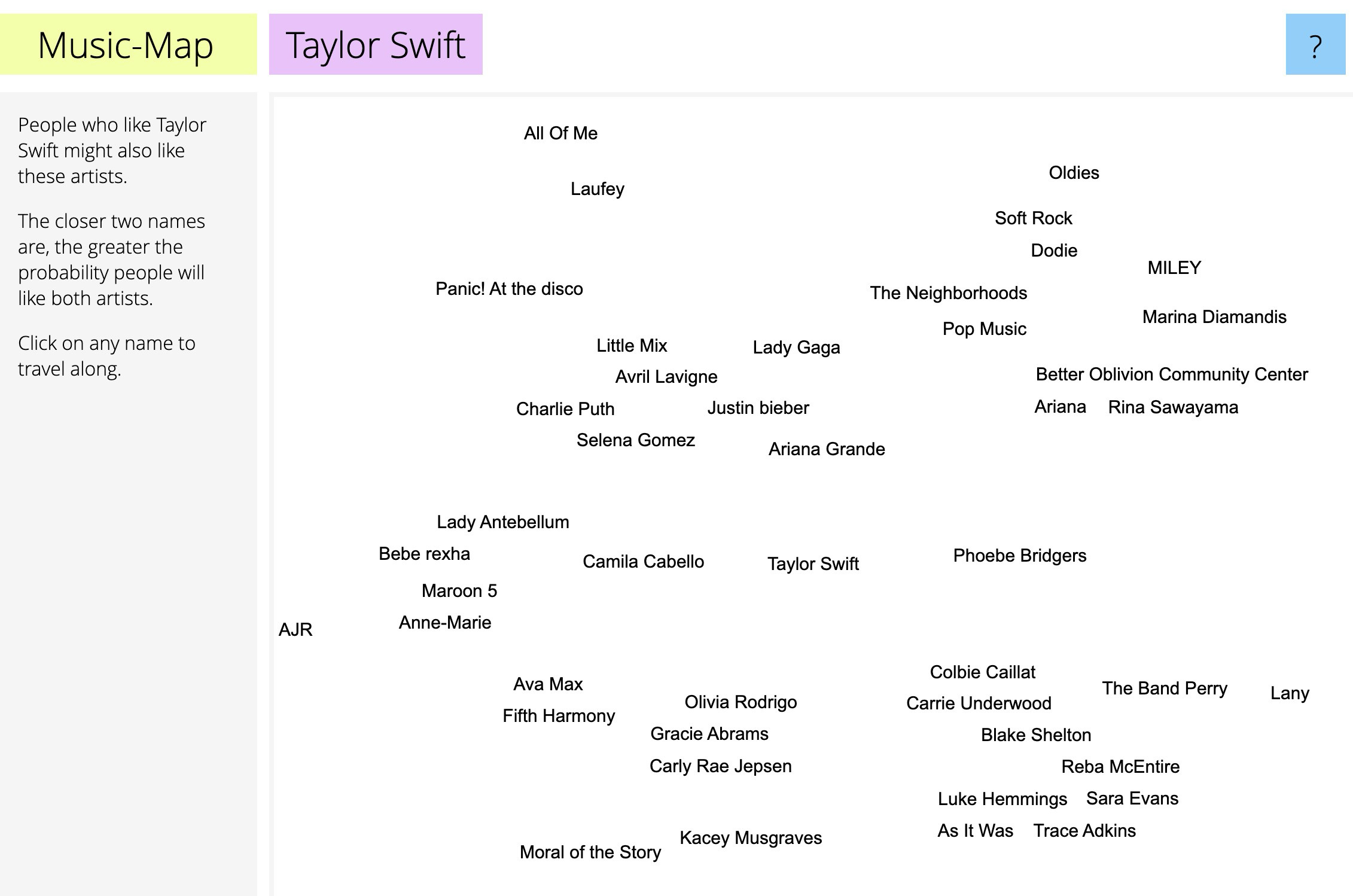
Music-Map is a music discovery tool built around one question: if you like this artist, who else should you listen to? Type in a band or musician, and it returns a visual map of nearby artists that listeners tend to associate with them.
It is refreshingly simple. No playlist bait, no recommendation essay, no account needed. Just type a name and follow the trail. If you are trying to branch out from an artist you already love, this is a fast and enjoyable way to do it.
Worldometer
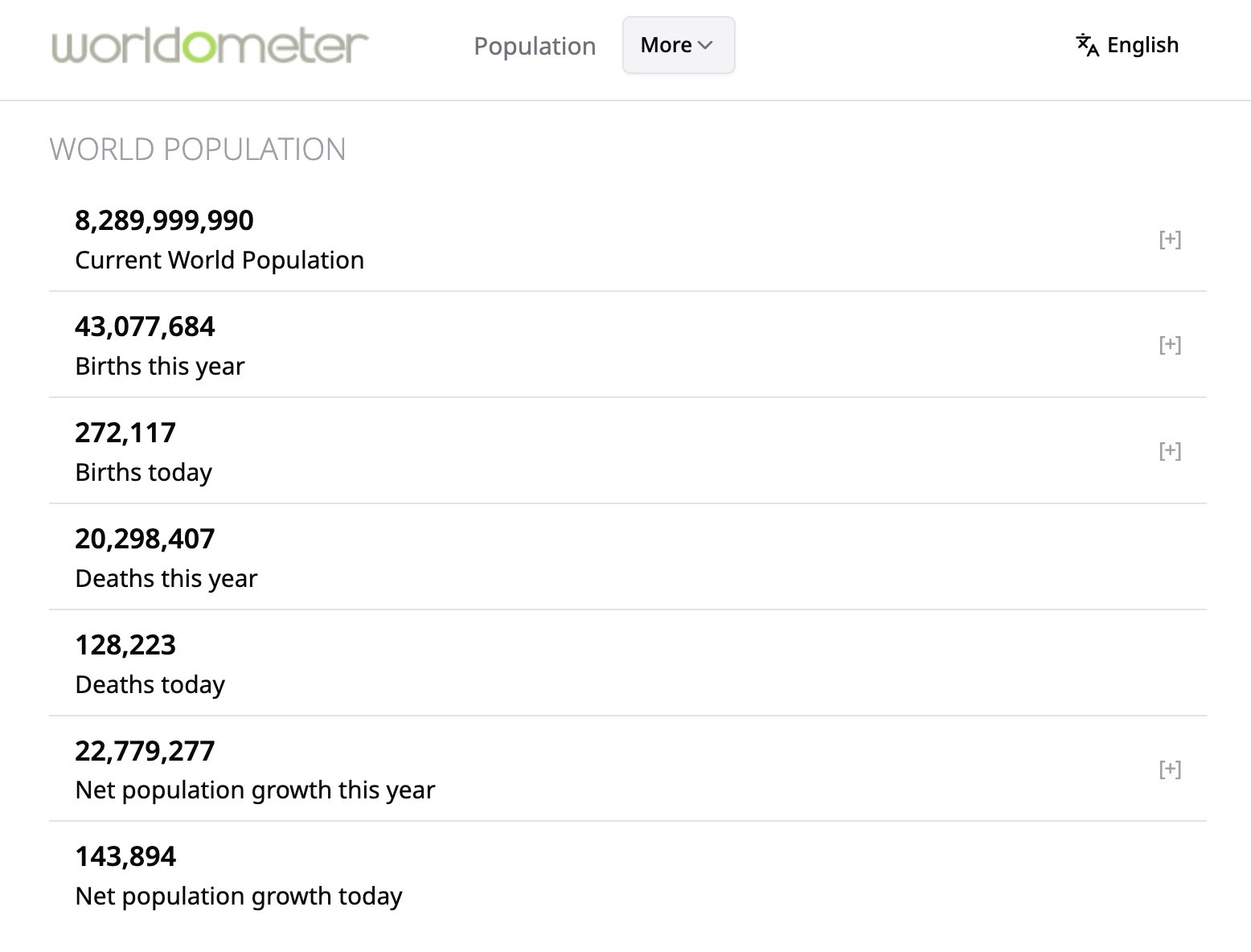
Worldometer is a real-time statistics website that tracks numbers across population, health, food, energy, water, environment, economics, and more. It is best known for live counters and fast-glance global stats, which is why it keeps popping up whenever people want a quick sense of scale.
The appeal is obvious: the data is presented in a way that feels immediate. Open it and you are not digging through a report. You are looking at moving numbers, ranked tables, and simple topic pages that make large abstract quantities easier to grasp. It is one of those reference sites that works because it gets to the point quickly.
Final Thoughts
Most people use the same handful of websites every day and rarely look beyond them. That is why lists like this are still fun to build. The web gets a lot more interesting once you start collecting niche tools, odd utilities, and sites that do one job well.
And if you know a few more in this vein, send them over. These lists are never really finished.