Resize and Crop Images Online: 10+ Free Tools
Sometimes, using image editing tools like Photoshop or GIMP just for simple image editing tasks (cropping, resizing, etc) seems a little overkill.
For that matter, we bring you a list of sites that care of these simple tasks. And best of all, they are free! While most of these sites are not full-fledge online photo editors, some of them do go as far as customized cropping and even capable of doing bulk-image editing.
Now, give Photoshop a rest and try out any of these photo resizing tools listed as follows.
Crop and Resize Images With This Simple jQuery Plugin
Dynamic image cropping is easier than ever thanks to libraries such as jQuery. The codebase is easy to... Read more
PicResize
PicResize allows you to resize pictures based on the preset percentage of the actual image or a custom size. You can also add special effects, crop images, and rotate images.
ImageResize
Similar to PicResize, this tools also lets you resize the image based on the percentage or custom size.

LunaPic Resizer
LunaPic is a popular image editor with hundreds of editing tools in its arsenal. Its image resizer is also very good and lets you resize the image using both custom parameters and grab-and-drag feature.
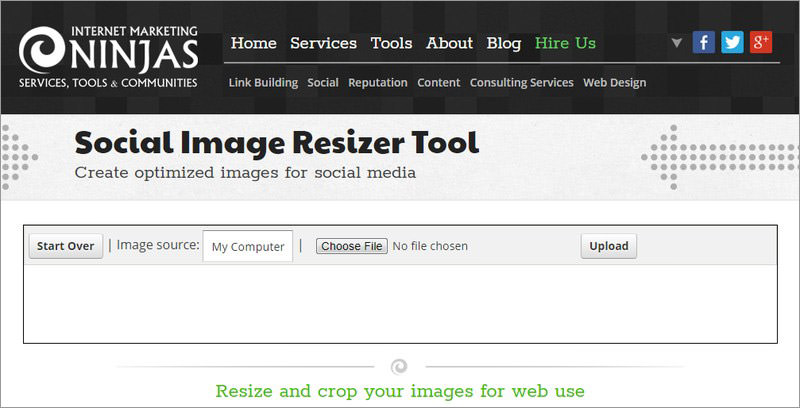
Social Image Resizer Tool
This image resizer is dedicated to resizing images for social media websites, including Facebook, Google, YouTube, LinkedIn, Pinterest, Instagram, and Twitter. You can also provide a custom size if needed.
BeFunky
It offers a Flash-based image editor with resizing tool that lets you use a select percentage or pixel for resizing.
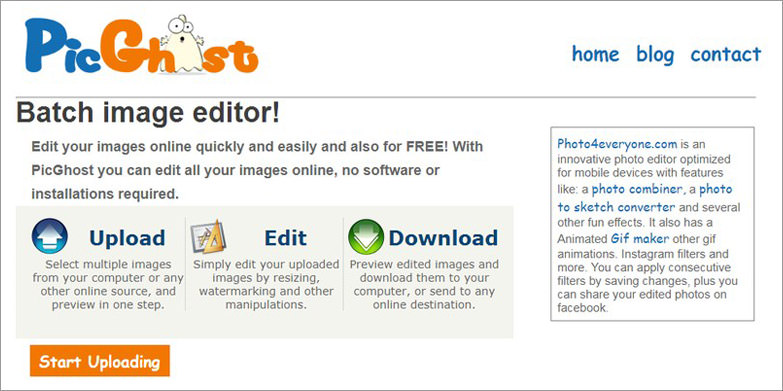
PicGhost
You can edit up to 40 images at a time and use both custom and preset ranges to resize images. It can even resize according to the size of an example image.
Reduce Images
A handy quick tool to both compress and resize an image.
Quick Thumbnail
As the name suggests, Quick Thumbnail lets you quickly resize, add a filter, and add a watermark to a picture and download it. I also really liked its preset resize ratio, specifically created for different web apps and monitors.
ResizeImage.net
Apart from resizing based on percentage and custom size, it can also fill the background with a single color or make it transparent to prevent distortion.
B.I.R.M.E
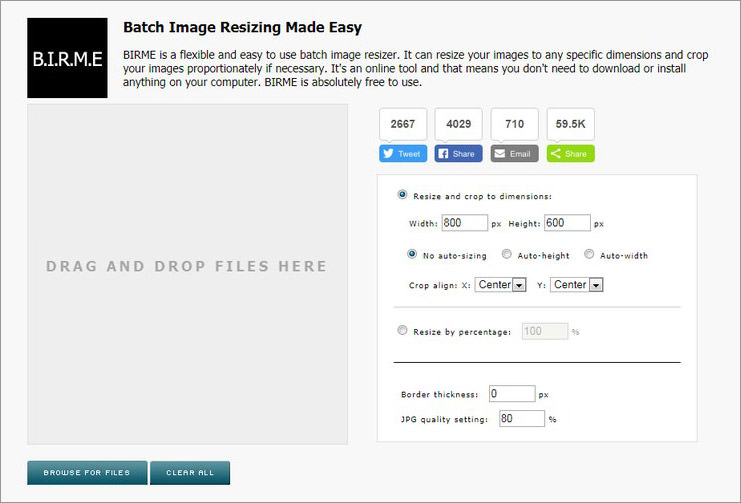
B.I.R.M.E (Batch Image Resizing Made Easy) lets you batch resize images and crop them. You can also customize the border and image quality.
Bulk Resize Photos
An interactive image resizer tool that offers bulk image resizing along with multiple resizing methods.
Image Optimizer
Another simple tool to optimize the quality of image and resize it using custom width and height pixels.
IMGonline
IMGonline should work better in the hands of an advanced user, but it works fine for novice users as well. Apart from basic resizing it also lets you control interpolation, DPI, and EXIF data.

JPEG Optimizer
Yet another simple tool that lets you both resize and compress images. However, you can only scale images based on width.
Raw.Pics.io
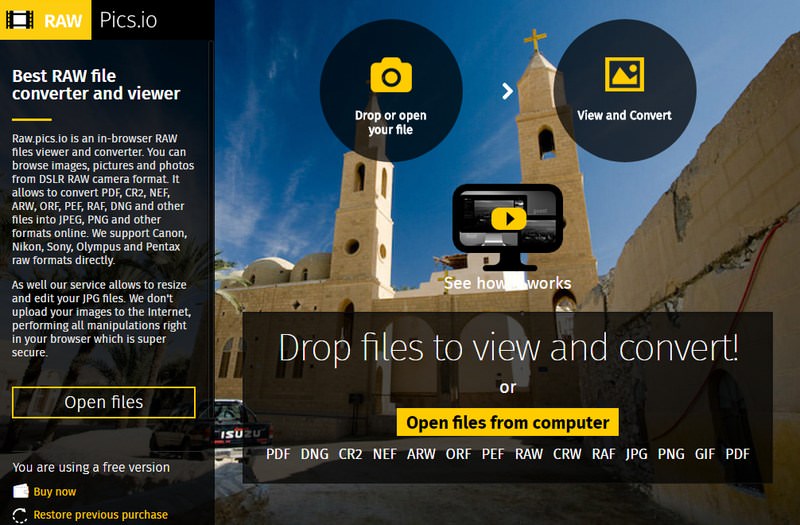
This is basically a converter for RAW images to a standard format like JPG or PNG. Although converting, it also lets you resize them to your preferred size.
Picasion
You can control size, rotation, quality, and effects of the image, but Picasion only allows a maximum size of 1300px width.

Universal Web Services
Upload image, select width, select height, and click on “Submit”. Your resized image will be automatically downloaded. This is pretty much it when it comes to this tool’s function. A truly simple image resizer tool.
