10 AI Skills to Give Your Coding Agent Real Design Taste
AI coding agents can write functional code. But getting them to produce something that also looks good is hard. The default output tends toward purple gradients, rounded corners, and Inter font everywhere, and layouts that check boxes without conviction. This isn’t the agent’s fault. It has no sense of taste.
Enter AI skills. These are markdown files you install into Claude Code, Codex, Cursor, or any agent that supports them.
Below I’ve collected some design-focused AI skills and skill directories that I think are worth adding to your AI agent. Once installed, it will teach your agent a specific design language from Swiss grid systems to OKLCH color science.
So let’s take a look at each skill and what it could bring to your agent’s design vocabulary.
1. OKLCH Color Skill
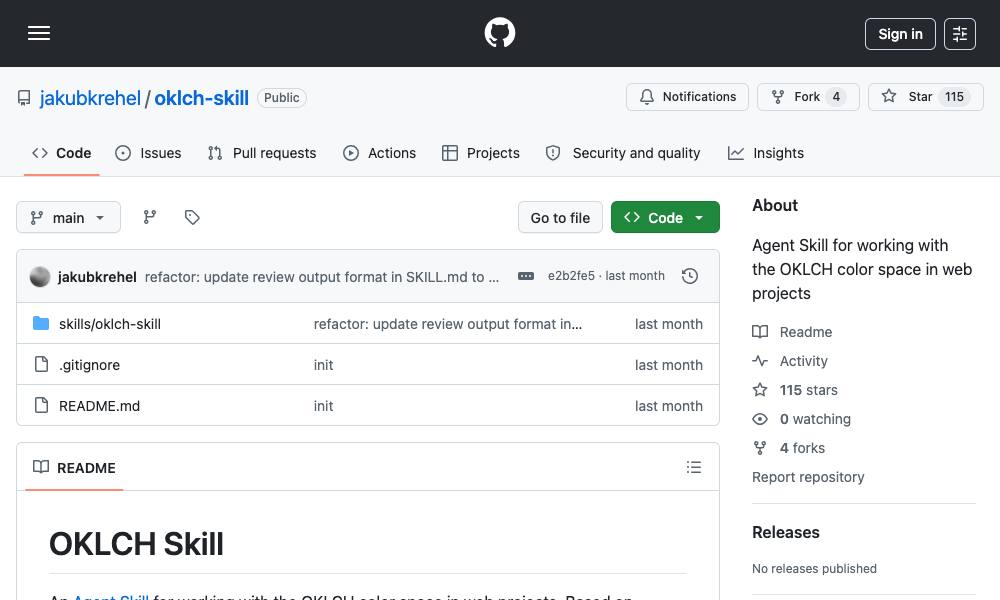
OKLCH Color Skill teaches your agent to work with the OKLCH color space, a perceptually uniform alternative to HSL that eliminates hue drift and makes palette generation predictable.
Instead of guessing hex values or producing muddy HSL combinations, the agent learns to convert between formats, generate uniform palette scales from 50 to 950, derive dark mode colors through lightness manipulation, check contrast against WCAG 2 and APCA standards, and build Tailwind v4 themes with proper OKLCH tokens.
Install: npx skills add jakubkrehel/oklch-skill
Use: /oklch-skill or just describe a color task. The skill activates automatically when the agent encounters color-related work.
If your project uses custom design tokens or you’re tired of agents producing color combinations that look fine in isolation but fall apart on dark mode, this skill is a solid fix.
2. Swiss Design System Skill
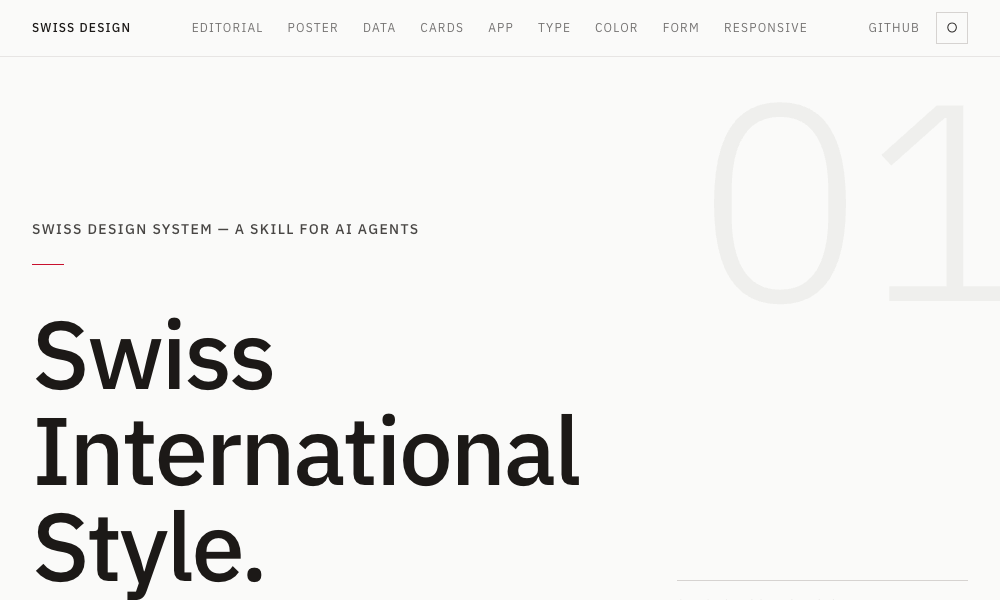
Swiss Design System brings the Swiss International Style to AI agents. The skill teaches grotesque sans-serif typography such as Helvetica, Univers, Neue Haas Grotesk, along with strict grid systems, generous whitespace, and restrained color.
It expresses these principles through Tailwind CSS so the agent can apply these rules using standard utility classes. The skill includes a complete font specimen ranking by fidelity to the original style, grid system references from Josef Mueller-Brockmann, and data on both the Zurich and Basel schools of thought.
Install: npx skills add zeke/swiss-design-skill
Use: Ask your agent to build a layout in Swiss International Style. It will apply grid discipline, select appropriate grotesque typefaces, and maintain breathing room around content automatically.
Great for landing pages, editorial layouts, and any project where clarity and visual hierarchy matter more than decorative flourish.
3. Transitions.dev
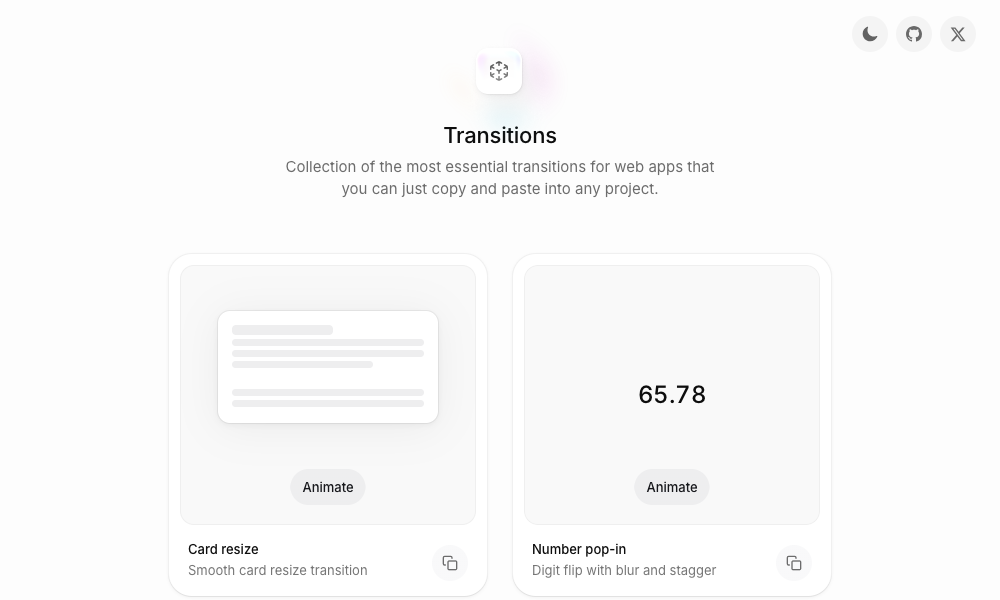
Transitions.dev is a collection of nine essential UI transitions packaged as a copy-paste showcase and an installable agent skill. The transitions cover card resize, number pop-in with digit flip and blur, notification badge diagonal slide, and a lot more – each comes with ready-to-use CSS that agents can apply directly in your project.
The skill is generated from the index.html on the showcase site, so the code your agent produces always matches what you see demonstrated. If you’ve ever had an agent produce a modal that pops in from nowhere with no transition, this skill fixes that.
Install: Clone the repo or reference the skill from github.com/Jakubantalik/transitions.dev
Use: Mention any of these transition patterns and the agent applies the pre-optimized CSS.
4. DESIGN.md Directory
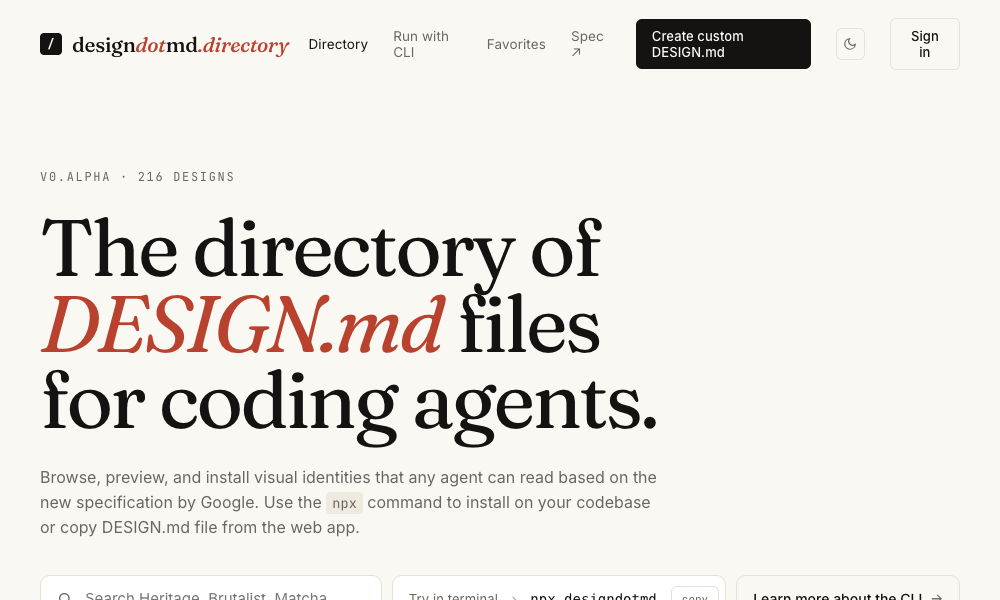
A directory of DESIGN.md files built specifically for AI coding agents. Each file describes a complete design system including color palettes, typography rules, spacing systems, component specs, and layout principles. Pick a style, copy the markdown, and add it to your project as a DESIGN.md file. Your agent reads it and applies that design language to everything it builds from buttons to full page layouts.
Use: Browse the directory, find a design system that matches your aesthetic, download or copy the DESIGN.md, and place it in your project root. The agent picks it up automatically without additional configuration.
This is the lowest-friction option on the list: no CLI, no npm, no install command. Just a markdown file in your project.
5. Agents with Taste
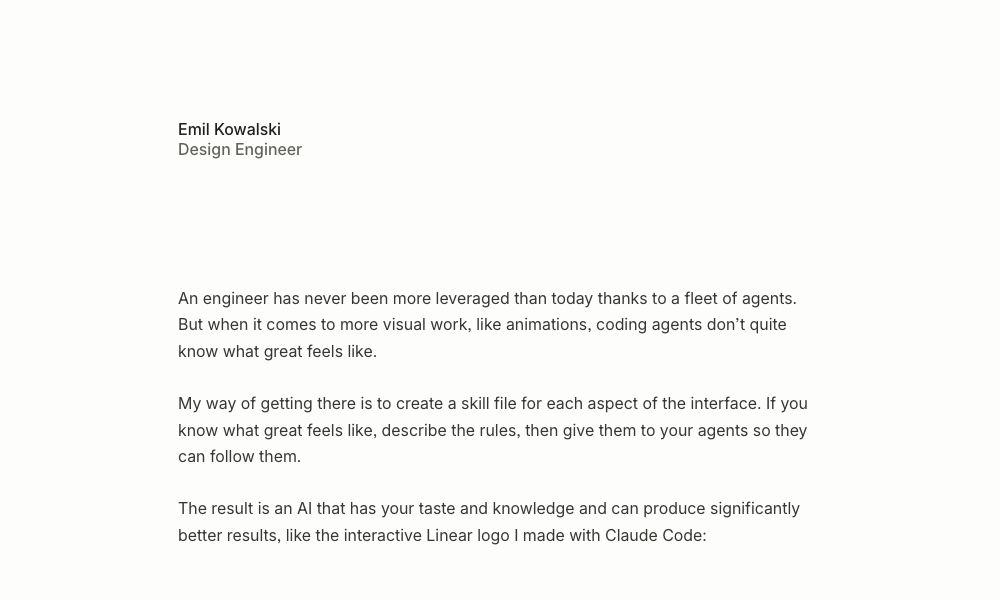
Agents with Taste is an installable design engineering skill by Emil Kowalski that covers animation principles, component design, easing curve selection, duration guidelines, typography rules, and practical tips drawn from his open source projects.
The skill includes a table of practical tips, an easing decision flowchart that teaches agents exactly which curve to use based on context, duration guidelines from micro-interactions (100-150ms) to modals (200-300ms), and strict typography rules like capping body text at 65 characters.
Install: npx skills add emilkowalski/skill
Use: Ask the agent to improve an animation or design a component. The skill applies Emil’s personal design philosophy automatically. You can also use the skill-creator skill from Anthropic to package your own taste into skill files using the same methodology.
6. Hue
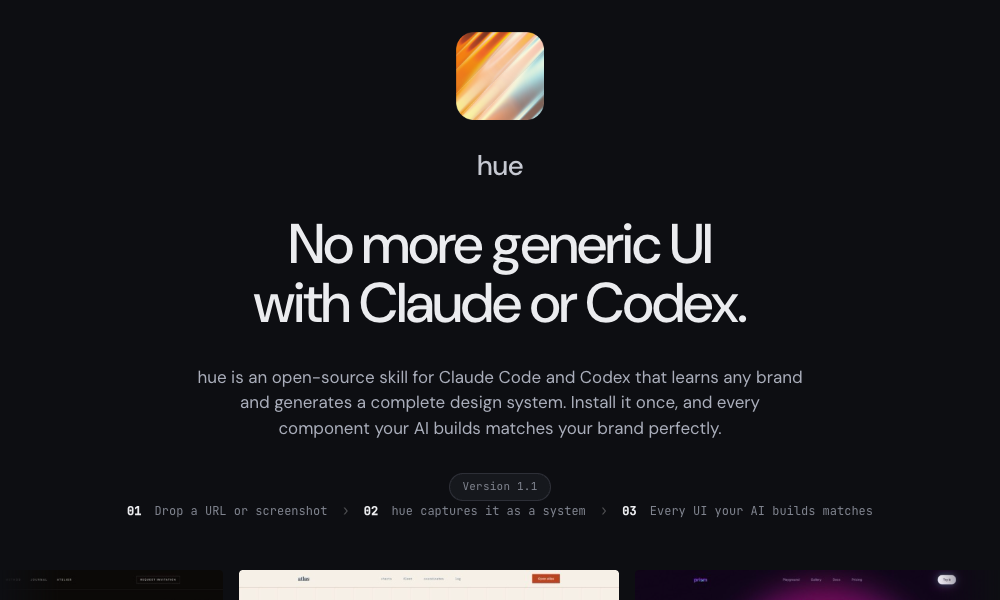
The Hue app is an open-source skill by Dominik Martin that learns any brand from a URL, name, or screenshot and generates a complete design system from it. You point it at Cursor.com or Raycast or any brand, and it produces a design system with color tokens, typography, spacing, components, dark mode support, and icon recommendations.
Hue comes with 17 example brands built in, from Atlas (ivory engineering, classical maritime) to Velvet (noir editorial fragrance house). Each includes a design-model.yaml and a landing-page.html showing the system rendered.
Install: git clone https://github.com/dominikmartn/hue ~/.claude/skills/hue
Use: “Make a design skill from cursor.com” or “Create a design language inspired by Raycast.” The agent walks through the analysis and generates the skill.
If you need your agent to match an existing brand identity instead of inventing its own, this is the most practical option.
7. Refero Styles
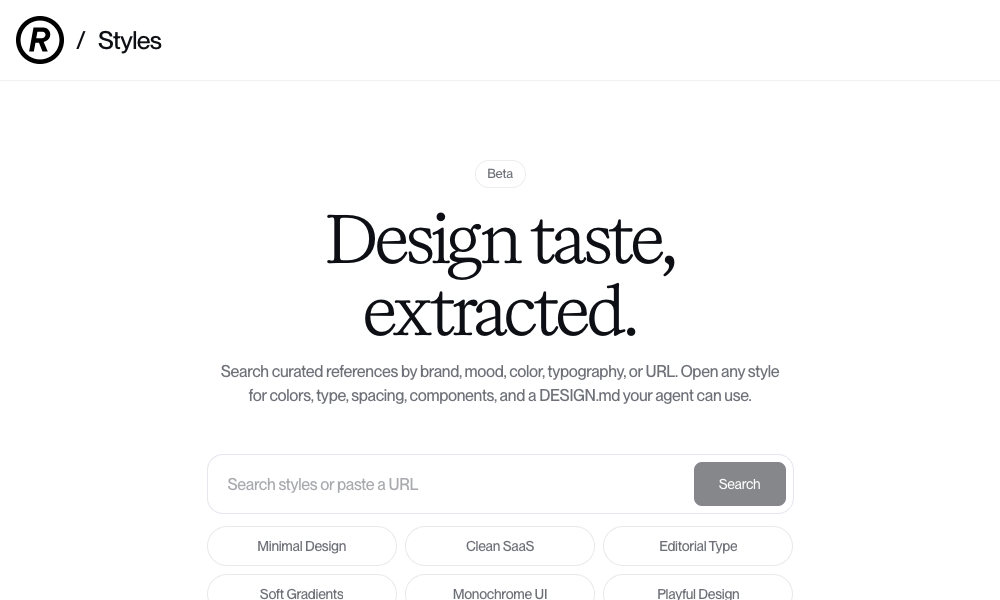
Refero Styles is a visual search engine for design references and an installable agent skill. Search by brand, mood, color, typography, or paste a URL. For each result, Refero provides the full style breakdown: colors, type, spacing, components, and a DESIGN.md file your agent can use directly. Under the hood, the skill gives your agent access to 150,000+ real app screens and 6,000+ user flows from products like Stripe, Linear, Notion, and Figma.
Use: Search for a style that matches what you’re building. Open any result to copy its DESIGN.md and place it in your project. Your agent instantly adopts that design language.
Refero also offers an MCP server that connects your agent directly to its reference library, so the agent can pull real product interface patterns on demand during development.
8. TypeUI Design Skills
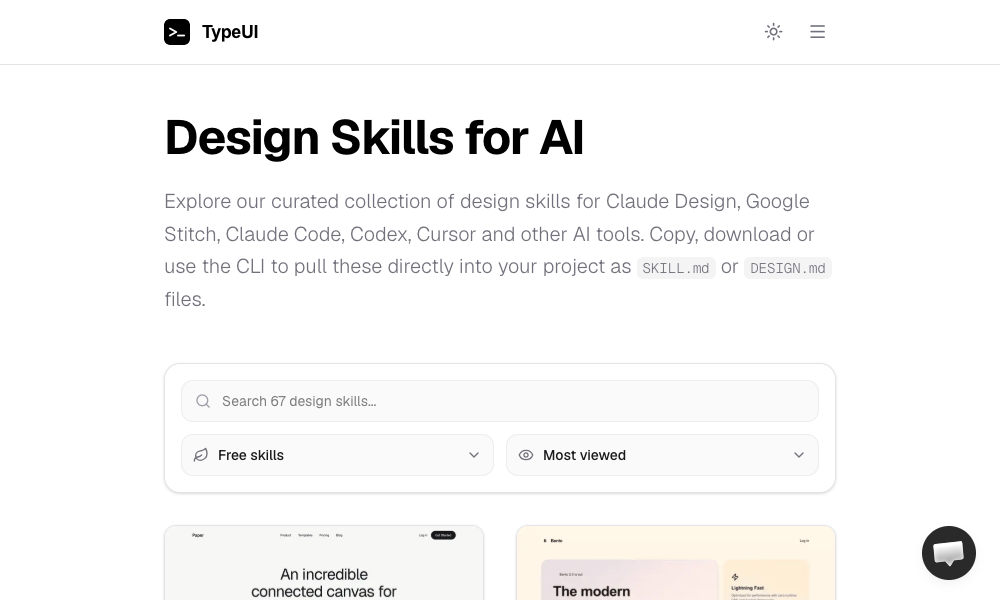
TypeUI Design Skills is a collection of design skills made for Claude Design, Google Stitch, Claude Code, Codex, Cursor, and other tools. Each skill is an optimized SKILL.md or DESIGN.md file that gives your agent a specific design style. Browse the collection, find a look you like, and either copy-paste the file, download it, or use their CLI.
Install: npx typeui.sh pull [name]
Use: Browse the gallery, pick a design, pull it into your project. Your agent builds everything from that point using the chosen aesthetic.
TypeUI supports OpenClaw agents too, so if you’re running agents locally, these skills work out of the box.
9. UI/UX Pro Max Skill
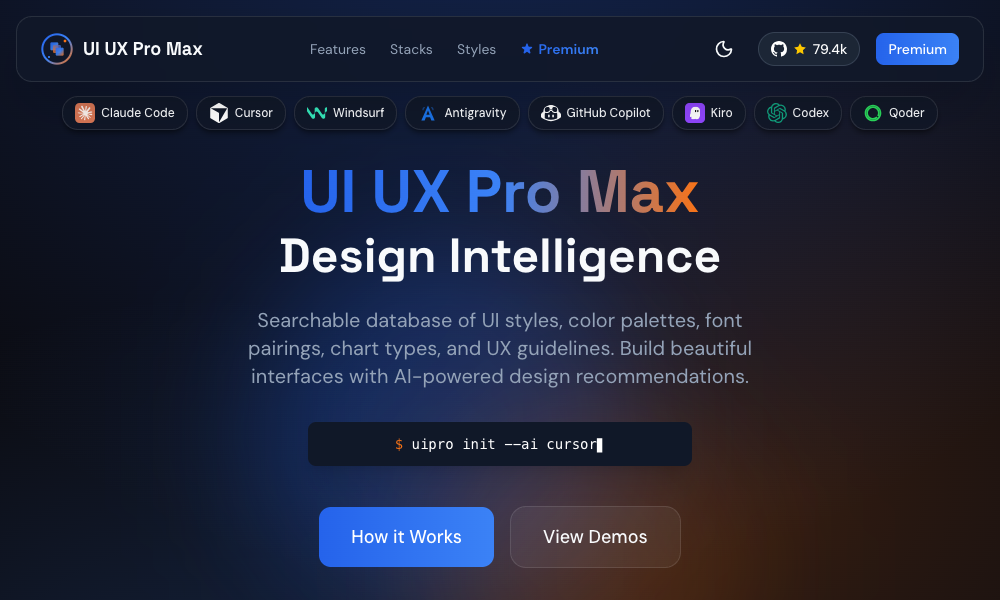
UI/UX Pro Max is a design skill with 161 reasoning rules and 67 UI styles. The main feature is the Design System Generator – you describe your project and it builds a design system with layout patterns, colors, typography, effects, and things to avoid.
It supports multiple frameworks and stacks including HTML + Tailwind, React, and Next.js, and works with VS Code agents like Claude Code, Cursor, Windsurf, Copilot and Codex.
Install: npx ui-pro init inside any project or npm install -g uipro-cli for global access
Use: Describe your project, for example a premium tour booking app
, and the generator recommends a complete design system with pattern, style, colors, typography, and UX rules. The skill also includes a search script for finding design references by query and domain.
This is the heaviest option on the list, but also the most complete. If you want one skill that handles the full design system workflow from requirements analysis to component output, this is it.
10. AI UX Playground
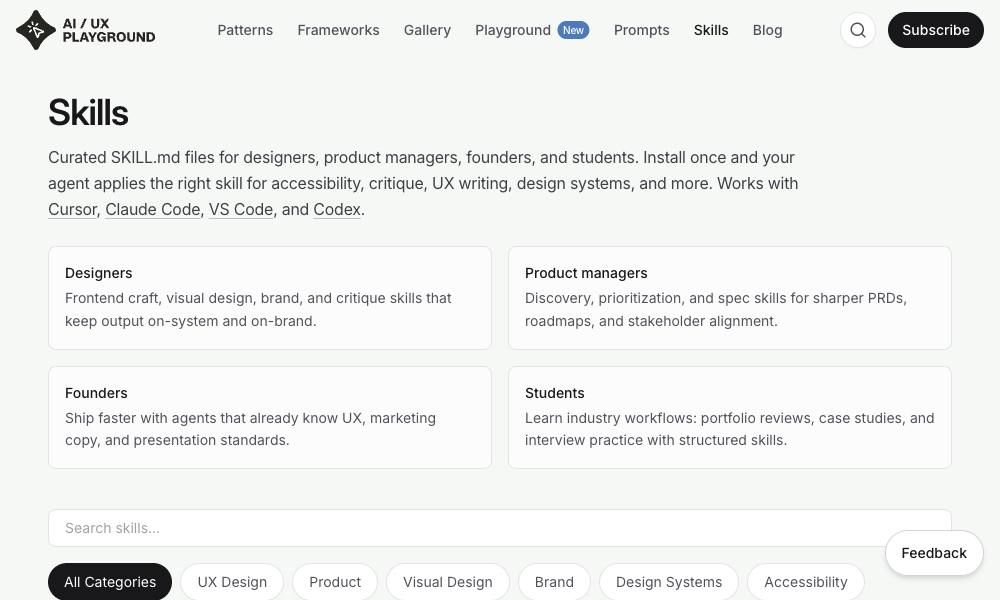
AI UX Playground is a library of AI-specific UX design patterns for products like ChatGPT, Claude, Perplexity, and Cursor. Each pattern is documented with examples, use cases, and platform-specific instructions for how to apply it in ChatGPT, Claude, Google Gemini, Cursor, or other tools.
Use: Browse the pattern library, find the UX pattern you need, and follow the platform-specific instructions to apply it. Each pattern includes examples from real AI products and tips for implementing it in your own tooling.
This one is less about visual polish and more about UX patterns specific to AI products.
What’s next?
We’ve just scratched the surface of what AI skills can do for designers. The tools here are just a starting point, and AI skills for design are still early – expect rough edges.
But the direction is clear. Design knowledge is shifting from static documents that humans read to executable rules that agents run. Designers who learn to write those rules will shape what agents build. This article gives you a starting point. Pick one skill from the list, install it, and see what your agent produces differently.