How to Zoom This Close Into Google Maps
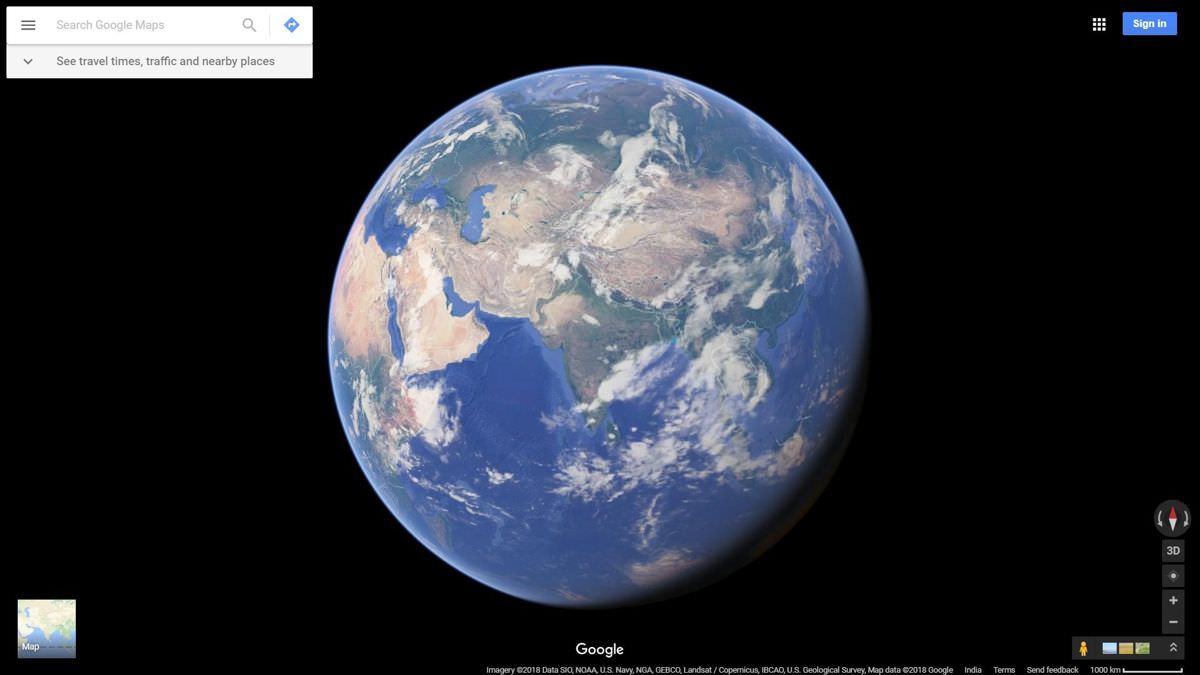
It is almost impossible to imagine doing day-trips or traveling to a new place without checking it out on Google Maps. Unfortunately, it restricts to zoom in after a certain level.
However, there is a trick to bypass that restriction, i.e., zoom in almost indefinitely into Google Maps. And that is what I am going to share in this post.
Read Also: Best Offline GPS Map Apps for Android & iOS
Two tricks to zoom in into Google Maps
I am going to show few tricks that involve altering the URL of Google Maps. That said, these tricks work when you are browsing the map in a web browser and not in a native application, like Google Maps for Android.
Trick #1: Particularize latitude/longitude
The first trick is to provide more precise latitude/longitude information.
For example, if the web address in your browser’s location bar is https://www.google.com/maps/place/Mount+Pleasant+Mail+Centre/@51.5245134,-0.1142634,17z/, then the text in bold is the latitude/longitude pair.
You can provide more precise latitude/longitude by dividing the fractional part of the original number.
For example, if the initial value is 51.5245134, then the more accurate values are 51.5245117, 51.5242617, 51.5222617, and so on.
However, please note that the latitude/longitude pair is used to tell the location, so it is not easy to particularize them without switching the position in Google Maps.
Trick #2: Decrease the scale factor
The second trick is to decrease the distance factor.
For example, if the location in your web browser is https://www.google.com/maps/place/Mount+Pleasant+Mail+Centre/@51.5245134,-0.1142634,70m/, then the text in bold is the scale factor.
You can decrease the scale factor to zoom in more on the map. However, do note that the scale factor is only available when you are viewing in the Satellite view.
If you are in Map view, you will not see the scale factor in the URL.
How to zoom in into Google Maps?
As you now know the tricks to zoom in almost indefinitely into Google Maps, let us see how one can apply these tricks to get the zoomed in results.
Follow the steps below to use the above tricks:
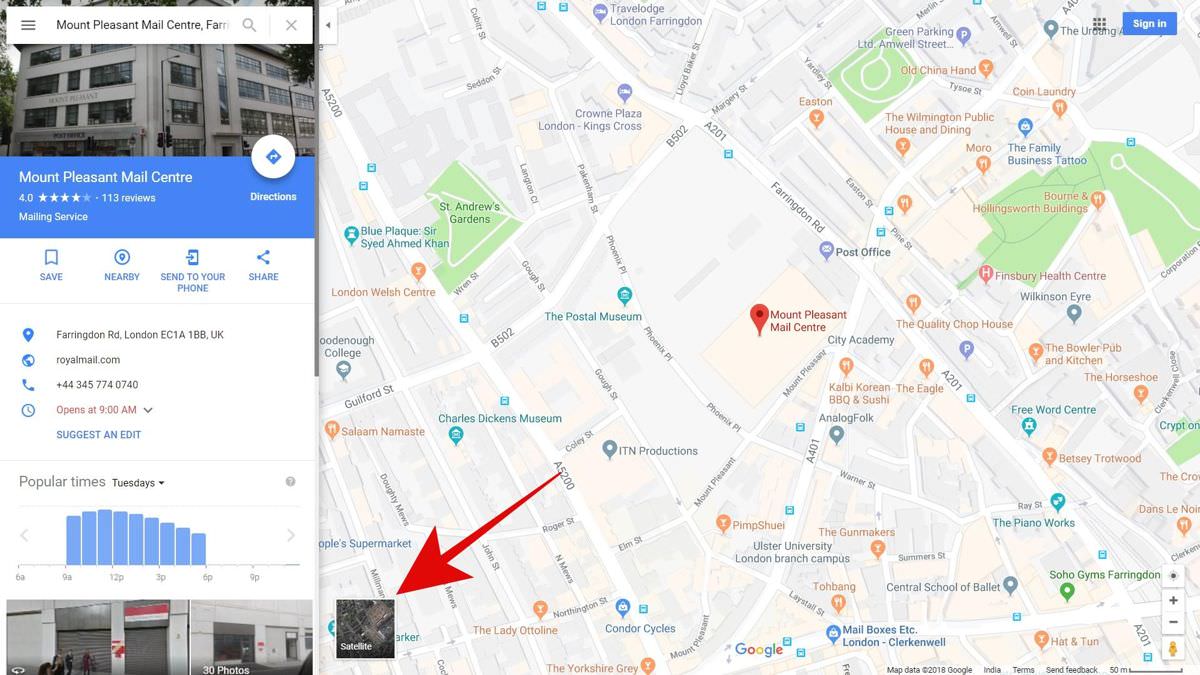
- First of all, search for a place on Google Maps. After you get the result, switch to the Satellite view by clicking the square icon (with “Satellite” as its caption) on the bottom-left of the map screen.
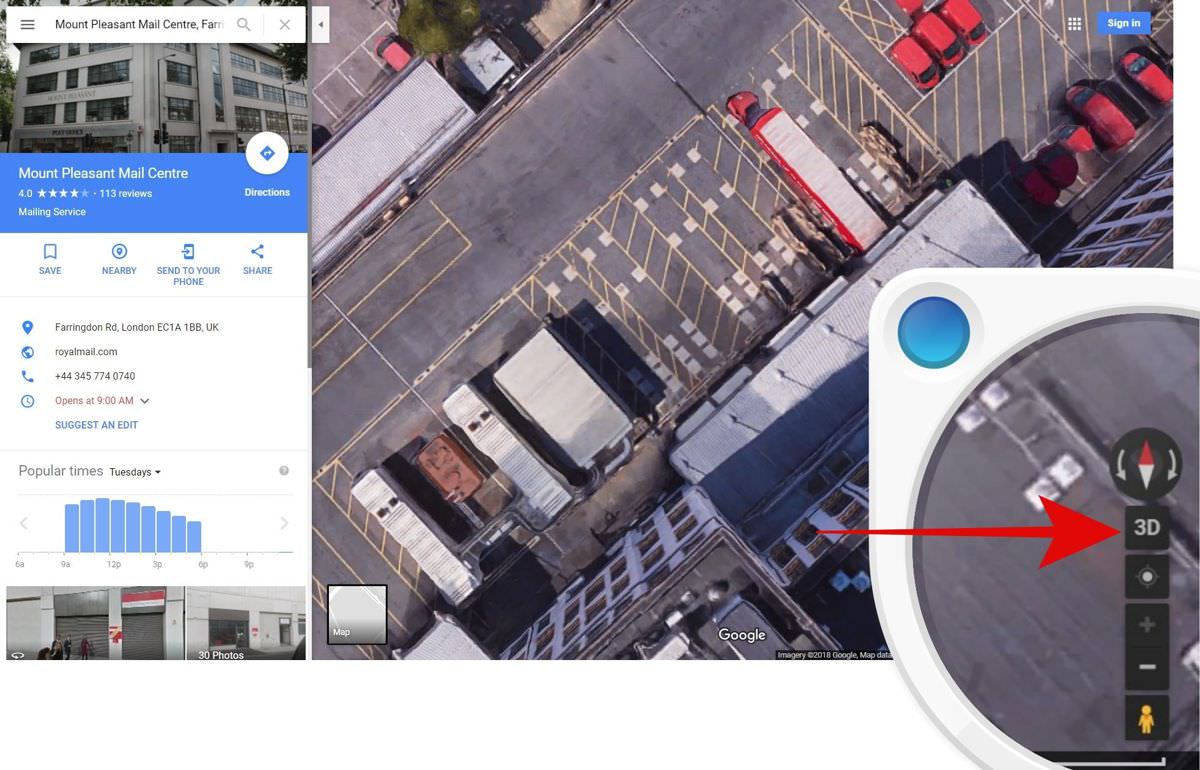
- Now zoom in using the + (plus) button present on the right-bottom of the map screen. You must zoom in until it is possible, and then ensure you are viewing in 2D — check if there is a “2D” or “3D” button. If it is “3D”, then you are in the 2D mode.
- Now you can apply the tricks given above. For example, I tried to zoom in more while exploring “Mount Pleasant Mail Centre”, and using the above tricks; I was able to zoom in up to 25m with near-to-clear quality.
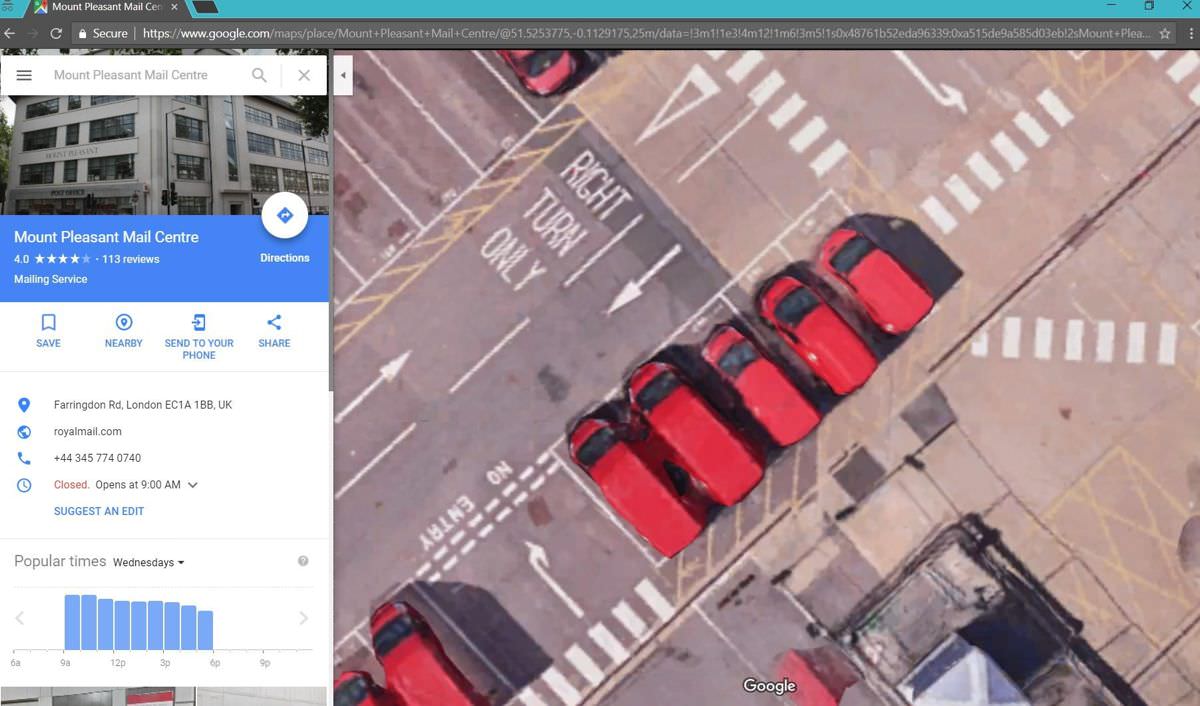
That is all about zooming in into maps a lot more than what is officially allowed by Google Maps. As you may have guessed by now, you can combine the above tricks to zoom in almost up to 20-50 meters or more.