50 Funny & Creative Error 404 Pages, Vol. 2
If a user encounters a regular, plain Error 404 page, there is a chance that they won’t stick around long enough to explore the rest of your website. The Error 404 page is like a little hidden world that you hope no one will ever see. But if someone does stumble upon it, you should make sure that it’s amazing!
The ideal custom 404 page is both helpful and creative. It should encourage your visitors to continue exploring your website instead of leaving, and help them find relevant content. Another option is to turn your Error 404 page into a playground and creative space, where you can implement any of your outstanding ideas.
I have handpicked some really funny and creative Error 404 pages for your inspiration! Be sure to click on the pages and check out some of the added animations in the Error pages.
Creative Error 404 Pages, Vol. 1
Are you tired of the boring and unhelpful 404 error pages on most websites? Do you wish that... Read more
#1 The Many Faces of

#2 Daniel Karcher

#3 dario esteban brozzi

#4 Audiko
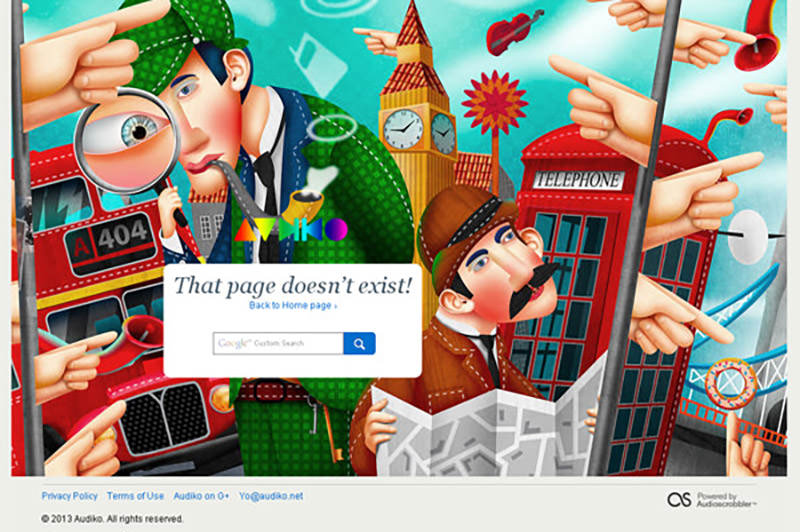
#5 The Movie Nerd

#6 I Love Icons

#7 Molome

#8 Kikk Festival

#9 Week done
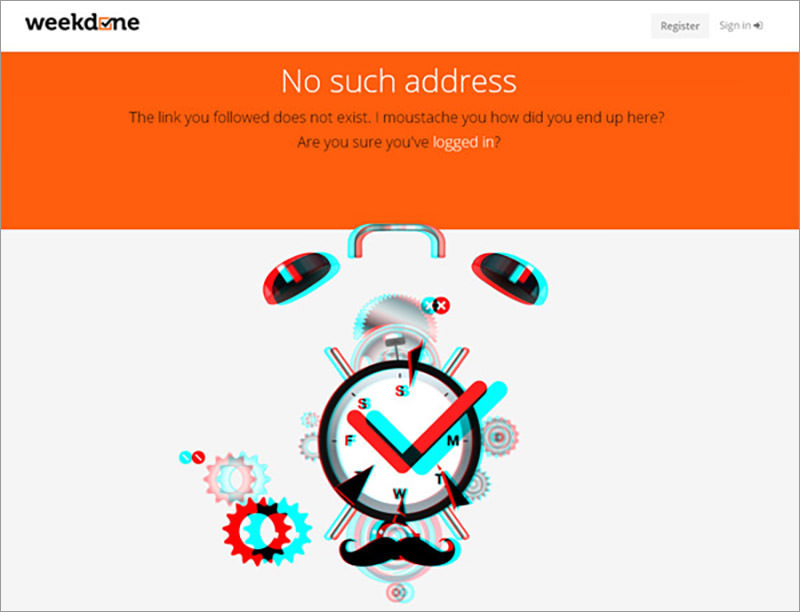
#10 Centresource

#11 Jackrabbit

#12 Twurn
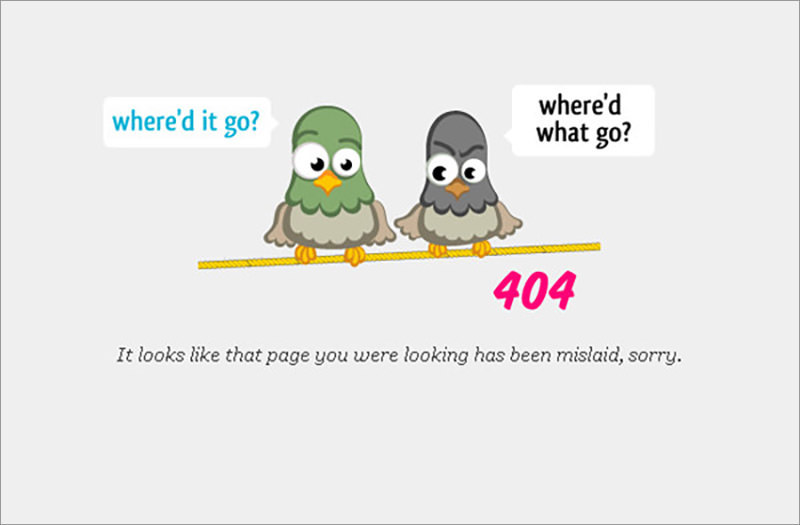
#13 OBJ + ADJ

#14 Vasa Museet
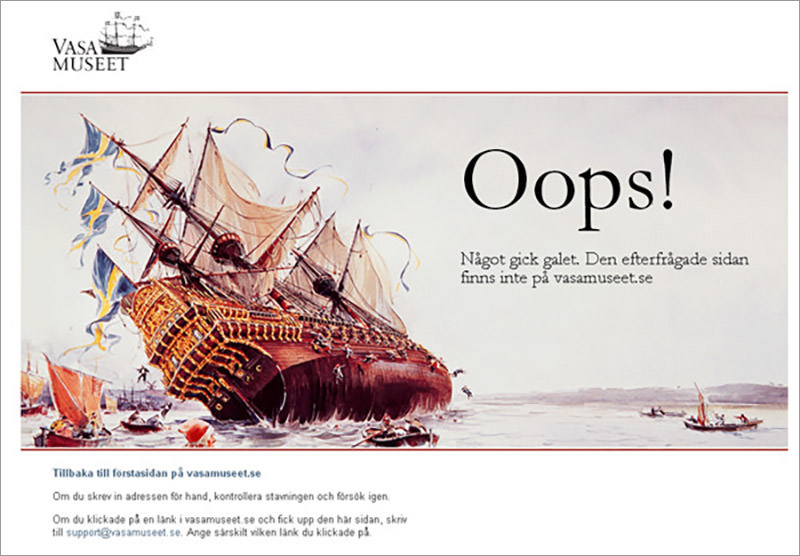
#15 Agens

#16 MedicalMissions

#17 Good Dog Design

#18 Bluegg

#19 Specialized

#20 Carnation Group

#21 William Csete

#22 The Wall

#23 Iamtiago

#24 Pizza Milano

#25 Pulp Fingers

#26 H-ART

#27 Habrahabr

#28 Henrik Hedegaard

#29 We are anonymous

#30 Bored Panda

#31 A List Apart

#32 iStockPhoto

#33 Red Bilby

#34 distilled

#35 ff0000

#36 Focus Lab

#37 ideapaint

#38 Stickermule

#39 Dribbble

#40 Ines Maria Gamler

#41 Humaan

#42 Blogalization

#43 Okostroy

#44 Fastcentrik

#45 The Fontain

#46 Netico

#47 TUTS Plus

#48 Atlassian

#49 Shamballa Jewels

#50 DotSilo
