Best Apps for Multiple WhatsApp Accounts
If you manage more than one WhatsApp account, you already know how messy the default workflow gets.
One account sits in the desktop app. Another lives in a browser tab. A third ends up in a different profile. Notifications get noisy. Tabs multiply. Before long, your desktop feels like a workaround held together by muscle memory.
If all you need is one or two accounts, you can survive with official options.
But once you’re juggling multiple WhatsApp numbers – personal, business, client, team – or trying to keep Telegram, Slack, Discord, and Messenger in the same place, that setup starts falling apart.
That’s where multi-messenger desktop apps come in.
These tools let you run multiple WhatsApp accounts inside one app, often alongside your other chat services too. Some feel like focused messaging hubs. Others are basically productivity browsers wearing a nicer jacket. If you’ve looked at other desktop messaging apps, you’ll recognize the appeal immediately.
In this guide, we’ll start with the simplest official workaround, then look at the best apps worth considering in 2026.
If You Only Need Two WhatsApp Accounts
Before installing anything extra, ask the obvious question: do you actually need a dedicated multi-messenger app?
If you only need two WhatsApp accounts, the official route is usually enough. And if you want to get more out of the app itself, these WhatsApp tips are worth a look too.
On Windows
- Install the regular WhatsApp Desktop app from the Microsoft Store for one account.
- Install the WhatsApp Beta app from the Microsoft Store for the second account.
That gives you two separate instances with proper notifications and without dragging in a third-party tool you may not need.
On Mac
- Install the official WhatsApp app from the Mac App Store for one account.
- Use WhatsApp Web in your browser, ideally in a separate profile, for the second account.
Is it elegant? Not especially.
But it works, it’s free, and it avoids adding another layer of software unless you genuinely need one.
If you need three or more WhatsApp accounts, or want to combine WhatsApp with other chat platforms in one place, that’s where the tools below become useful.
What Makes a Good Multi-WhatsApp Desktop App?
Not every app on this list is trying to do the same thing.
Some are built like messaging dashboards. Some are more like workspace managers. Some are really just Chromium wrappers with better organization.
What matters in practice is this:
- support for multiple WhatsApp instances
- clean separation between accounts
- reliable notifications
- decent performance when several services are open
- support for other chat apps if you need them
- pricing that doesn’t get silly the moment you add more accounts
With that in mind, here are the ones actually worth looking at.
Best Desktop Apps for Multiple WhatsApp Accounts
1. Rambox
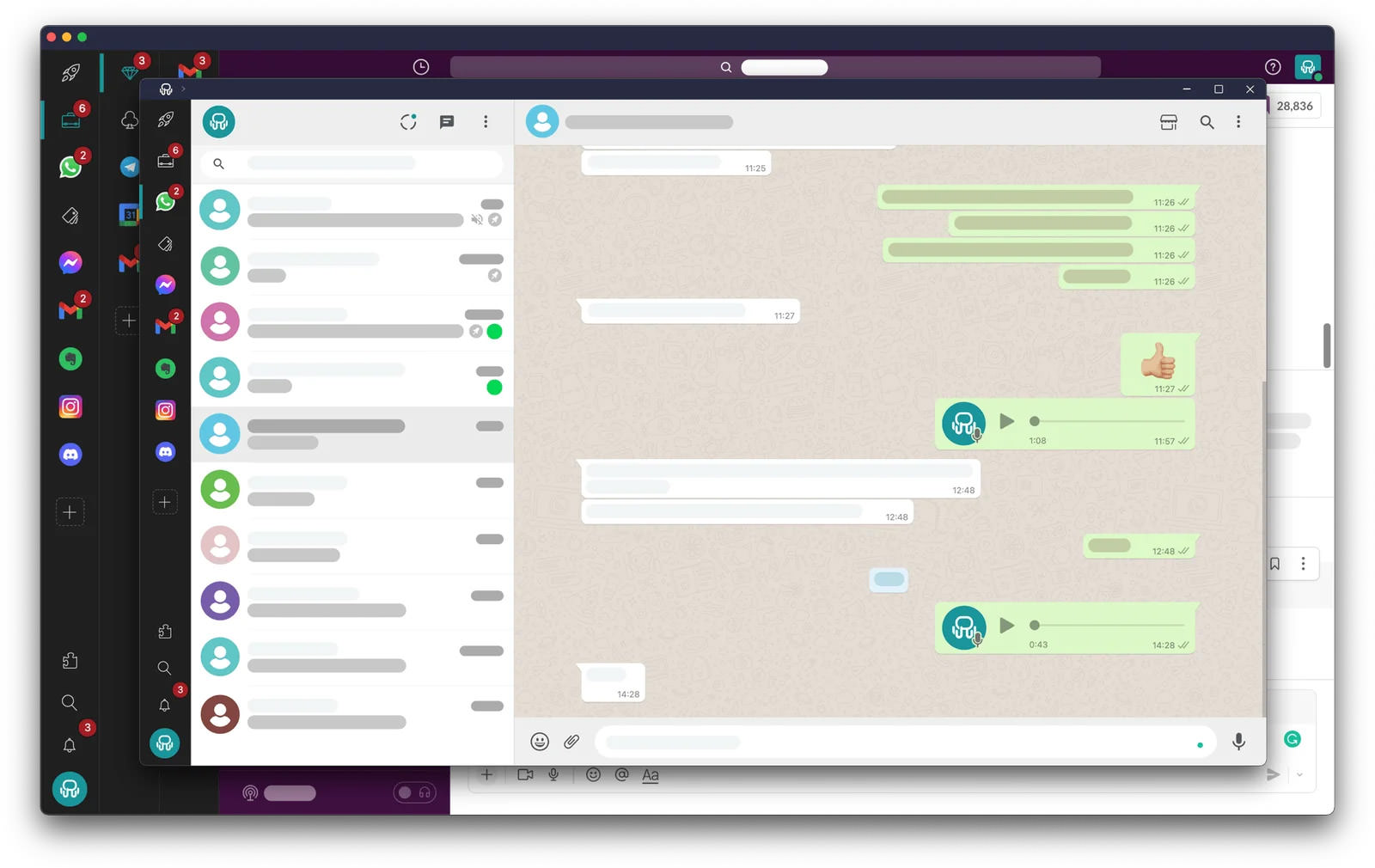
Rambox is still one of the most obvious choices if you want one app to hold a lot of services.
It supports a huge catalog of apps and handles multiple WhatsApp or WhatsApp Business instances well. If your workflow involves more than just WhatsApp, Rambox makes sense fast.
What it does well:
- supports hundreds of services
- lets you organize apps into workspaces
- includes notification controls and hibernation tools
- works on Windows, Mac, and Linux
Where it falls short:
- the free tier only allows 2 instances per app
- some of the more useful features sit behind the paid plan
- parts of the UI can still feel a bit busy
Pricing:
- Free: up to 2 instances per app
- Pro: starts around $5.83-$7/month depending on billing cycle
Best for: people who want the broadest app support and don’t mind paying once the free tier starts pinching.
2. Wavebox
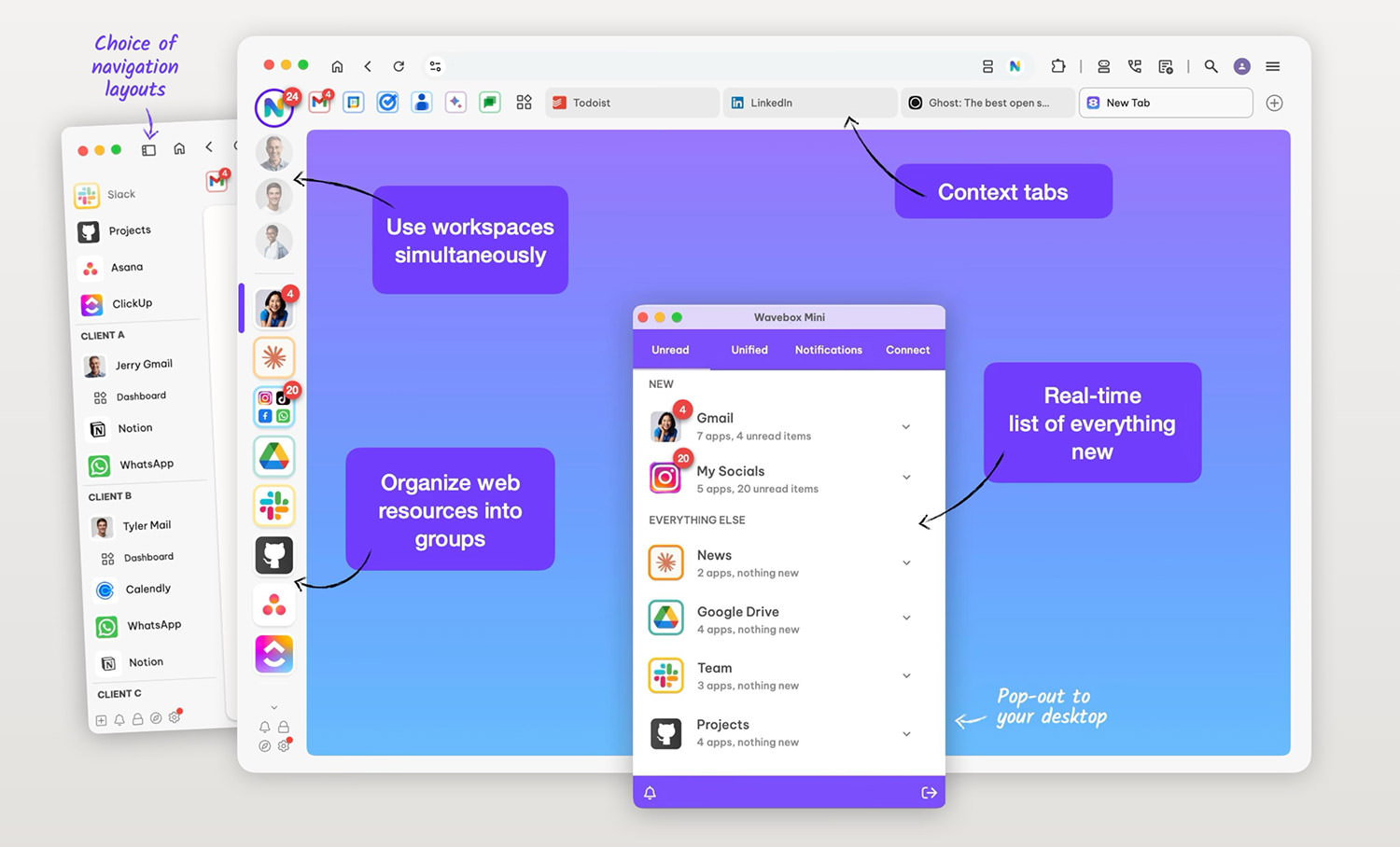
Wavebox is less of a messaging app and more of a polished browser workspace built for people who live in web apps all day. If you’re the sort of user who keeps testing browser alternatives, this approach will feel familiar.
That’s not a criticism. For some people, that’s exactly the appeal.
It handles multiple accounts well, supports extensions, and gives you strong control over organization. If you like the idea of Chrome, but more disciplined, Wavebox is good at that.
What it does well:
- polished interface
- strong workspace and grouping model
- tab sleeping and browser-extension support
- works across Windows, Mac, and Linux
Where it falls short:
- the free plan is pretty restricted
- it feels more like a productivity browser than a pure messaging tool
Pricing:
- Free: limited basic plan
- Pro: around $8.33/month billed annually
- Teams: around $12.50/user/month
Best for: people who want a more premium, organized workspace and don’t mind that it behaves more like a browser shell than a chat app.
3. Ferdium
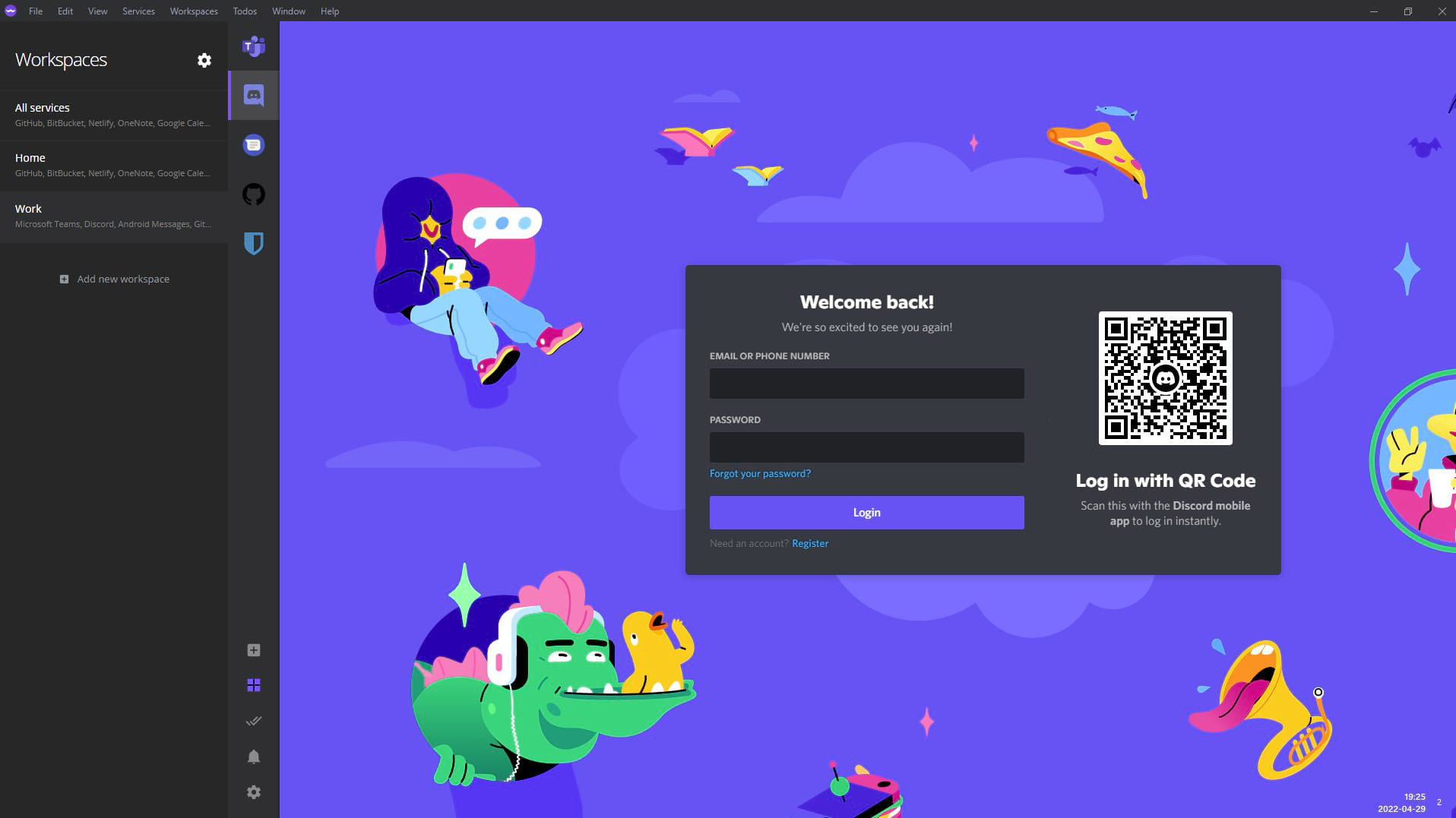
Ferdium is probably the easiest recommendation for people who want something free and open-source without obvious account limits.
It’s the spiritual successor to Franz, but without the baggage that made Franz harder to love over time.
You can add multiple WhatsApp instances, mix in other services, and keep everything in one place without paying a subscription just to unlock basic usefulness.
What it does well:
- free and open-source
- unlimited accounts without paid gating
- lightweight compared with some heavier alternatives
- supports workspaces and optional sync
- available on Windows, Mac, and Linux
Where it falls short:
- not as polished as premium competitors
- some advanced convenience features are less refined
Pricing:
- Free
Best for: anyone who wants the best zero-cost option and doesn’t need glossy enterprise-level polish.
4. Shift
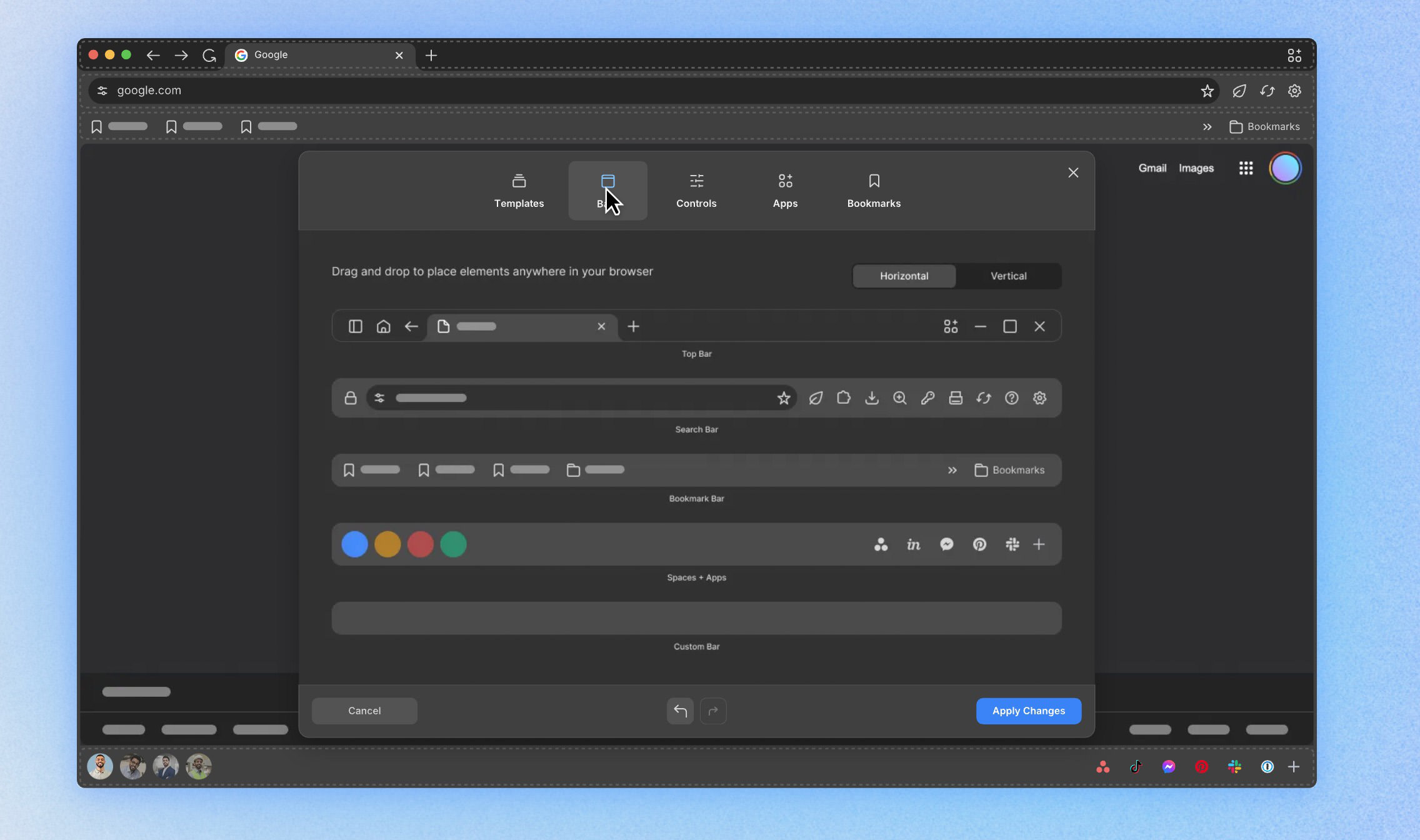
Shift is more of a desktop command center than a dedicated messaging hub. It sits closer to the broader world of productivity apps than a single-purpose WhatsApp tool.
That makes it a better fit if your day mixes email, calendars, work apps, and chat, rather than pure WhatsApp management.
It’s clean, easy to understand, and less intimidating than some of the more sprawling tools on this list.
What it does well:
- clean interface
- good for mixing messaging and email workflows
- easy drag-and-drop customization
- works well as a general work hub
Where it falls short:
- free plan is limited
- less specialized for heavy WhatsApp use
- pricing gets expensive quickly
Pricing:
- Free: limited to 2 Spaces and 5 apps per Space
- Advanced: $149/year
Best for: people who want one app for work, inboxes, and chat – not just WhatsApp.
5. SingleSpace
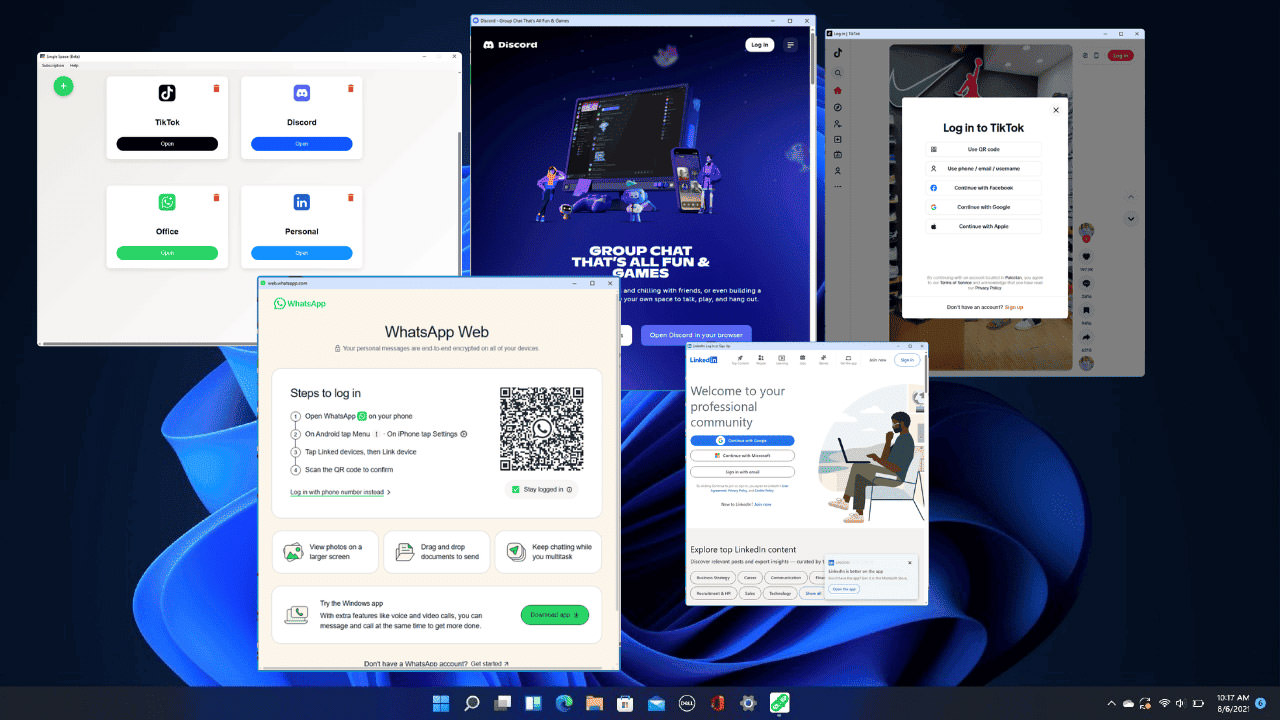
SingleSpace takes a more focused angle.
It is aimed more directly at people who want to run multiple messaging and social accounts, especially on Windows. If your main problem is “I need several WhatsApp accounts open without nonsense,” this one is easier to understand than some broader workspace tools.
What it does well:
- simple dashboard
- supports multiple isolated WhatsApp sessions
- lightweight and easy to get started with
- useful for WhatsApp-heavy setups on Windows
Where it falls short:
- Windows-only
- narrower ecosystem than larger competitors
- less appealing if you want a broader cross-platform workspace
Pricing:
- Free: 2 accounts per platform
- Professional: around $5/month
- Business: around $12/month
Best for: Windows users who care more about running several WhatsApp accounts cleanly than managing 700 different services.
6. MultiMessenger (Microsoft Store)

MultiMessenger is a simpler Windows option for people who don’t need a giant workspace manager.
It focuses on messaging services like WhatsApp, Telegram, Messenger, and Skype, and that simplicity is really the pitch.
What it does well:
- lightweight and straightforward
- focused mainly on chat apps
- easy to install through the Microsoft Store
Where it falls short:
- Windows-only
- fewer advanced organization tools
- smaller user base and ecosystem
Pricing:
- generally free, with some versions offering optional paid upgrades
Best for: Windows users who want something simple and inexpensive without the complexity of bigger platforms.
7. Beeper
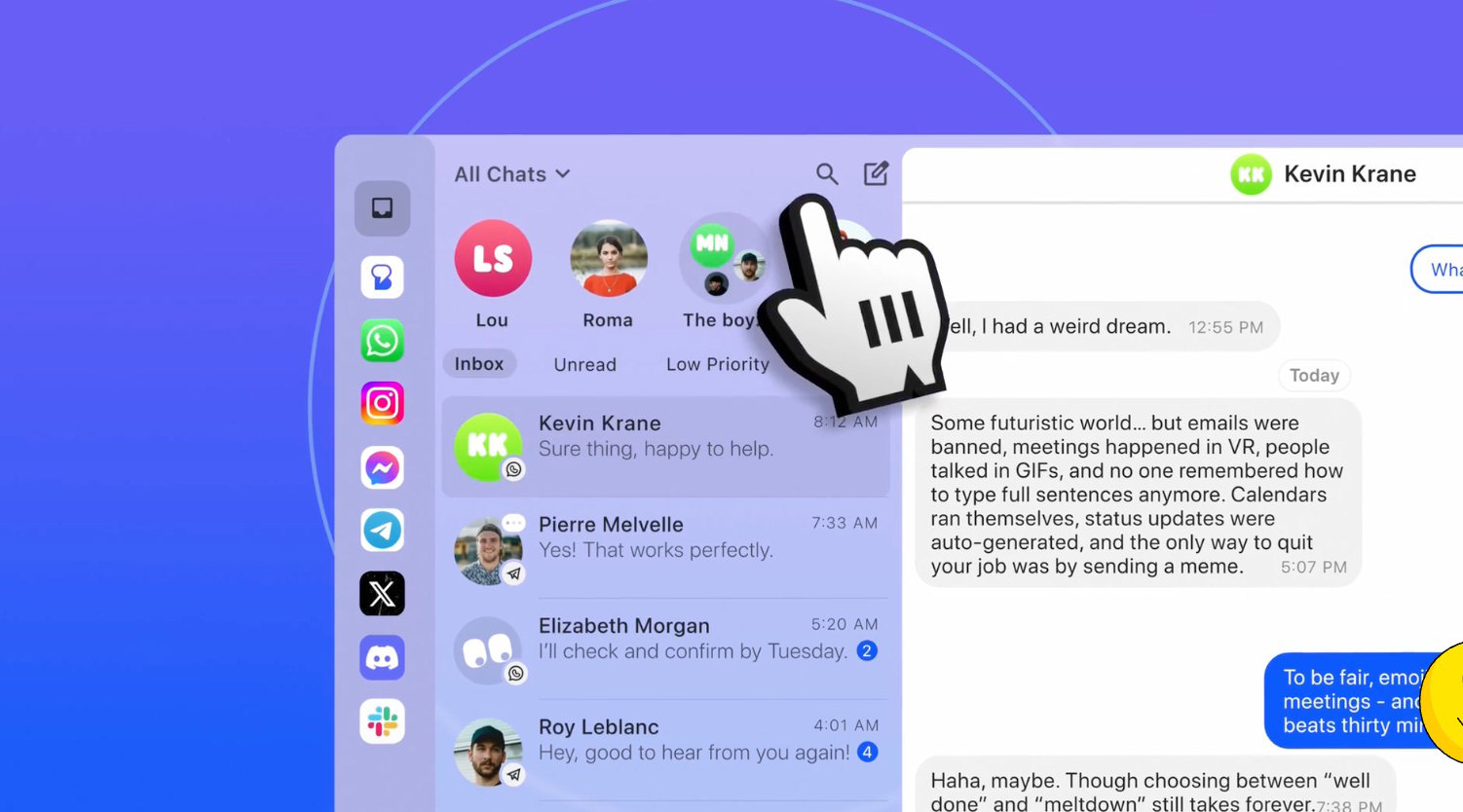
Beeper is the odd one out here.
Instead of giving you a separate tab for every service, it tries to unify everything into a single inbox. For some people, that’s brilliant. For others, it’s the opposite of what they want.
If your goal is “put all my chats in one place and reduce switching,” Beeper is compelling. If you want clearly separated WhatsApp accounts in distinct tabs, it’s a different kind of tool.
What it does well:
- true all-in-one inbox approach
- supports multiple chat networks
- available across desktop and mobile
- useful modern extras on paid tiers
Where it falls short:
- not ideal if you prefer separate app-style tabs
- bridge reliability can vary depending on service
- free tier is fairly limited
Pricing:
- Free: limited to 1 account per network and 5 total accounts
- Beeper Plus: $9.99/month or $99.99/year
Best for: people who want fewer chat silos, not more.
Quick Comparison
| App | Platforms | Free Tier Limits | Paid Starts At | Unlimited WhatsApp Possible? | Best For |
|---|---|---|---|---|---|
| Rambox | Windows, Mac, Linux | 2 instances per app | ~$5.83-$7/mo | Yes, on Pro | Broad app support |
| Wavebox | Windows, Mac, Linux | Very limited | $8.33/mo annual | Yes, on Pro | Polished workspace users |
| Ferdium | Windows, Mac, Linux | No major account limits | Free | Yes | Free and open-source |
| Shift | Windows, Mac | 2 Spaces, 5 apps each | $149/year | Yes | Mixed work + messaging |
| SingleSpace | Windows | 2 accounts per platform | $5-$12/mo | Yes | Heavy WhatsApp use on Windows |
| MultiMessenger | Windows | Mostly usable free | Free / low-cost upgrades | Yes | Simple budget option |
| Beeper | Desktop + mobile | 1 per network, 5 total accounts | $9.99/mo | Limited | Unified inbox workflow |
Which One Should You Actually Pick?
If you want the short version:
- Pick Rambox if you want the widest app support and a strong all-rounder.
- Pick Ferdium if you want the best free option without artificial account limits.
- Pick Wavebox if you want the most polished workspace experience.
- Pick SingleSpace if you mainly care about running a lot of WhatsApp accounts on Windows.
- Pick Beeper if you want one inbox instead of a tab for everything.
Personally, the easiest split is this: Ferdium for free, Rambox for breadth, Wavebox for polish.
Everything else depends on whether you want a messaging app, a workspace browser, or a unified inbox.
Final Thoughts
If you’re still juggling multiple WhatsApp accounts through random browser tabs, separate profiles, and half-remembered workarounds, yes – there is a better way.
The right desktop app won’t magically make messaging pleasant, but it will make it a lot less chaotic.
Start by being honest about what you need.
If two accounts are enough, stick with the official route and keep things simple. If you need three or more, or want WhatsApp sitting beside Telegram, Slack, Discord, and the rest, try Ferdium, Rambox, or Wavebox first.
Those are the strongest starting points.