How to Conceal a ZIP File within an Image on a Mac
There are times when you would like to hide sensitive files from prying eyes. You could encrypt them but encryption and decryption takes time and the files they leave make it obvious you have something to hide.
In this quicktip, we will show you a simple way to hide your files in plain sight on your Mac. It will involve hiding your zipped files behind an image file. This is a great way to hide files without relying on any third party applications while still having quick and easy access to them.
Getting Started
You will need an image file, and all the files you want to hide zipped in a ZIP file. For this example, we will use a nyancat image named image.png to be our cover. The tip works with JPG and GIF files too.
Our ZIP file is named secret.zip. We will be hiding this in image.png. Here’s how.
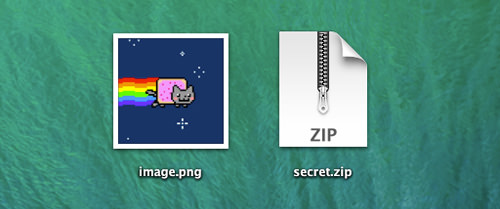
First, make sure these files are on your Desktop. Open up Terminal. Type in the following command, then press Enter.
cd Desktop
Next, type in the command below and press Enter:
cat image.png secret.zip > image2.png
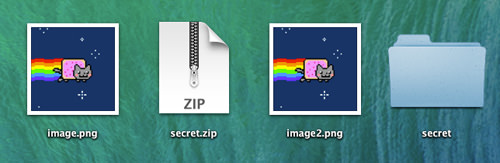
Once the command is used, a third file will be created on your Desktop called image2.png. This PNG file carries secret.zip within it.

To prove this, notice that change in file size for image.png (12 KB) and image2.png. (20.3 MB). You can access this information by right-clicking on the file and clicking Get Info.

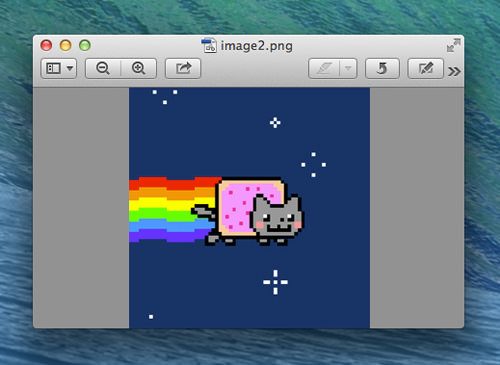
The image2.png file behaves like a regular PNG file. If you try to open it, it wil pop up in your default photo viewer.
In order to unzip the hidden zip file, you will need to use Terminal. Use the following command to unzip the file:
unzip image2.png
The ZIP file within image2.png will then unzip its contents where the image is located.