18 Best Free Adobe Photoshop Alternatives
Photoshop is the most comprehensive image editing and graphic designing software. But all of these features also make it hefty on your system. Especially if you need a tool with just some basic features for day to day image editing needs, then going for Photoshop is certainly not a wise option.
So, what you can do is try a nice substitute for Photoshop that can help you with your image manipulation needs. Here are 18 free Photoshop alternative tools, both downloadable software as well as online tools, to do on-the-go basic image editing.
These tools are available on different platforms and offer different features for particular editing needs. So read on to pick the right one for your specific requirements.
Read also:
- Photoshop alternatives for Windows
- Free online photos editors
- Batch image processors and editors
- Free photo editing apps for Windows 10
Free Photoshop Alternatives
Gimp
Gimp works across several different platforms and is probably one of the best free alternatives out there so far. Gimp has a huge user community, with a great list of tutorials on the official site.
Platform(s): Windows, iOS, Android

Inkscape
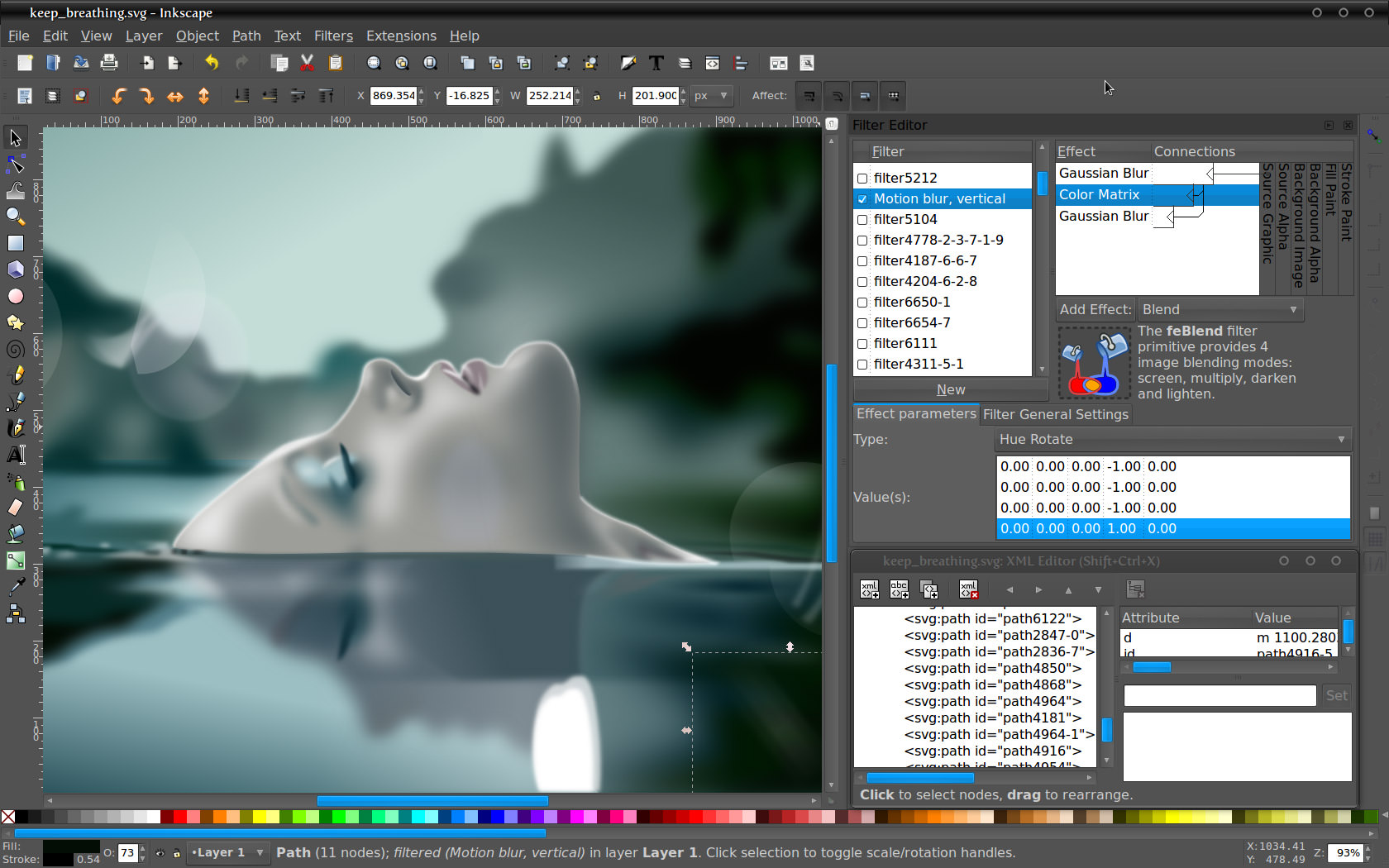
Inkscape is an open-source vector graphics editor similar to Adobe Illustrator, Corel Draw, Freehand, or Xara X. What sets Inkscape apart is its use of Scalable Vector Graphics (SVG), an open XML-based W3C standard, as the native format.
Platform(s): Windows, iOS, Android
Krita
Krita is based on the open-source platforms like Linux and Unix. The tool is a great choice for those who like to make illustrations and textures.
Platform(s): Windows, iOS, Android

Xara Xtreme
Xara Xtreme is a powerful, general graphics program for Unix platforms including Windows, Linux, FreeBSD, and (in development) OS-X. Formerly known as Xara LX, it is based on Xara Xtreme for Windows, is simple to use and learn and has a clean user interface with few floating dialogs, palettes, menus etc.
Platform(s): Windows, Linux

Mac Preview
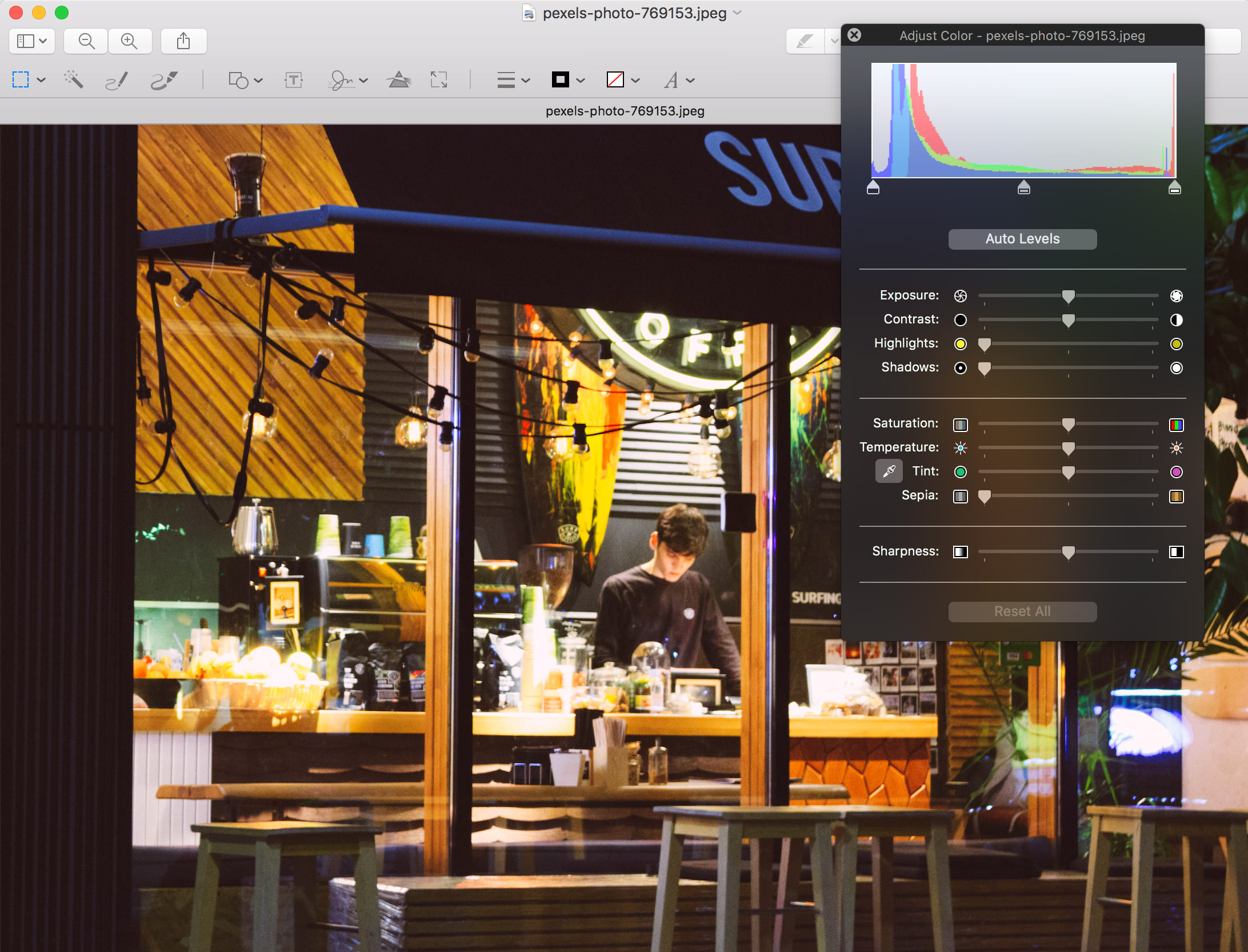
You may think this is just any normal image preview tool, but the fact is Mac’s Preview can perform some incredible image editing tasks.
Platform(s): macOS
Pixelmator
Pixelmator is one of the best photo editors for Mac that can perform simple editing tasks to machine learning-powered intelligent image editing. You can edit even the largest photos with ease and emulate as many Photoshop tools as you need. And there is also an iPad version.
Platform(s): macOS

Seashore
Seashore is an open source image editor for Mac OS X’s Cocoa framework. Based on GIMP’s technology it features gradients, textures, and anti-aliasing for both text and brush strokes and multiple layers and alpha channel editing.
Platform(s): macOS

Online Photo Editing Tools
BeFunky
BeFunky is a quick and easy-to-use image editor. You can crop, rotate, resize, enhance, and sharpen an image along with other features.

Canva Photo Editor
Canva is an amazing online tool allowing you to create a large number of designs, from a Facebook cover to a presentation. They have lots of pre-made templates for each type of design, so you can just customize them and download.

Fotor
Fotor is available on almost any platform, in web or desktop versions. It allows you to enhance the image, crop, rotate, or add a vignette.

PicMonkey
PicMonkey is a web-based design and editing tool with a lot to offer. You can start editing from scratch or edit an existing picture from web or computer. It requires a Flash plugin.

Pixlr
Pixlr is an online photo editor similar to Photoshop with a solid toolset. You can upload an image, and adjust it as you like. It requires $15 per year subscription, but it’s totally worth it. To use Pixlr you require Flash though.

PiZap
With PiZap you can play around with basic edits, like crop, contrast, and saturation, and add filters, stickers, text, or borders.

Ribbet
Despite the old design and weird logo, it’s an easy-to-use online editor. You can create a collage, postcard, and edit an image.

Sumo Paint
Sumo Paint is an amazing quick online photo editor. Many advanced features are available only in paid Pro version. However, you can resize, crop images, and get swatches for free.

Bonus: More Tools
Acorn 6
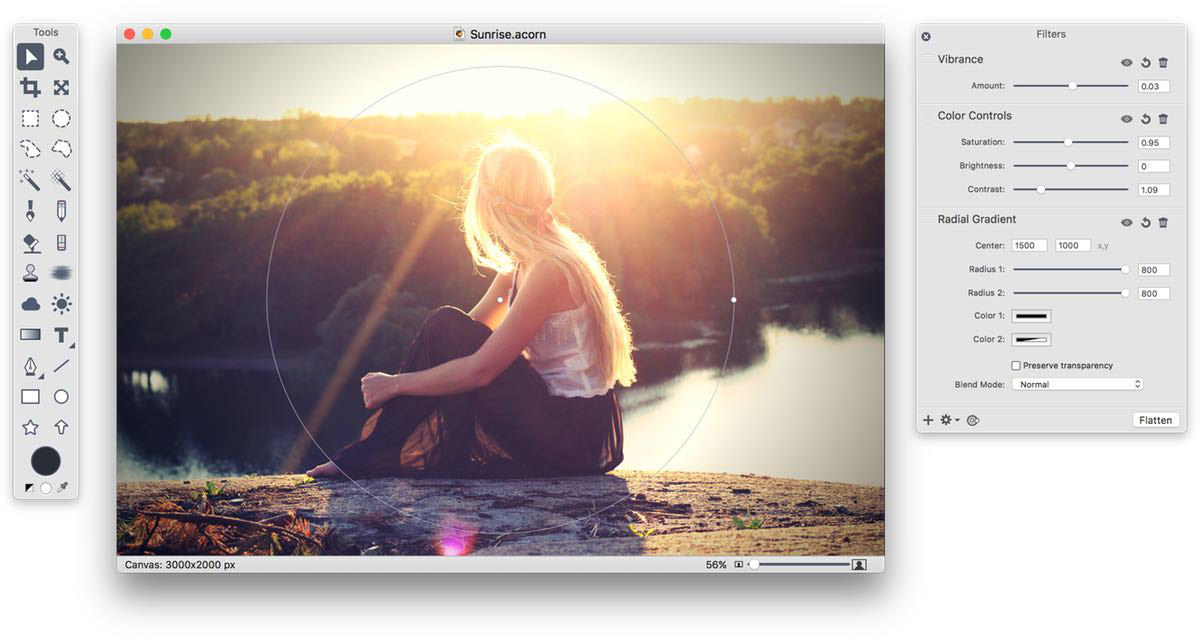
Another amazing image editor for OS X, Acorn is called the ‘image editor for humans’. It includes advanced features and filters for image editing. Besides, the interface is familiar to Photoshop.
Platform(s): macOS
Affinity
Affinity Photo is a budget version of Photoshop. It’s fully packed with advanced tools and easy to use. It also has end-to-end CMYK 16-bit per channel editing and RAW processing.
Platform(s): macOS

Sketch
Sketch is a professional software for designers. It has lots of different features allowing you to create everything from a postcard to a complicated application interface. You can enhance its features with plugins.
Platform(s): macOS
