OpenScreen Is the Free Open-Source Alternative to Screen Studio
If you make product demos, tutorials, walkthroughs, or short social clips, there’s a good chance you’ve looked at Screen Studio before.
And for good reason.
It’s one of the nicest screen recording tools around if you care about presentation. You record your screen, and it handles a lot of the polish for you: cursor-following zooms, smooth motion, clean framing, and a result that looks far better than a raw screen capture usually has any right to.
The problem, of course, is that it’s not free.
If you only make polished demos once in a while, another subscription can feel a bit ridiculous. That’s exactly where OpenScreen comes into play. It aims at the same kind of workflow, but it’s free, open source, and available across macOS, Windows, and Linux.
That alone makes it worth a look.
What Is OpenScreen?
OpenScreen is an open-source desktop app built for turning ordinary screen recordings into cleaner, more watchable demos. It is positioned very clearly as an alternative to Screen Studio, and the overlap is obvious the moment you look at it.
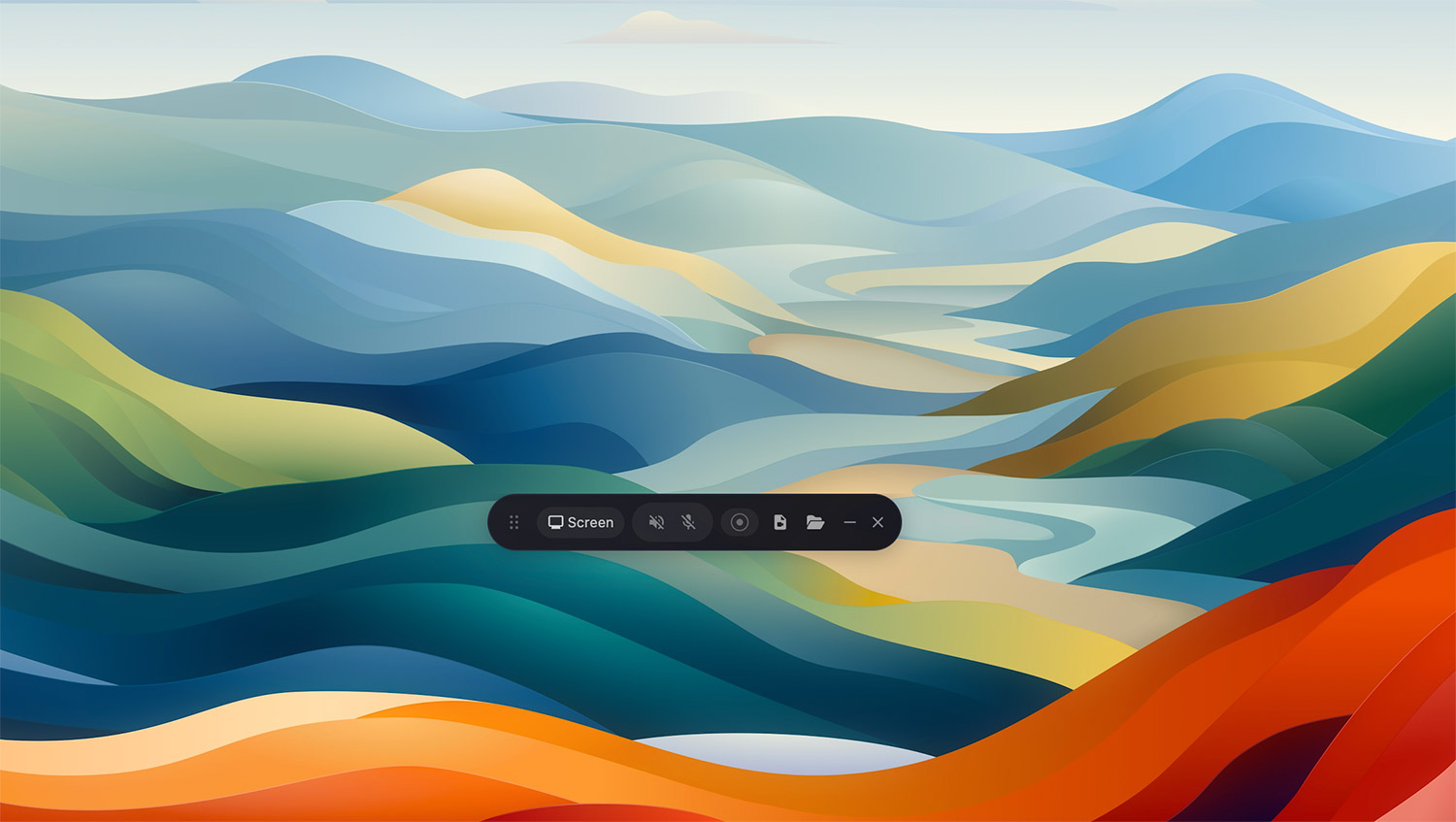
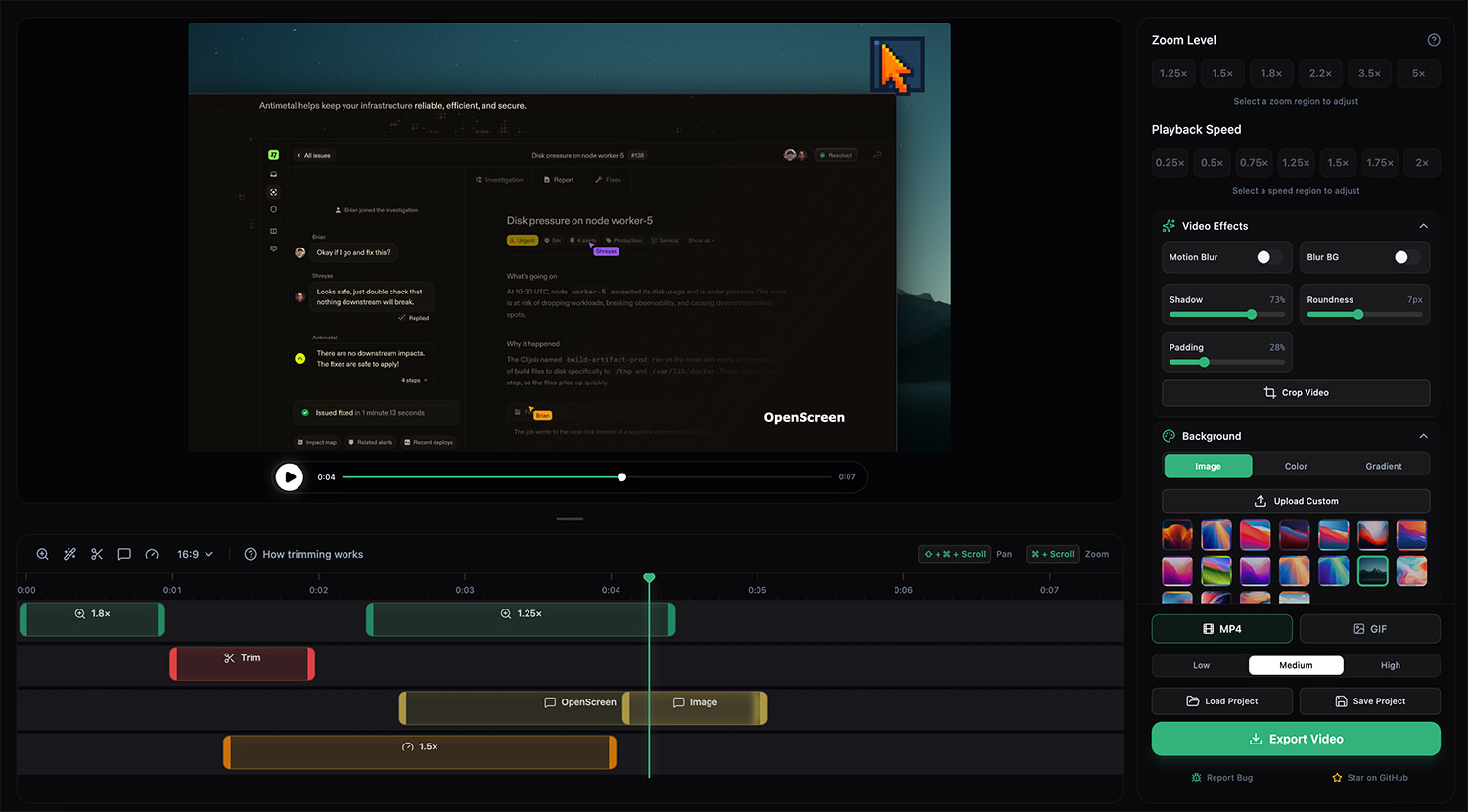
You can record your screen or a specific window, then refine the result with zooms, cursor effects, backgrounds, annotations, and timeline-based edits. In other words, it is not just a recorder. It is trying to solve the more annoying part that comes after recording: making the video look presentable without spending ages in a full video editor.
At the time of writing, the latest release is v1.2.0, and it adds a few meaningful improvements, including microphone and system audio capture, saved projects, a speed track for clips, and configurable keyboard shortcuts.
What Makes Screen Studio Popular
To understand why OpenScreen matters, you have to understand what makes Screen Studio appealing.
Most screen recorders do one job: they capture what happened.
Screen Studio goes a step further. It helps make that recording feel intentional. Cursor movement looks smoother. Zooms land where attention should go. Backgrounds look cleaner. The end result feels closer to a product demo than a plain desktop capture.
That polish is what people are really paying for.
OpenScreen goes after that same value proposition, just without the subscription, license lock-in, or closed-source black box.
What OpenScreen Can Do
Here are the features that make OpenScreen genuinely useful rather than just interesting:
- Record the full screen or a specific window
- Capture microphone and system audio, depending on platform support
- Apply automatic or manual zoom effects around cursor movement and clicks
- Use smooth cursor animations and motion effects
- Add a webcam bubble overlay
- Change the background with wallpapers, gradients, colors, or your own image
- Add annotations such as text, arrows, and images
- Trim clips, crop, resize, and adjust playback speed in the timeline
- Export in different resolutions and aspect ratios, including vertical formats
- Save projects and reopen them later
That is already enough for a lot of creators.
If your usual workflow is “record something, tighten it up, export it, and publish,” OpenScreen covers the core path surprisingly well.
OpenScreen vs. Screen Studio
Here’s the practical comparison.
| Feature | Screen Studio | OpenScreen |
|---|---|---|
| Platforms | macOS | macOS, Windows, Linux |
| Screen and window recording | Yes | Yes |
| Microphone and system audio | Yes | Yes, with some platform caveats |
| Auto zoom and focus effects | Yes | Yes |
| Cursor animation and motion effects | Yes | Yes |
| Webcam overlay | Yes | Yes |
| Background customization | Yes | Yes |
| Annotations | Yes | Yes |
| Timeline editing | Yes | Yes |
| Saved projects | Yes | Yes |
| Keyboard shortcut support | Yes | Yes, configurable keyboard shortcuts in recent release |
| Subtitles and transcripts | Yes | Not built in |
| iOS device recording | Yes | No |
| Advanced audio cleanup | More polished | More basic |
| Pricing | Paid | Free |
| Open source | No | Yes |
The short version: OpenScreen handles most of what makes Screen Studio attractive, especially if your priority is polished visuals and faster editing rather than AI extras or platform-specific convenience features.
Where OpenScreen Still Falls Short
This is the part where the open-source glow needs a little realism.
OpenScreen looks promising, but it is still a younger tool. That means rough edges.
A few caveats stand out:
- System audio support can be platform-dependent
- macOS users may hit Gatekeeper warnings because the app is not signed like a commercial Mac app
- Some users have reported bugs around cursor tracking, loading clips, or preview/export consistency
- It does not yet match Screen Studio on things like built-in transcripts, iPhone recording workflows, or more advanced audio cleanup
- The editor is improving, but it is still not as mature as a commercial product that has had more time to sand off the sharp corners
None of that is unusual.
It is just the trade-off. You are giving up some polish and some premium features in exchange for zero cost, full source access, and a tool the community can keep improving in public.
OpenScreen Is Worth Paying Attention To? Yes
What makes OpenScreen interesting is not that it beats Screen Studio across the board.
It doesn’t.
What makes it interesting is that it gets close enough in the areas that matter most for a lot of people.
If all you want is a clean, modern way to record demos with automatic polish, OpenScreen already looks far more capable than the phrase free open-source alternative usually suggests. And if you are the sort of person who likes tools you can inspect, modify, or contribute to, it has an obvious advantage that closed commercial apps simply do not.
For indie makers, educators, developers, startup teams, and anyone tired of stacking monthly subscriptions, that is a compelling pitch.
Final Thoughts
If you need the smoothest, most polished, least-fussy experience on macOS, Screen Studio still has the edge.
But if you want something free, capable, cross-platform, and open source, OpenScreen looks like one of the most credible alternatives out there right now.
That is especially true if you can live without a few premium extras and do not mind the occasional rough edge that comes with a fast-moving project.
In other words: if Screen Studio is the premium answer, OpenScreen is the surprisingly good answer that costs nothing.
And frankly, that is enough to make it a big deal.
If you want to test it yourself, grab it from the official GitHub repository.
If it clicks for you, great. If not, you spent nothing but a few minutes.
That is a pretty good deal.