Fresh Resources for Web Designers and Developers (December 2025)
As 2025 winds down, I think it’s just the perfect time to explore new tools that can make your development workflow smoother in the year ahead.
In this roundup, we’ve gathered a selection of open-source and free utilities designed to boost productivity, streamline tasks, improve your coding experience and your browsing privacy.
Click Here for More Resources
Check out our complete collection of hand-picked tools for designers and developers.
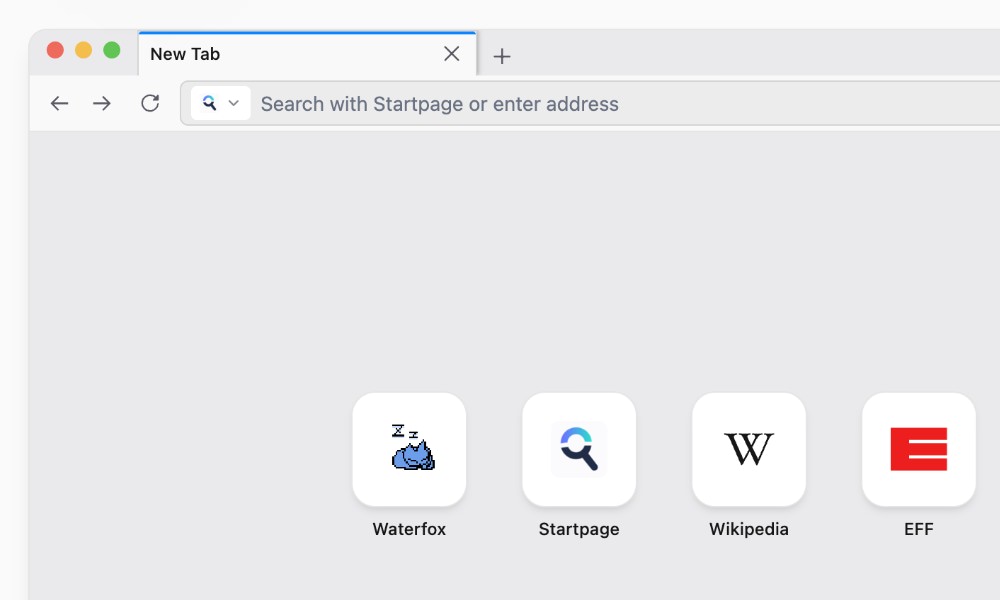
Waterfox
Waterfox is a free, open-source browser based on Firefox that focuses on privacy, performance, and user control.
It disables telemetry, supports both Firefox and Chrome extensions, and includes built-in features like vertical tabs without needing extra add-ons.
Available on Windows, macOS, Linux, and Android. I think it’s a solid option for those who want a customizable and privacy-friendly browsing experience
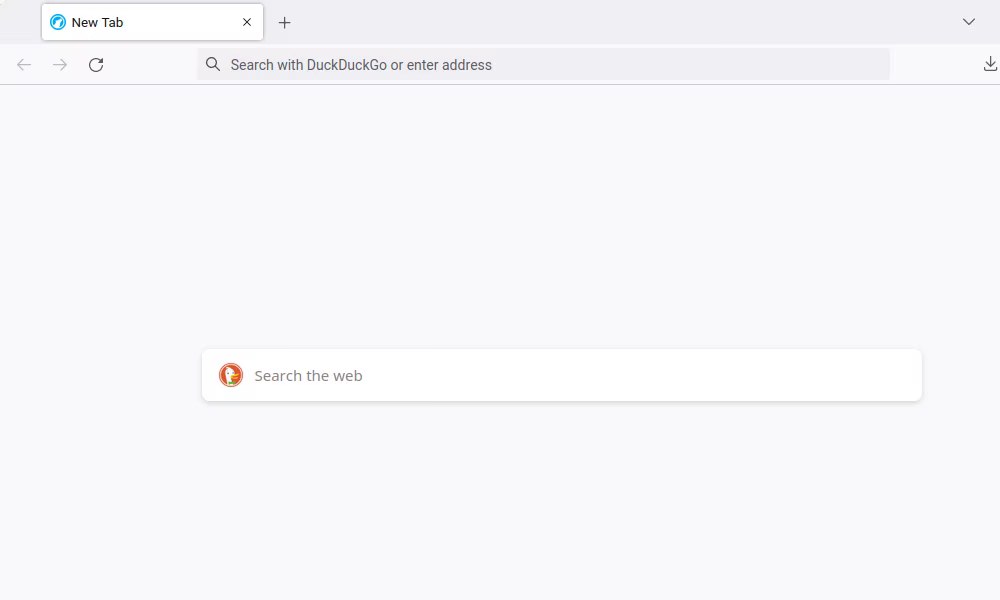
LibreWolf
LibreWolf is another free, open-source browser that’s also based on Firefox. It also focuses heavily on privacy and security.
It removes telemetry, applies strict privacy settings by default, and includes uBlock Origin out of the box.
Also available on Windows, macOS, and Linux. Another good choice for those who want a browser with strong privacy.
Pipedash
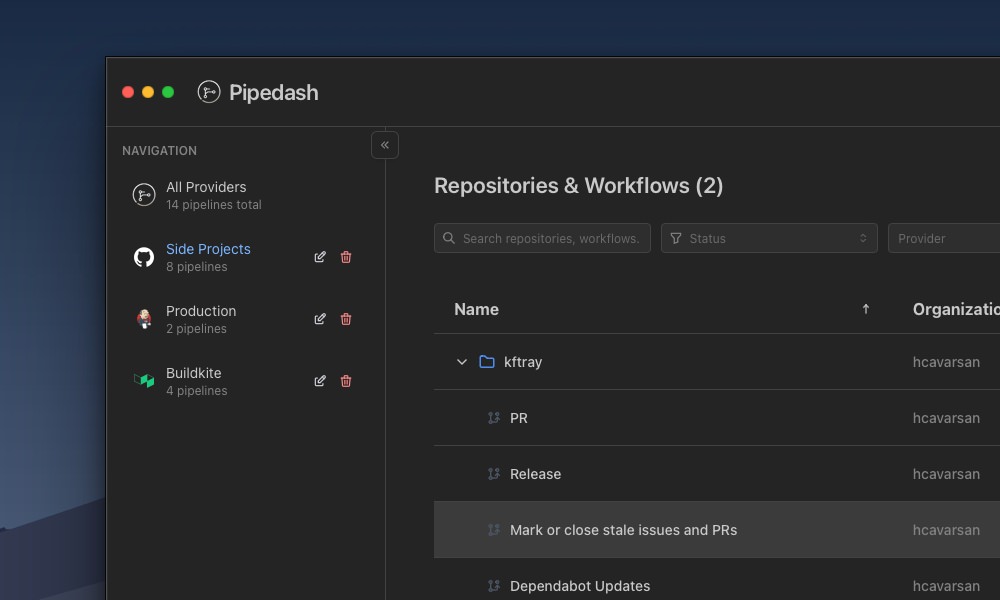
Pipedash is a desktop app that brings CI/CD pipelines from different tools into one simple dashboard.
It allows you to monitor builds, statuses, and logs from services like GitHub Actions, Jenkins, and Buildkite without jumping between multiple interfaces.
A promising option for teams that want a centralized view of their pipelines.
Microfetch
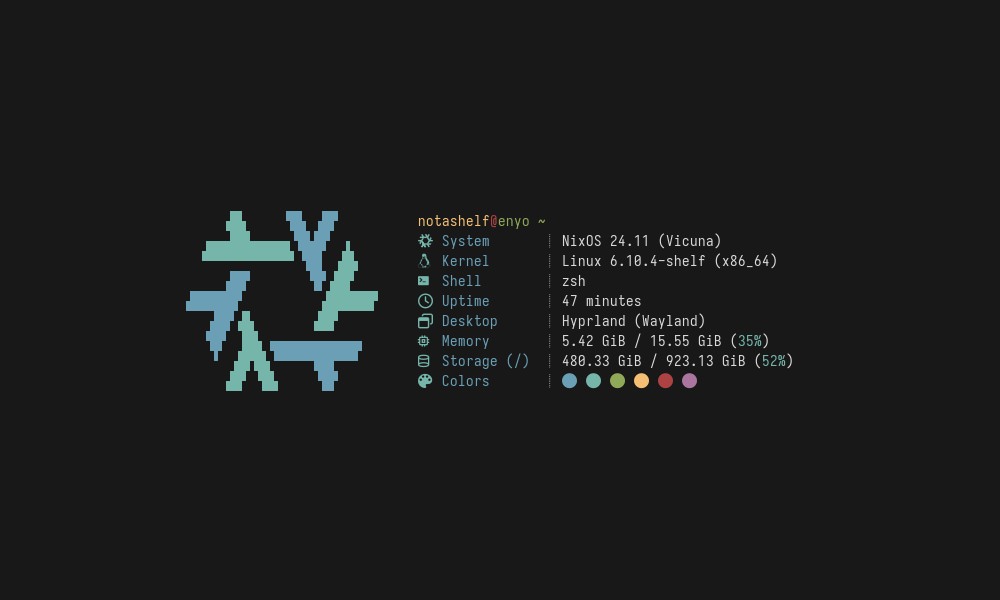
Microfetch is a lightweight system information tool that shows essential details like your OS, kernel, CPU, and uptime directly in the terminal.
Written in Rust, it’s extremely fast and avoids extra visuals or bloat, making it perfect for quick checks or clean terminal screenshots.
RsyncUI
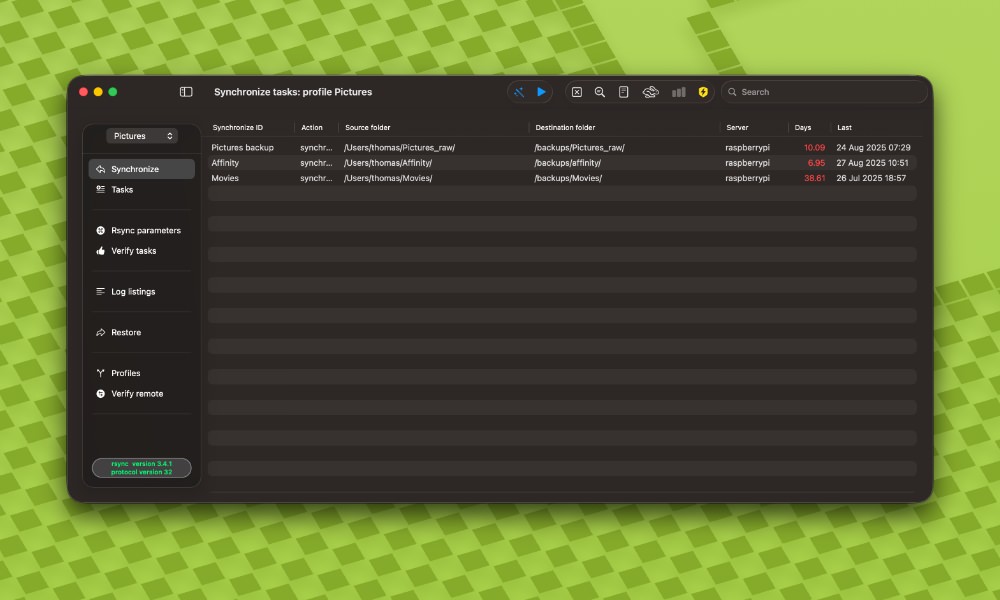
RsyncUI is a free, open-source macOS app that makes the powerful rsync tool easier to use through a clean GUI.
It supports local and remote backups, SSH-based syncing, snapshots, and reusable task profiles, all without hiding rsync’s core behavior.
A great option if you want reliable file syncing without relying on the command line.
Bastillion
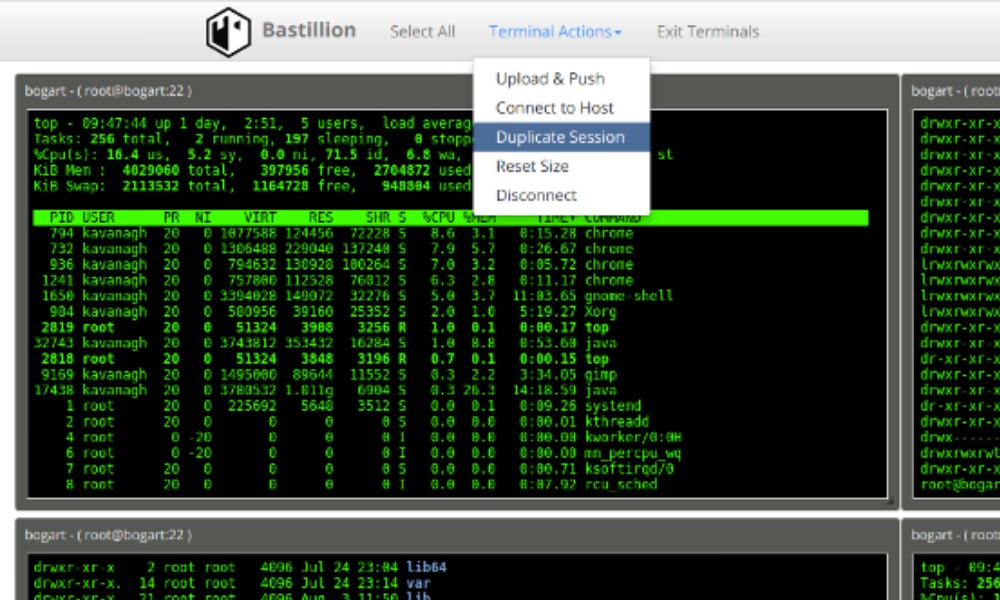
Bastillion is an open-source, web-based SSH bastion that centralizes secure access to servers.
It allows you to manage SSH keys, use a browser-based shell, and enforce strong security policies with features like two-factor authentication.
A practical choice for teams that want safer, centralized SSH management without direct server access.
LazySQL
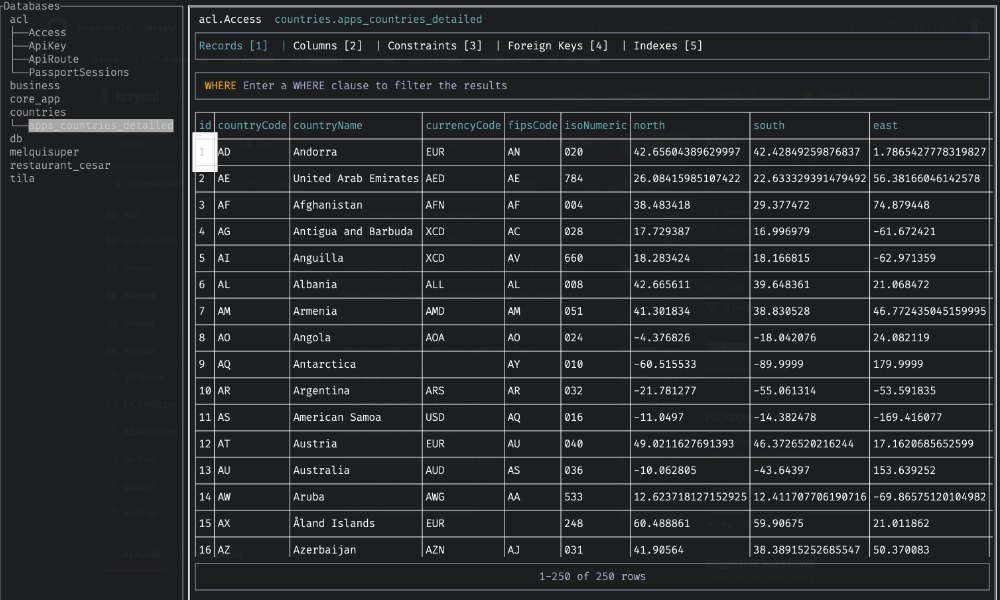
LazySQL is a cross-platform terminal-based database client that allows you to connect to databases, run SQL queries, and view results directly in the terminal.
It supports macOS, Windows, and Linux, with features like Vim-style keybindings, tabs, and multiple connections.
A handy tool if you prefer managing databases without leaving the command line.
Vex TUI
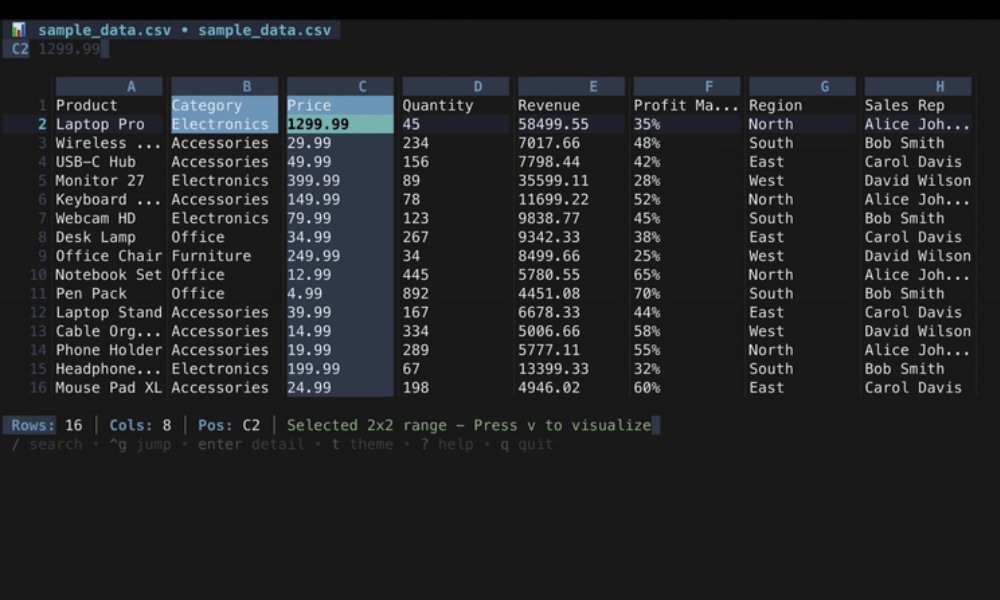
Vex-TUI is a fast terminal-based viewer for Excel and CSV files, built in Go.
It allows you to browse multiple sheets, navigate cells with vim-style keys, search content, and switch themes, all without leaving the terminal.
A great tool if you want a quick, keyboard-friendly way to inspect spreadsheets.
LazySSH
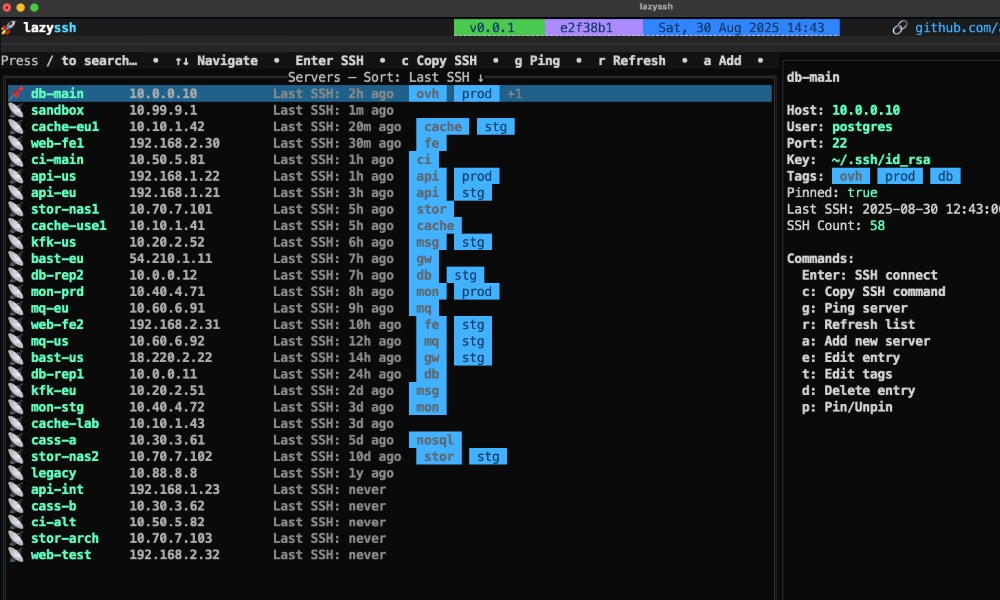
LazySSH is a terminal-based SSH manager that makes it easier to work with multiple servers from the command line.
It reads your existing ~/.ssh/config, shows all servers in an interactive list, and allows you to search, tag, and connect with just a few keystrokes.
If you manage many SSH connections and prefer a keyboard-driven workflow, LazySSH is a big time-saver.
Wait4x
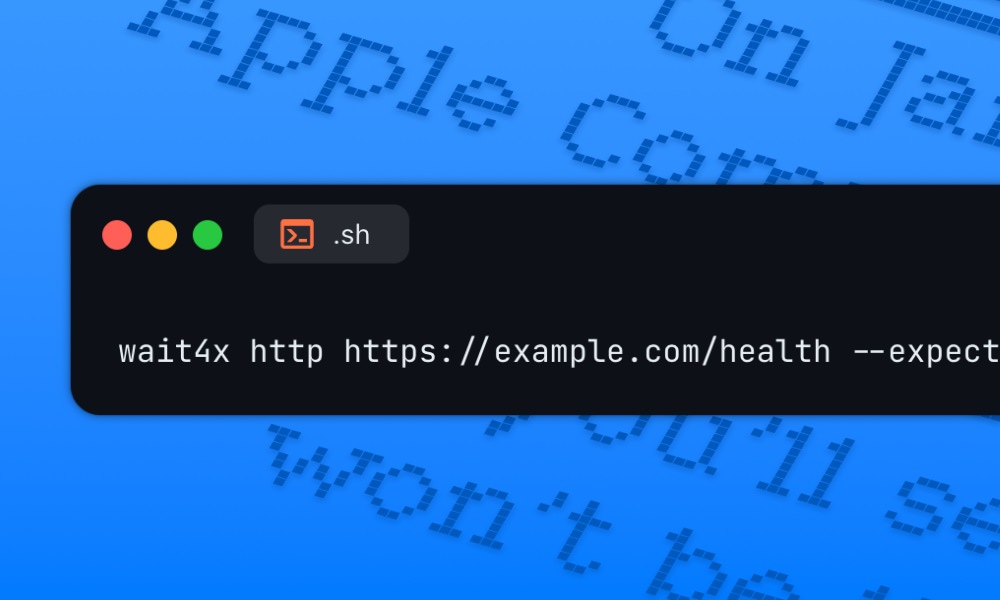
Wait4X is a lightweight CLI tool that waits for services, ports, or commands to be ready before continuing a script or app startup.
It works especially well in Docker and Kubernetes setups, supporting checks for HTTP, TCP, databases, message queues, and more.
A handy tool for making CI/CD pipelines and deployments more reliable.
Updo
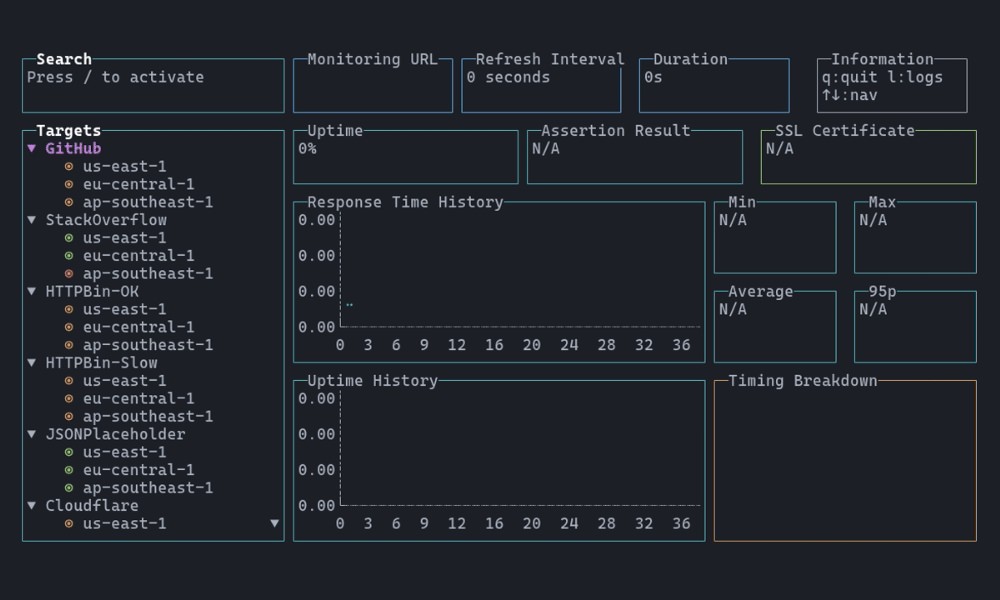
Updo is a lightweight, open-source CLI tool for monitoring website uptime and performance directly from the terminal.
It tracks response times, uptime, and SSL expiry, with support for alerts and integrations like Prometheus and Grafana.
A solid choice for developers who want simple, script-friendly site monitoring.
Ivory
Ivory is an open-source web UI that makes managing PostgreSQL clusters easier.
It allows you to monitor, query, and configure multiple clusters while offering security features like basic authentication, mutual TLS, and certificate management.
A helpful tool to streamline database management and maintain high availability.
Regex-Vis
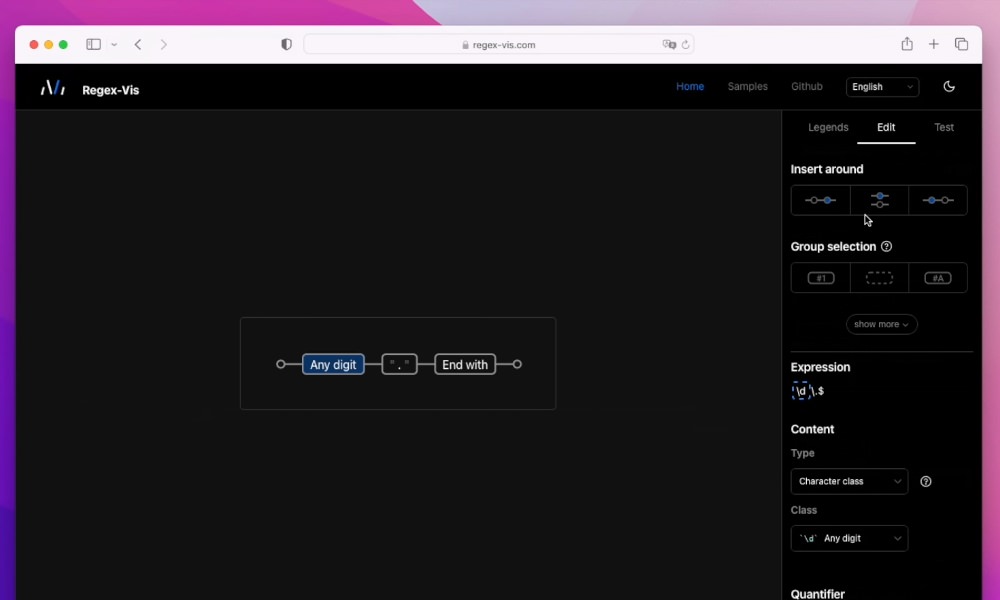
Regex-vis is a web-based tool that visualizes and edits regular expressions as interactive charts.
It turns regex patterns into draggable graphs which allow you to modify groups, quantifiers, and nodes visually while testing against sample strings.
A perfect tool for learning, debugging, or building complex regex patterns.
Semchunk
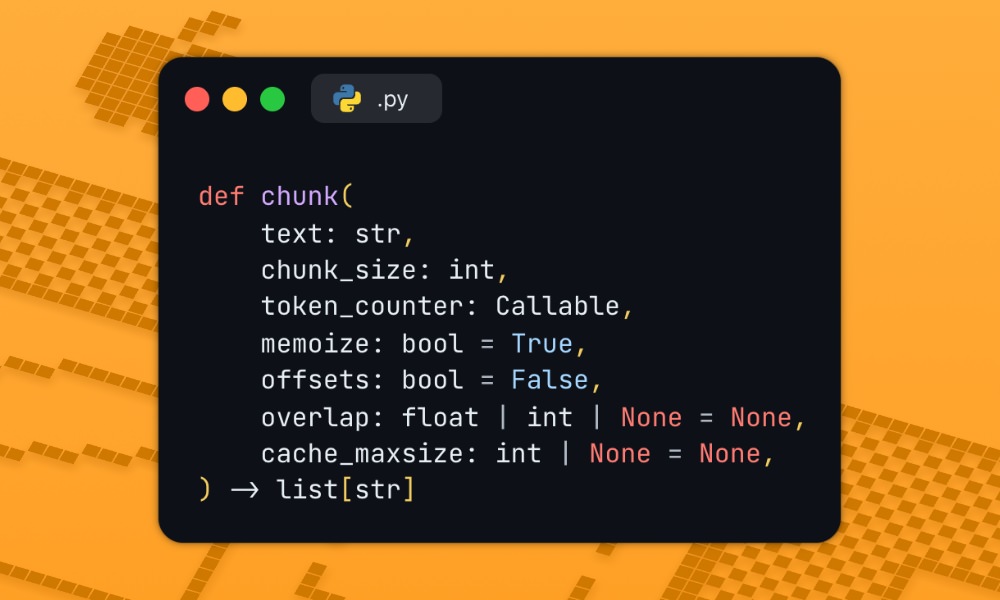
Semchunk is a fast Python library for splitting text into meaningful chunks.
It supports multiple tokenizers, overlaps, and multiprocessing, handling long documents in under a second.
An ideal tool for AI tasks that require breaking down large texts efficiently.
Spec Kit
Spec Kit is an open-source toolkit from GitHub that helps you apply spec-driven development with AI coding agents.
It provides a CLI, templates, and commands to define requirements, plan projects, break down tasks, and implement code.
A promising way to improve code quality and reliability with structured specs.
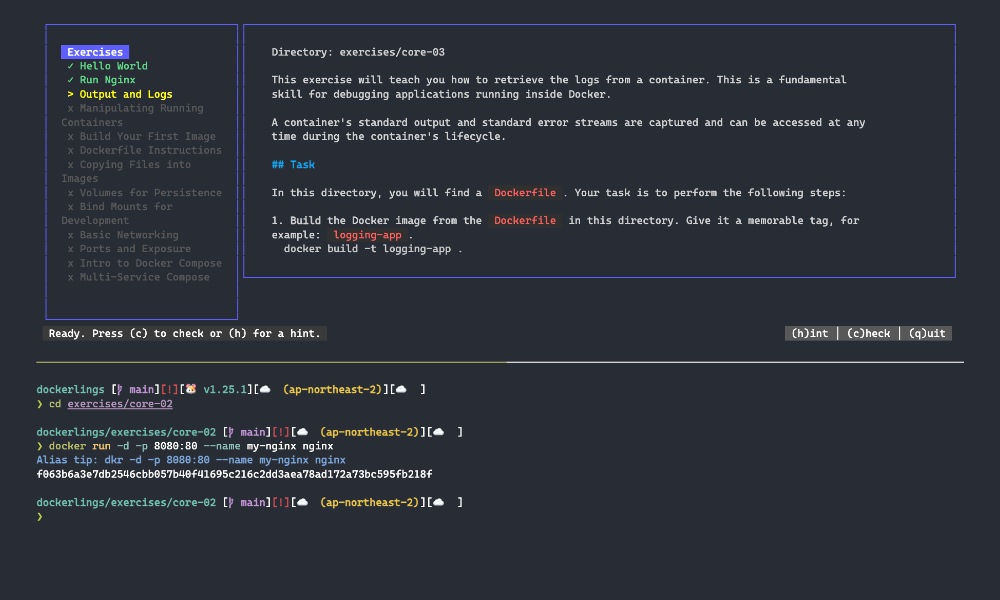
Dockerlings
Dockerlings is an open-source, terminal-based tool for learning Docker through interactive exercises.
Inspired by Rustlings, it provides step-by-step lessons on containers, Docker Compose, and common commands, giving instant feedback in a friendly terminal interface.
A great way for beginners to get hands-on Docker experience.
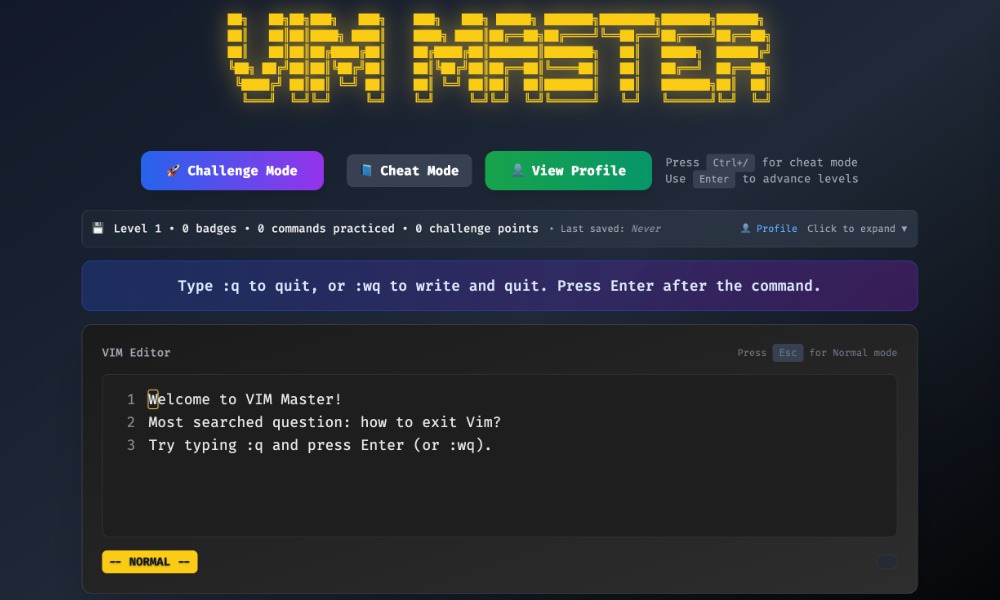
VIM Master
VIM Master is a browser-based game that teaches Vim commands through interactive challenges.
Players navigate 16 levels covering motions and editing basics, with modes for timed practice or reference.
Open-source and playable instantly in a browser. A fun way to learn Vim without installing anything.
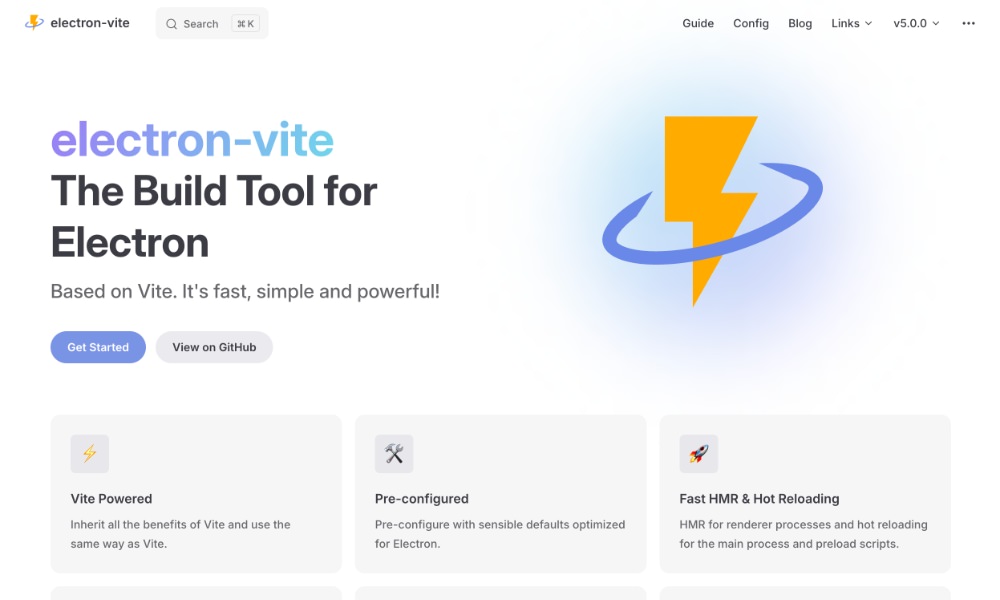
Electron Vite
Electron Vite is a modern build tool for Electron apps that uses Vite for fast development and bundling.
It supports hot reloads for main, preload, and renderer processes, integrates with frameworks like React, Vue, and Svelte, and offers optimized asset handling, debugging, and performance features.
A perfect tool if you want a smoother, faster workflow on your Electron project.
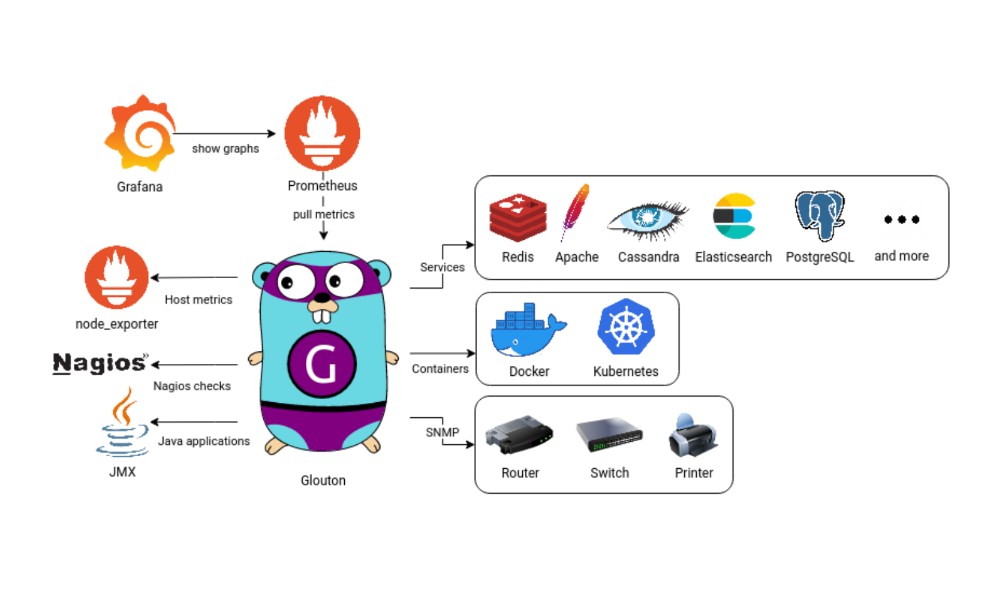
Glouton
Glouton is a simple monitoring agent for tracking servers, containers, and applications.
It collects metrics via Prometheus and Telegraf, offers service discovery, and includes a local web interface.
A solid choice for monitoring infrastructure without heavy overhead.
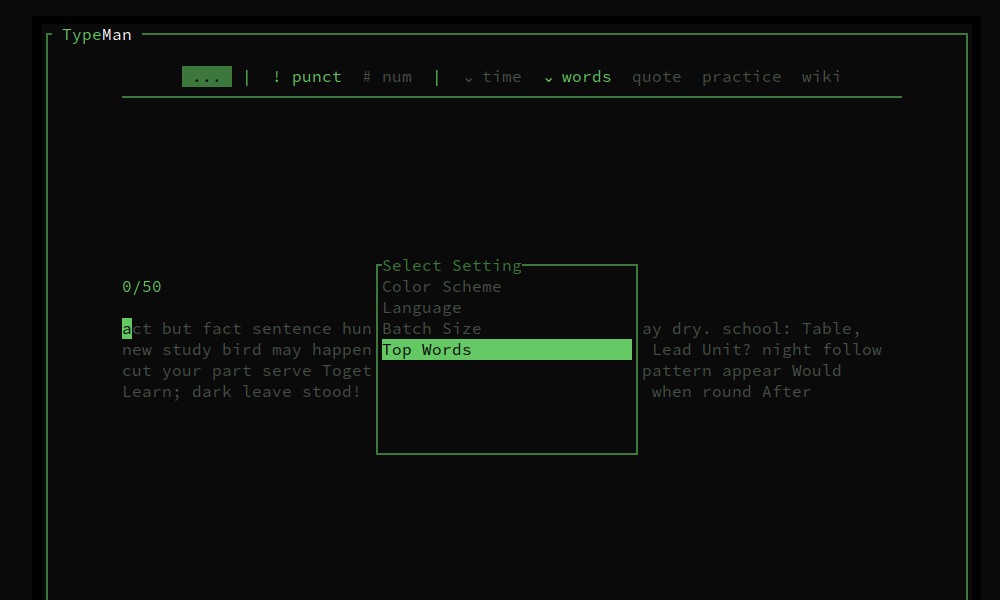
Typeman
Typeman is a Rust-based typing tool that runs in the terminal, offering TUI, CLI, and GUI modes.
It allows you to practice and test typing speed and accuracy, providing a distraction-free way to improve WPM directly from the terminal.
A great option if you want to enhance your typing skills without leaving the command line.