5 Color Palette Generator Websites Worth Using
Picking colors sounds easy until you actually have to do it.
You open a blank canvas, try a few hex codes, hate all of them, then end up nudging saturation sliders for twenty minutes like that somehow counts as design progress.
I have been there more times than I want to admit.
There are plenty of websites that can help you generate palettes, browse combinations, test contrast, and build gradients without fighting your tools. If you want to understand why some combinations work and others do not, this guide to the basics behind color theory is a useful companion. Here are five worth bookmarking.
1. Coolors
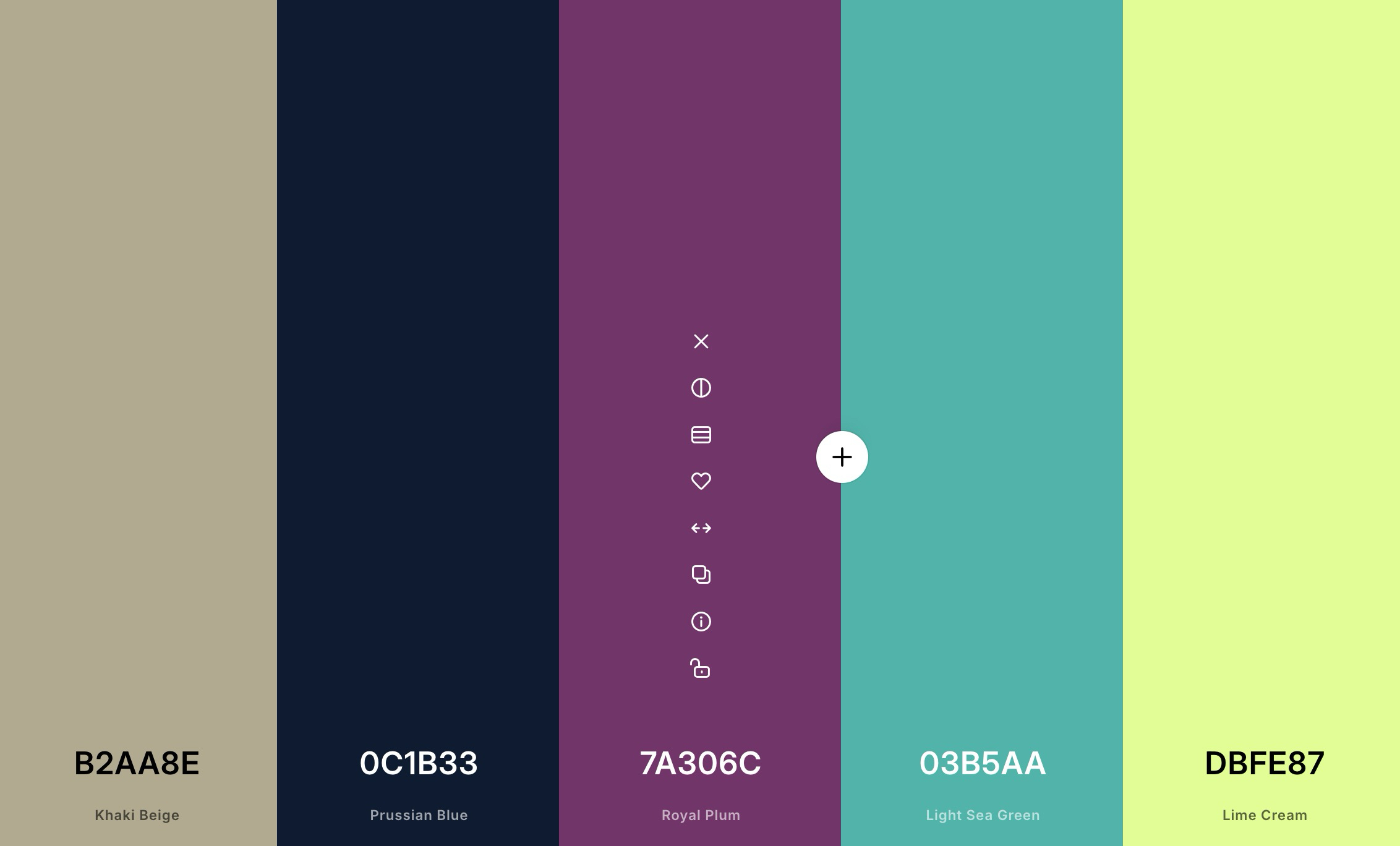
Coolors is still one of the fastest ways to get unstuck.
Its main draw is the palette generator. Tap the spacebar, and it keeps serving new combinations until something clicks. That alone makes it useful when you need quick inspiration, but Coolors goes further than that.
It also includes palette exploration, an image picker, a contrast checker, a palette visualizer, gradient tools, and even Tailwind-focused color helpers. If you want one site that can take you from rough inspiration to something you can actually test in a UI, this is probably the most complete one on the list. For a broader view of what’s available, see our roundup of free color tools for web designers.
2. Grabient
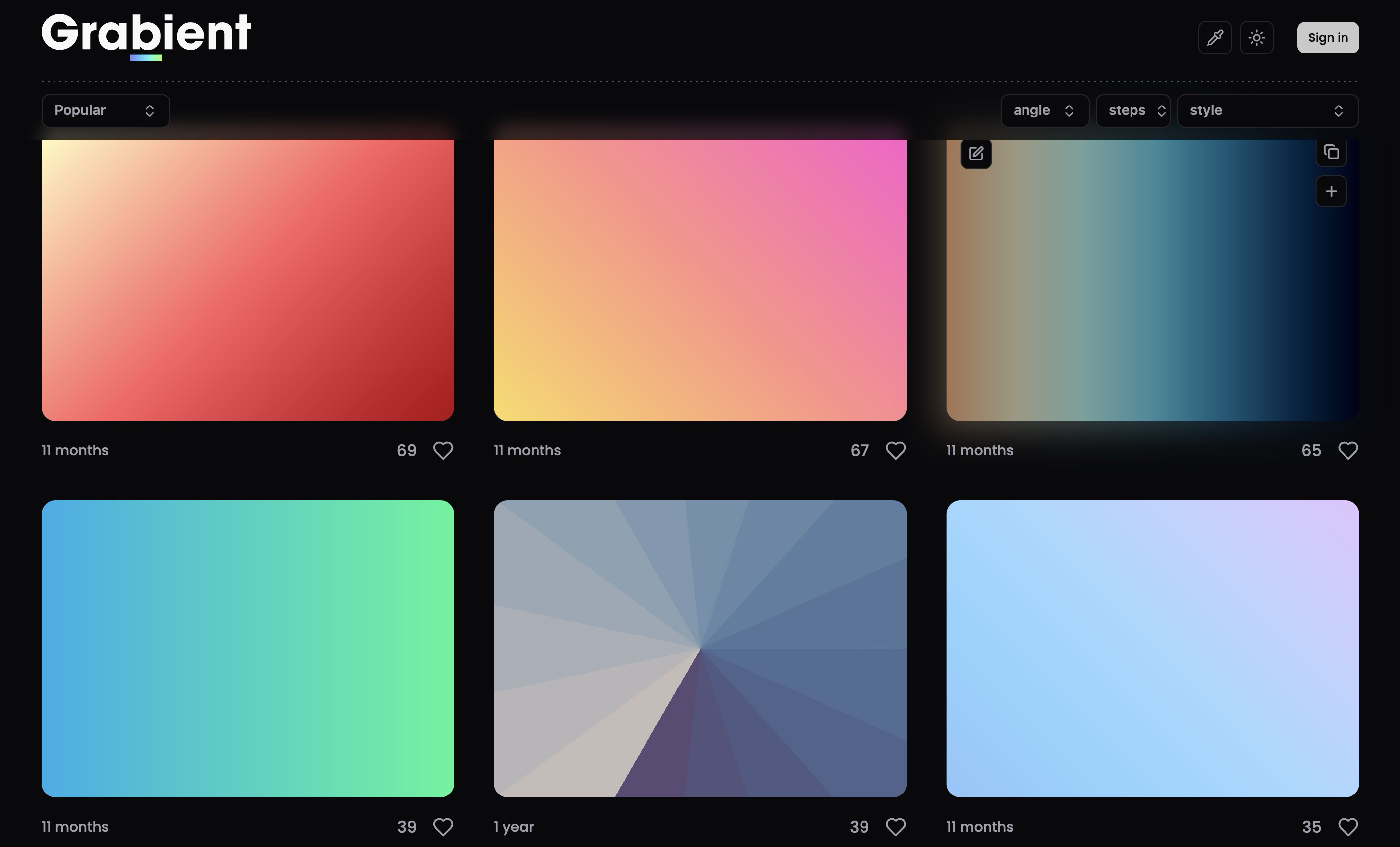
Grabient is the one I would open when the brief calls for gradients first, not flat palettes.
It is built around generating CSS gradients with a clean interface and quick export options. The site also doubles as a palette finder, so it is not limited to flashy background blends, but gradients are clearly the star here.
If you build landing pages, hero sections, or marketing visuals and want gradients you can tweak without wrestling with CSS by hand, Grabient is a very handy shortcut.
3. ColorHub
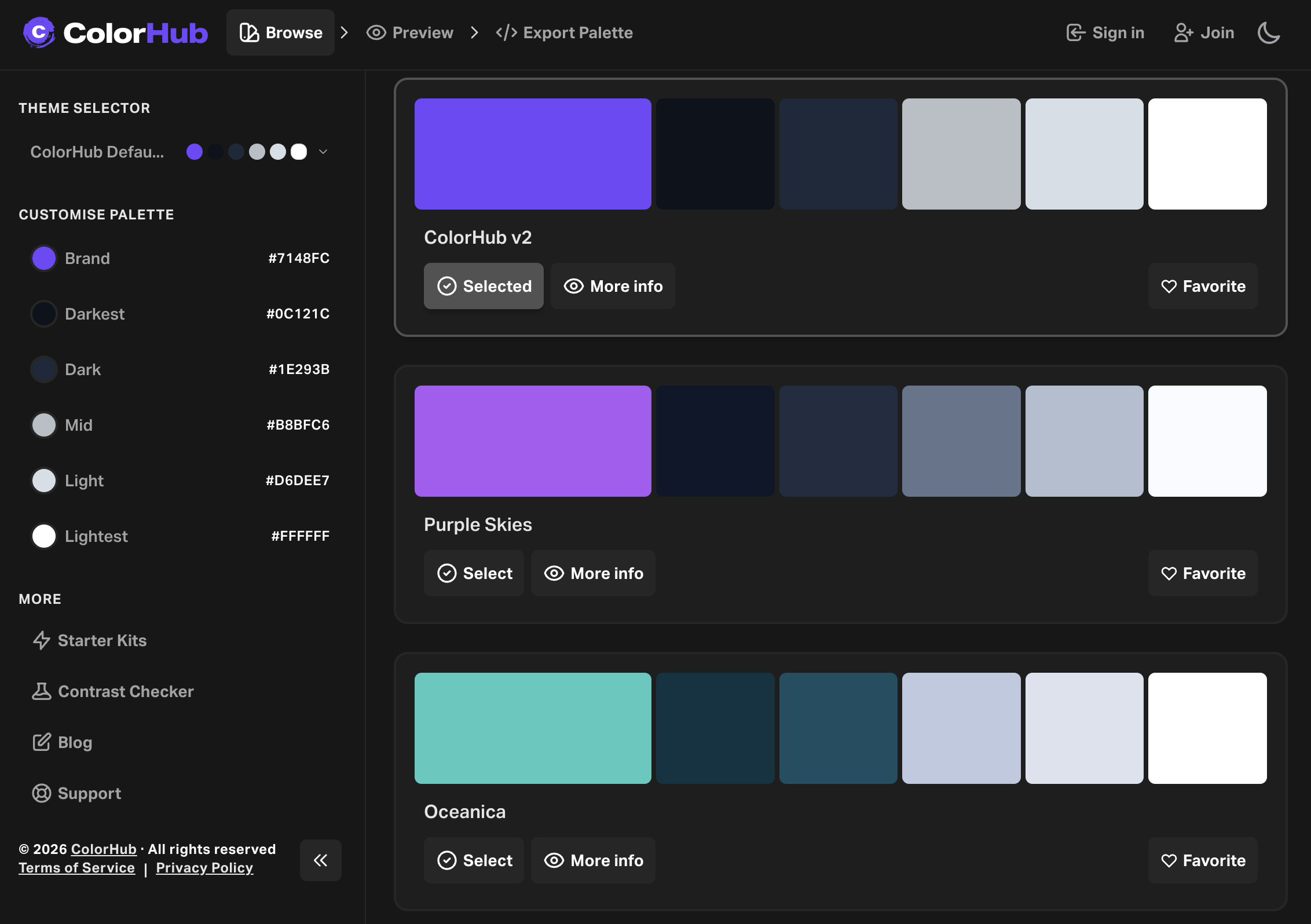
ColorHub feels more product-minded than a lot of palette tools.
Instead of stopping at color generation, it tries to help you preview palettes in more realistic layouts. Its newer versions also added starter kits, palette previews on landing-page style templates, a contrast checker, favorites, and curated palette libraries.
That makes it especially useful if you are not just hunting for a nice palette, but trying to figure out whether that palette will still look good once it hits an actual interface.
4. Color Hunt
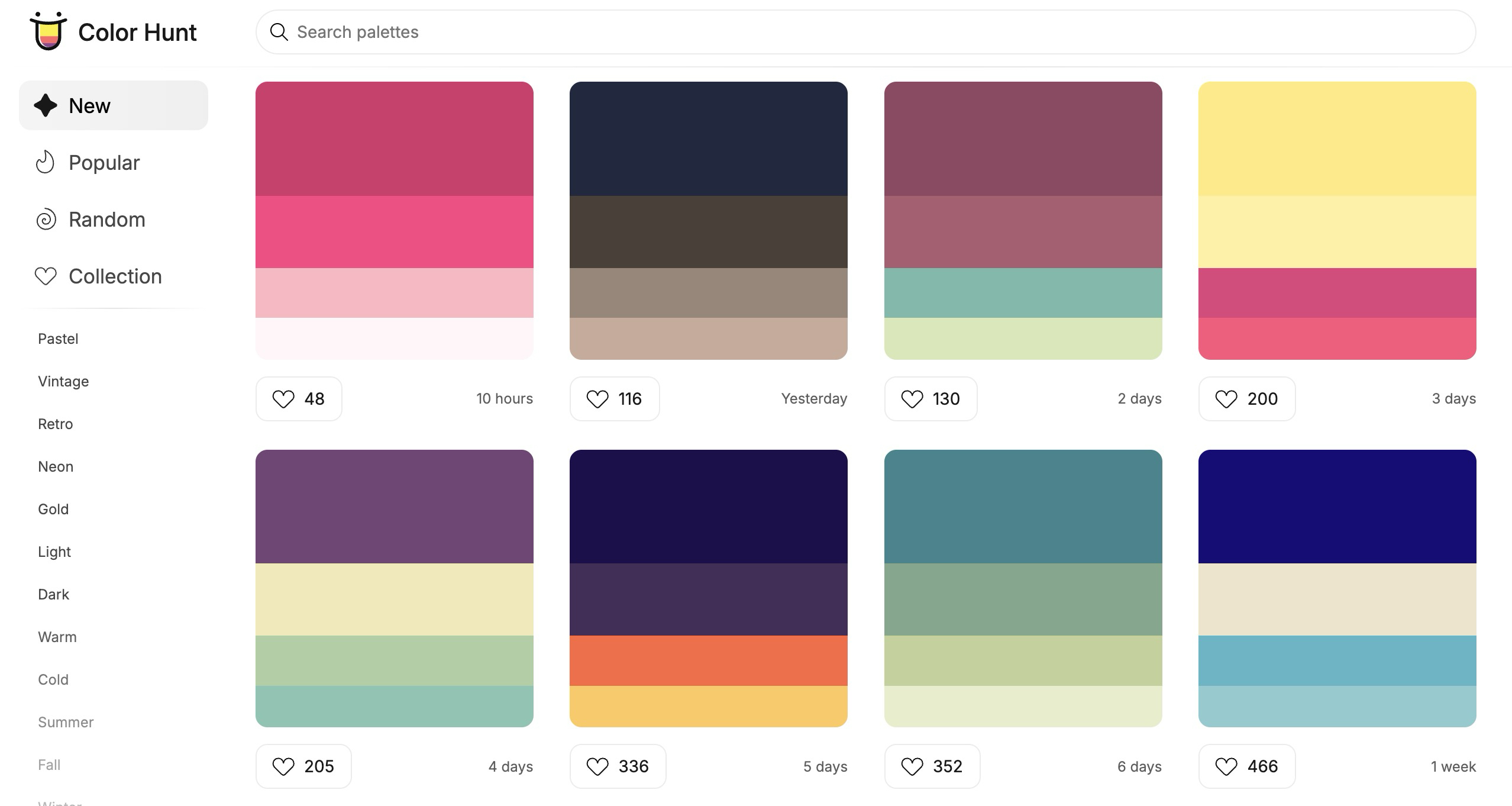
Color Hunt is simple in the best way.
It is basically a big, browsable collection of hand-picked color palettes, organized by mood, theme, and style. Pastel, retro, dark, wedding, food, sunset, neon. You can drift through it for five minutes and usually come away with something usable.
I like it because it does not overcomplicate the job. Sometimes you do not want a full palette lab. You just want to browse good combinations until one feels right.
That is exactly what Color Hunt is good at.
5. Gradients by Colorion
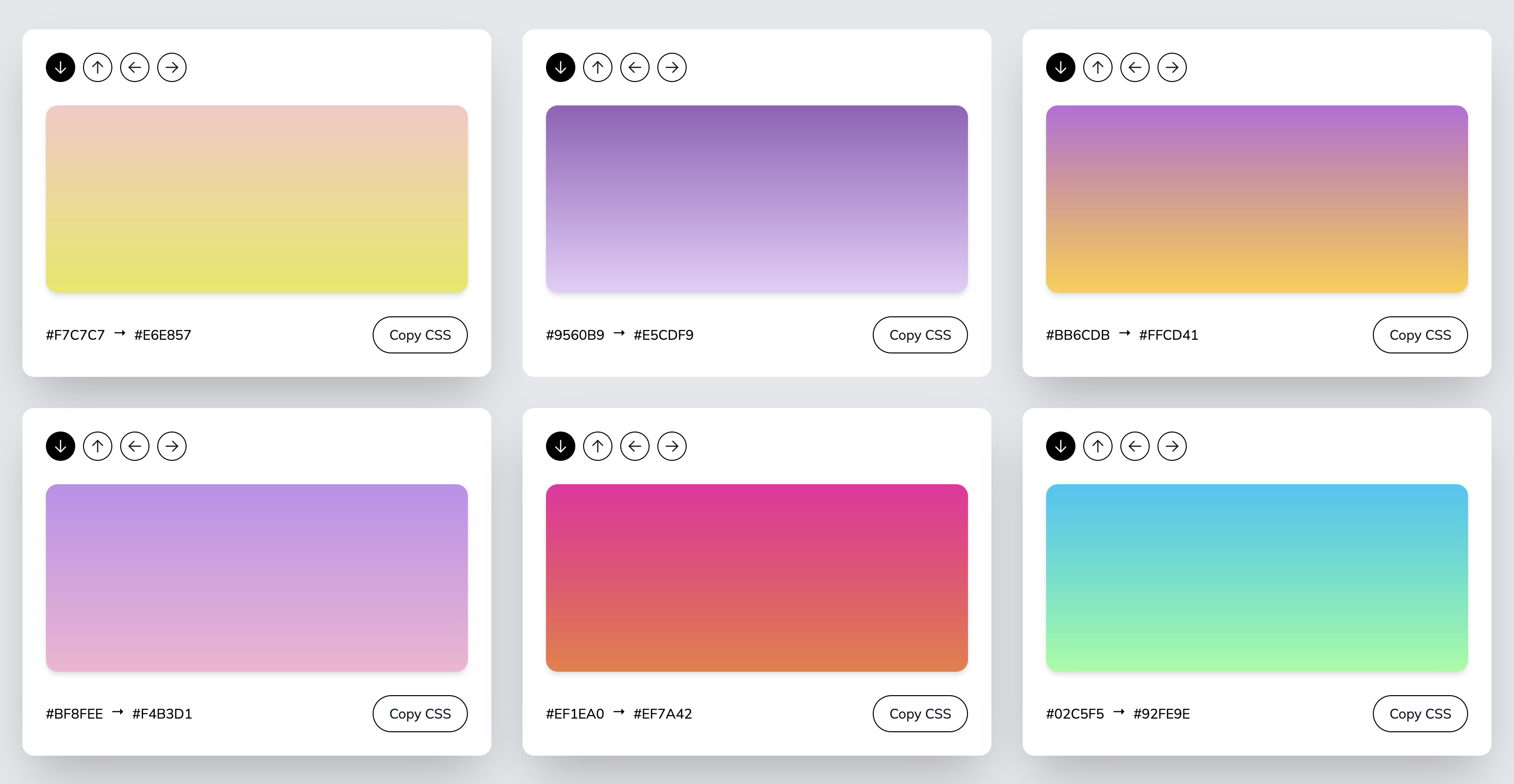
If all you need is a gradient and the CSS for it, Colorion keeps things nice and direct.
The site offers a hand-curated collection of background gradients, lets you change direction, and gives you the generated CSS immediately. No long setup. No extra friction. Just browse, tweak, copy, and move on.
It is especially useful for quick web design work when you want a softer background, a more interesting callout section, or a color blend that looks more polished than a flat fill.
Which One Should You Start With?
If you want the short version:
- Use Coolors when you want the broadest toolbox.
- Use Grabient when gradients are the main job.
- Use ColorHub when you want to preview palettes in something closer to a real UI.
- Use Color Hunt when you just want to browse good color combinations fast.
- Use Colorion when you want ready-made gradients and CSS with almost no effort.
Most of us do not have a color problem. We have a workflow problem.
The right tool does not magically give you taste, but it does help you explore faster, compare better, and stop second-guessing every hex code. That alone is a good reason to keep these five bookmarked. If you are starting a new project and still working through what colors to use, how to choose a color scheme for your website goes deeper into that decision.