How to Split Large XML Files for WordPress [Quicktip]
Migrating your WordPress site to a new host or server can often be hindered by large backup files. WordPress imposes a 2Mb limit on import file sizes, which can be problematic for large datasets. However, you can overcome this by splitting your backup file into smaller, manageable chunks.
In this tutorial, we’ll guide you through two different methods to effectively split your XML files, ensuring a smooth migration process.
Simplify XML File Splitting on Windows
For Windows users, the WXR File Splitter is a handy tool. Simply visit the WXR File Splitter page to download the program. No installation is required; you can start using it immediately on your computer.
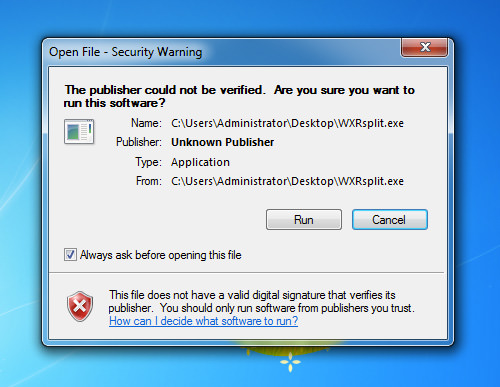
Launch the program and click on the ‘Open WXR File’ button to load your large XML file. Then, hit the ‘Split File’ button to begin the splitting process.

Once the file is split, the result will be displayed in a window showing the file location.

Easily Split XML Files on Mac
Mac users can utilize a simple Python script called ‘mainSplit’ to divide XML files.
Visit the introductory page and download the mainSplit.py script, ensuring you save it with a (.py) extension.
Open your Terminal from the Applications > Utilities folder, and execute the script by typing:
python mainScript.py
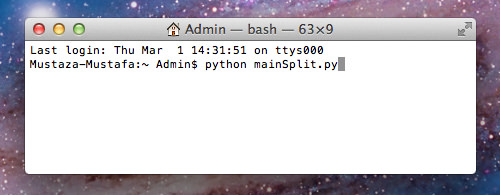
Launch the ‘WordPress XML Splitter’ window, browse for your XML file, and specify the directory for saving the split files. Start the process by clicking the ‘Start’ button.

To verify the results, navigate to the chosen directory where you’ll find the newly created files, each not exceeding 2Mb in size.

Final Thoughts
Both the Windows and Mac solutions simplify the process of splitting XML files, facilitating an easier migration for your WordPress site. While there are numerous methods to backup your WordPress files, this manual splitting technique is quick and efficient.