Hide Confidential Hard Disk Drive In Windows With TweakUI
We can reach the purpose of protecting some private files by hiding a certain folder. But what if we have 1000 confidential folders in a hard drive? It would probably take us a whole day to browse, select and hide it one by one. In order to get through with these tedious works yet have our files remain hidden, we can play a little tricks to hide confidential hard drive in Windows with a few clicks.
One of Microsoft’s PowerToy – TweakUI, gives you access to system settings that are not exposed in the Windows XP default user interface and alter most of the routine behaviors of Windows XP.
How TweakUl Works
Download, install and run TweakUI in your computer. Then, go to “My Computer – Drives“, uncheck the drive that you want it to be invisible and click “Apply”.

A hard disk drives will be disappeared immediately after the command is applied.

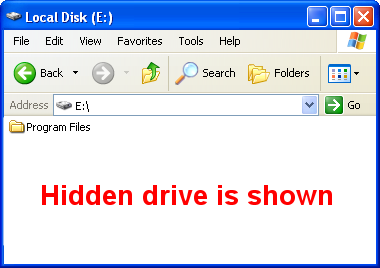
To quick access your hidden drive, type in the drive letter in address bar.